Move from WordPress
Leave WordPress. Keep your URLs.
Bring your site across from WordPress. Posts arrive word for word, pages come back rebuilt in the new design, and every old link keeps working.
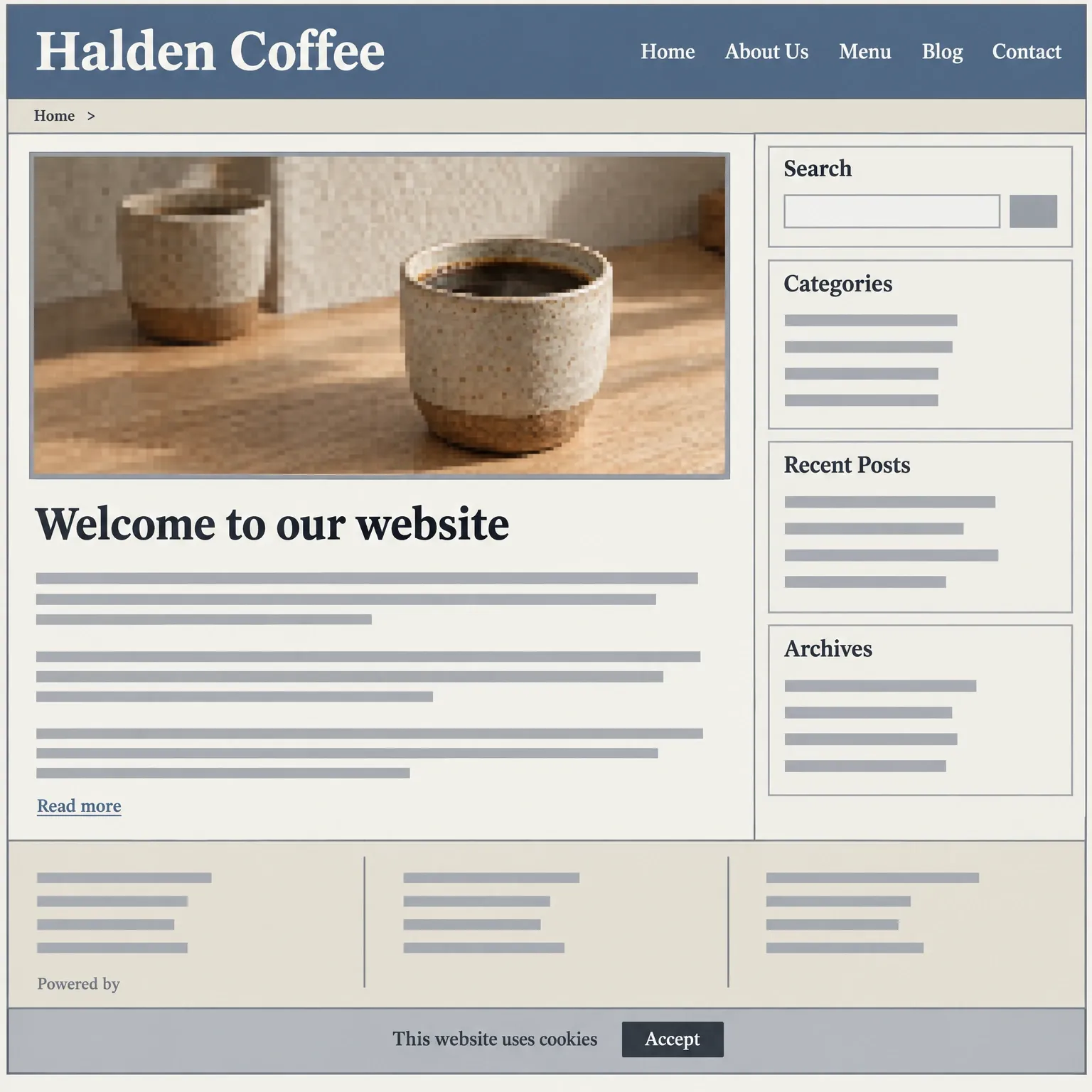
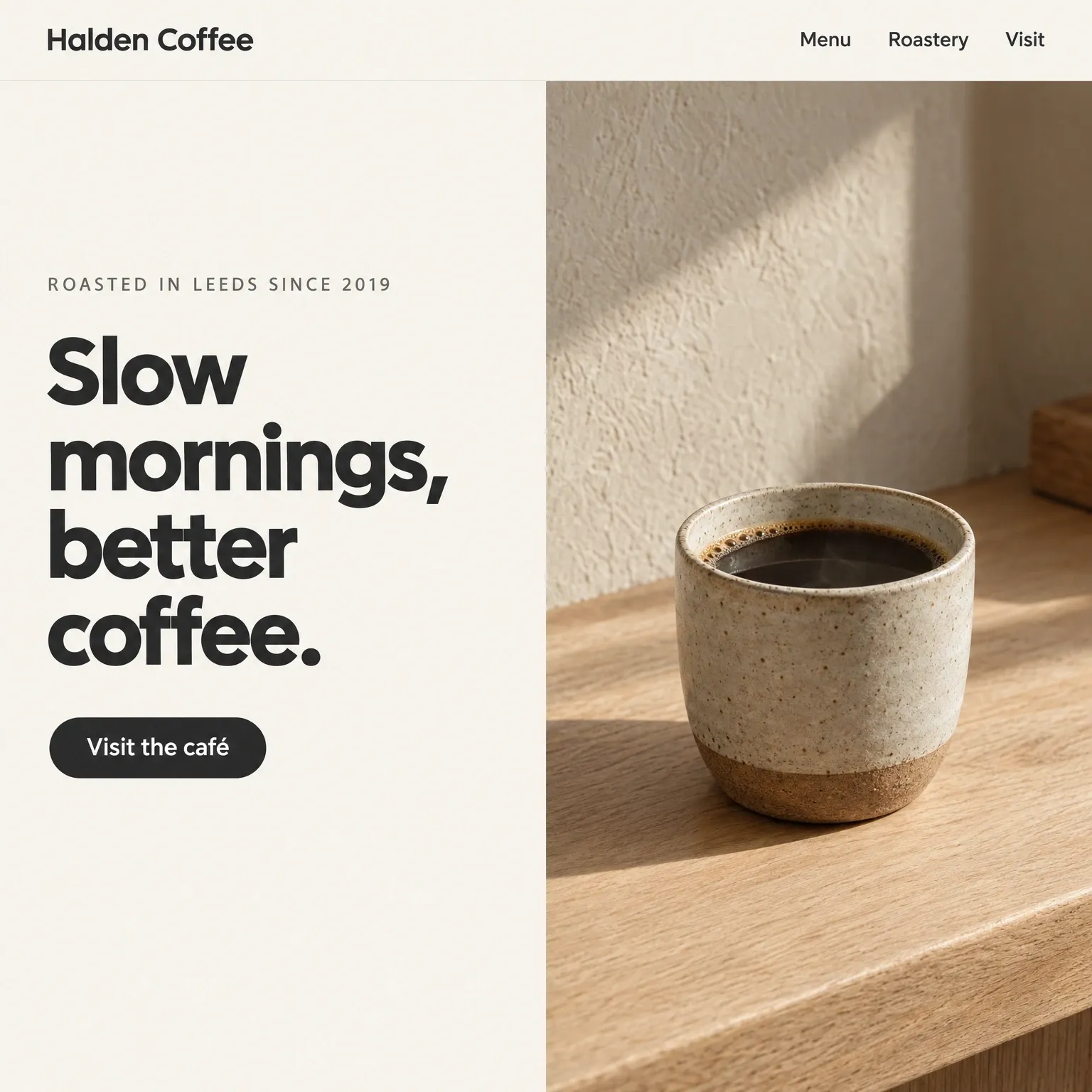
Drag to compare. Left, a dated WordPress homepage. Right, the same business rebuilt. An example, not a customer’s site.
- Post arrives word for word, with its images
- Every
- Importing your posts costs nothing
- Free
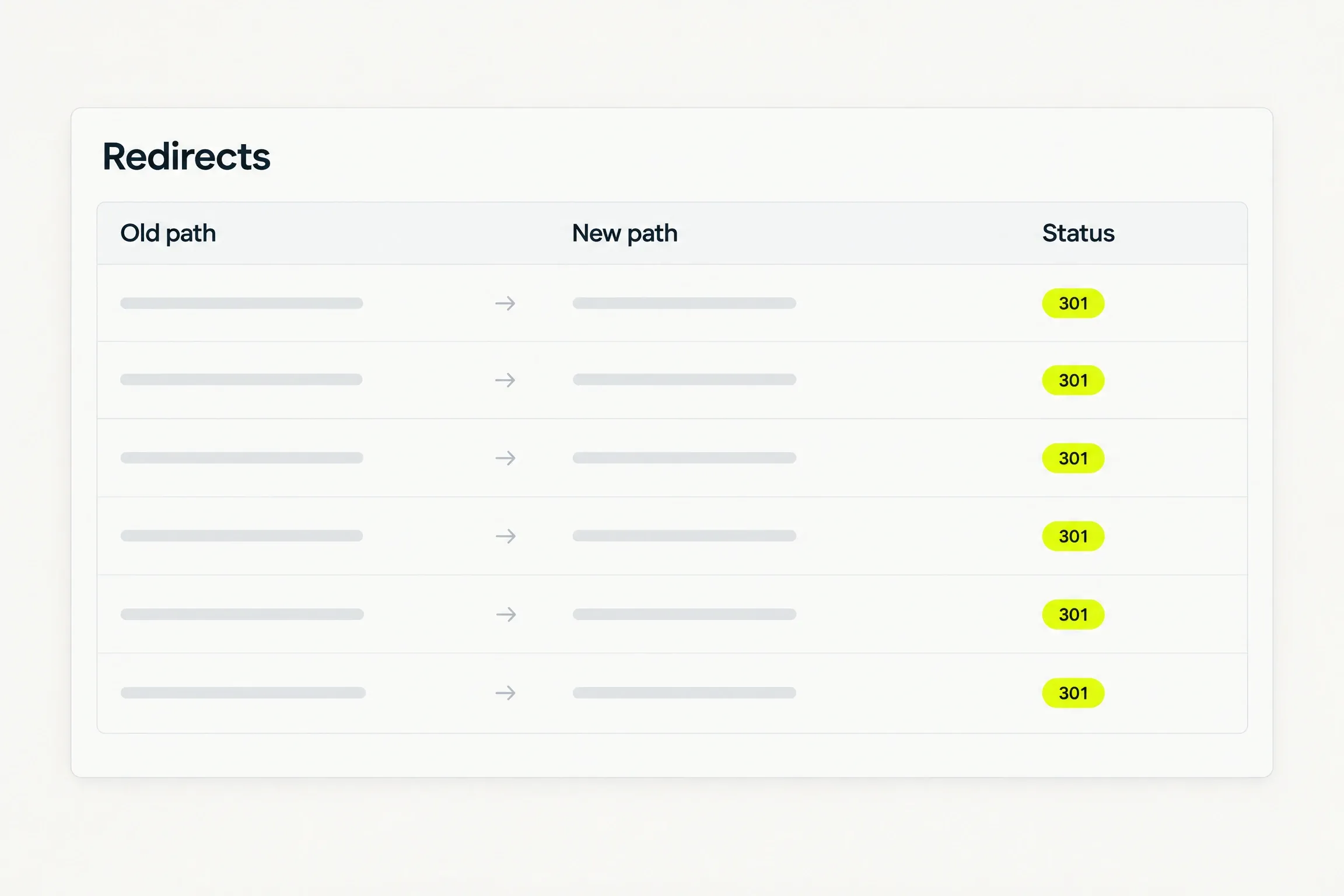
- Redirect for every path that changed
- 301
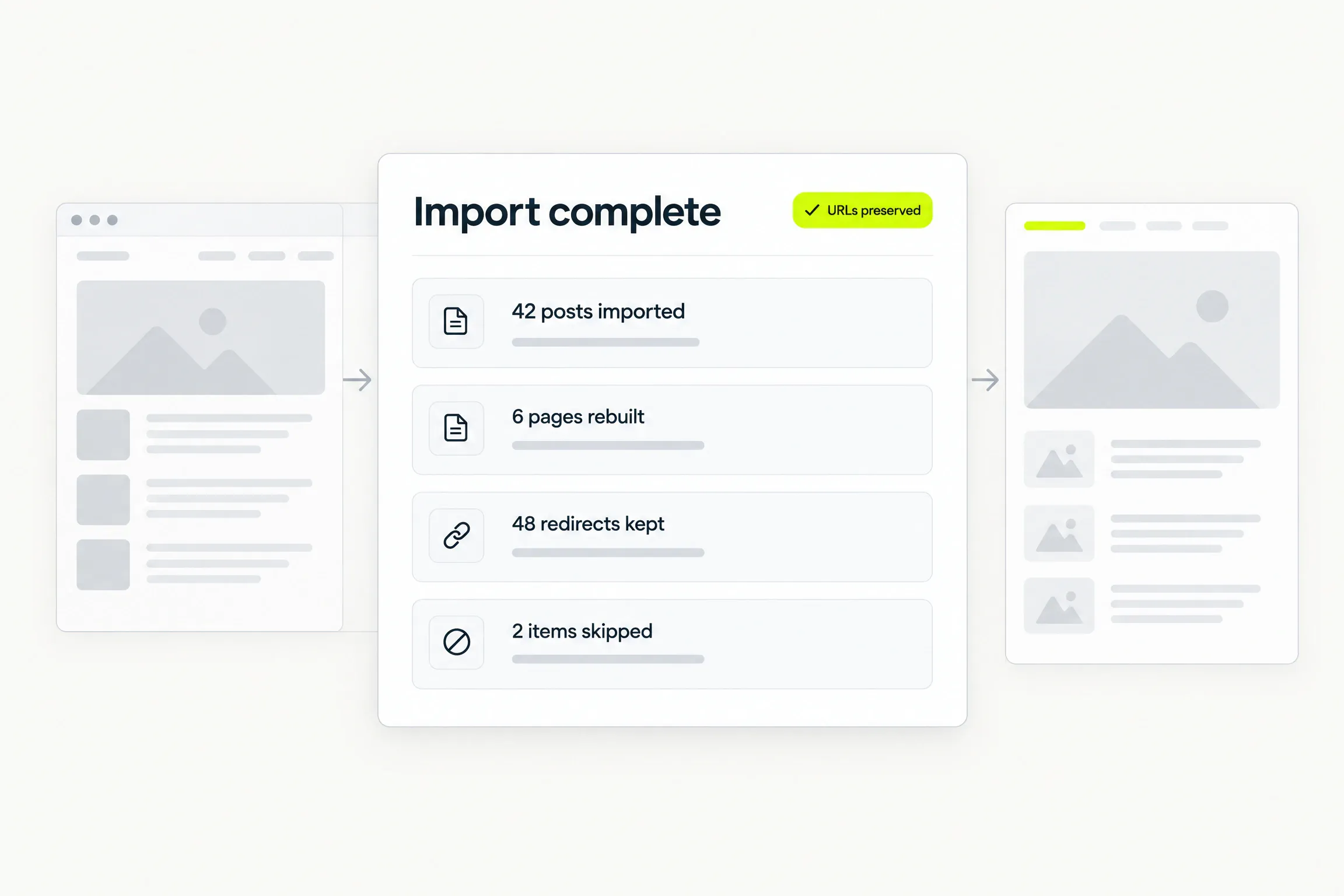
- Imported, rebuilt and skipped
- 1 report
How a move works
From your old site to your new one.
The same sequence whether you give us an address or an export file.
- 1
Give the address, or the export file.
Point us at your WordPress site, or upload the export file from its dashboard. Either one starts the same import.
- 2
Choose how your pages come back.
A short intake asks how close to stay: same, similar or improved. Your posts are never rewritten, so nothing is asked about them.
- 3
Read the report.
The report states what was imported, what was rebuilt and what was skipped. Your imported site sits in a free preview while you read it.
- 4
Connect your domain and go live.
Choose a plan, add two DNS records at your own DNS provider, and publish. Your old paths keep working from that moment.
Posts
Your posts, word for word.
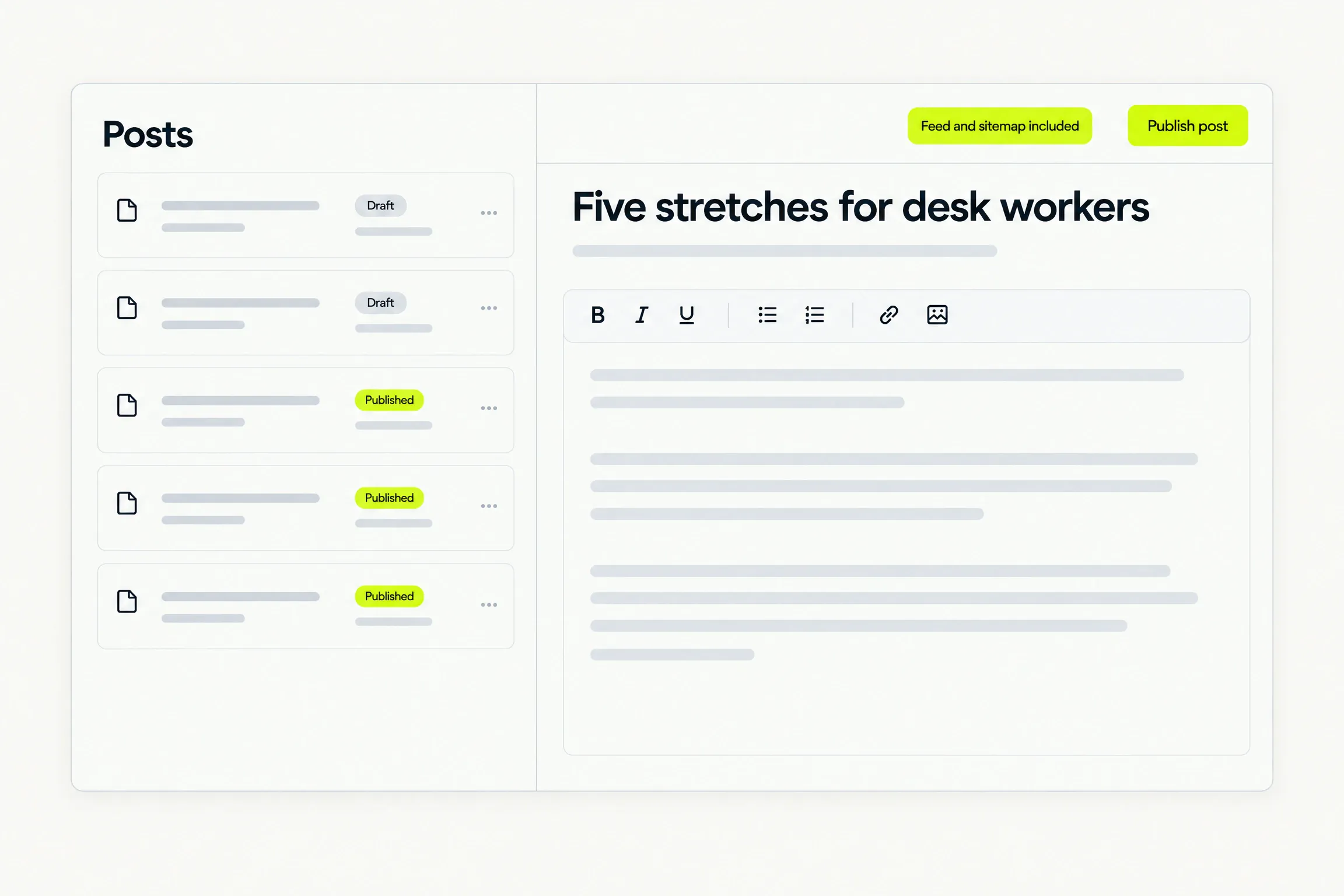
Every post crosses with its title, its date, its body and its images. Nothing is rewritten and nothing is charged.
- The converter is a plain piece of software, not a model, so a post reads exactly as you wrote it.
- A block we cannot read becomes plain text and is named in the report. One awkward block never fails the import.
- Importing posts is free, whatever the count.
Pages
Pages come back rebuilt.
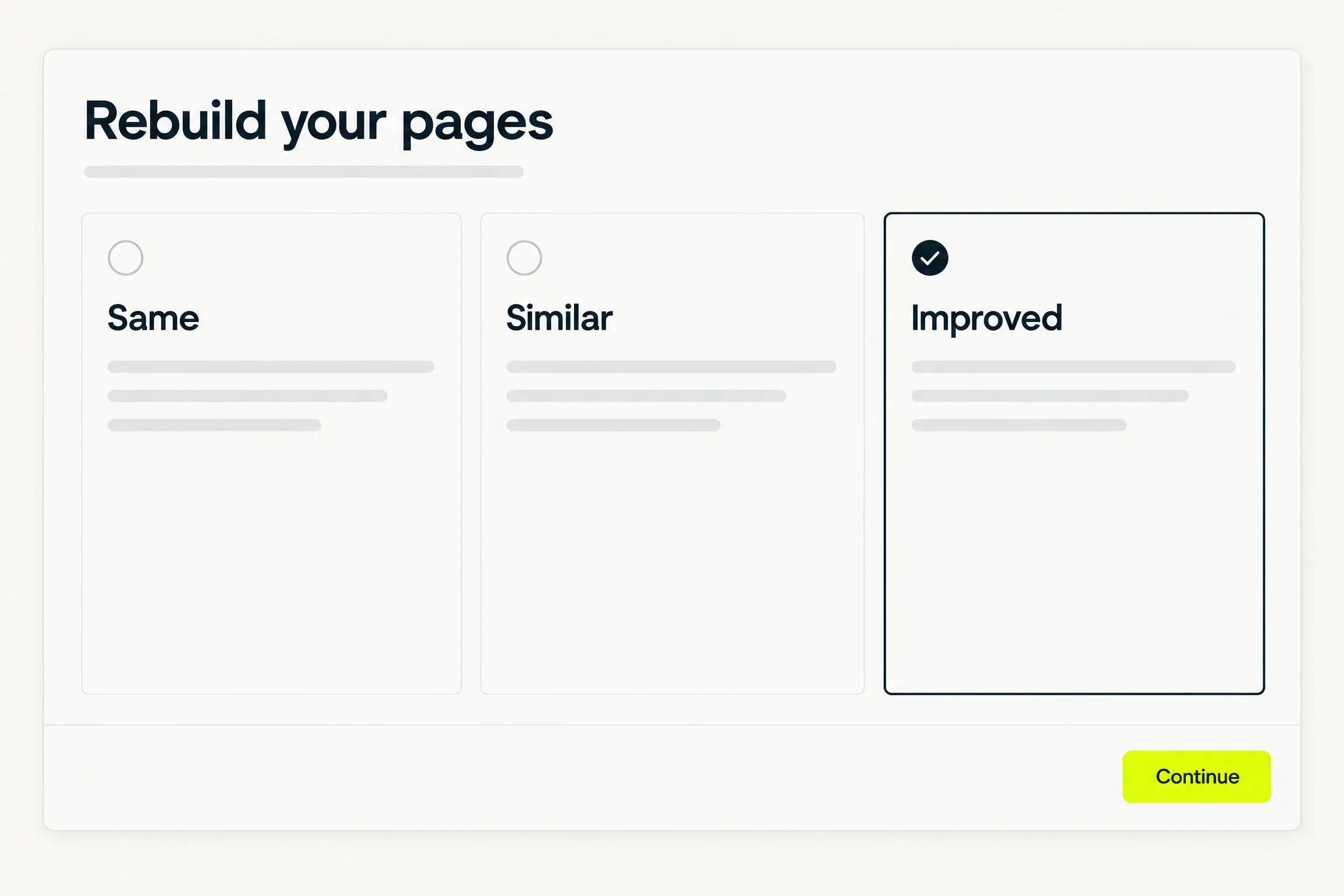
Your pages are not copied across. Their headings, words, images and search titles feed the generator, so they arrive in the new design.
- A short intake asks how close to stay: same, similar or improved.
- The rebuild runs the generation your site already includes, so importing adds nothing to your bill.
- Builder layouts do not survive as layouts. The words and the images do.
URLs and redirects
Every old link keeps working.
Each imported item keeps its full original path, prefixes and all. Anything that had to change gets a 301 redirect.
- Redirects are served on the subdomain you connect.
- Query strings pass through. Collisions and loops are resolved by set rules.
- Every redirect we created is listed in the report.
The report
An honest account of the move.
When the import finishes, one report states what was imported, what was rebuilt and what was skipped.
- Counts for posts, pages, redirects and skipped items.
- Anything we could not read is named, so nothing disappears quietly.
- Read it in the free preview, before you choose a plan.
Good to know
Before you decide.
- Posts
- Posts import word for word at no cost. Their titles, dates, bodies and images cross unchanged.
- Pages
- Rebuilding your pages runs the generation your site already includes, so the move adds nothing to your bill.
- Images
- We fetch images only from the public addresses your content points at. Every file is checked and re-encoded before it reaches your site.
- Ownership
- You confirm that you own the content you import, or hold the rights to it. Publishing it rests on that confirmation.
Questions
Straight answers.
Help when you need it. Submit a request, follow its status and read a person’s reply in the ticket.
Will my rankings stay the same?
We cannot promise that, and nobody honestly can. What we do is keep every old path, serve a 301 for any path that had to change, and build a fast static site. The search engines decide the rest.
Do I need my WordPress login?
No. Give us the address of a public WordPress site, or upload the export file from your dashboard. Either one starts the import.
What does not come across?
Shops and products, plugins and their data, comments, form entries, users and members, and post types beyond posts and pages. Builder layouts arrive as their words and images, not as layouts.
Can I see it before I pay?
Yes. The import lands in a free preview. Read the report, look at every page, and choose a plan only when you want the site live.
Can I keep my WordPress site running?
Yes. We never touch it. Your old site keeps serving until you point your domain at us, so you decide when the move happens.
Waitlist
Your site starts with a conversation.
Request beta access. We will email you when it is your turn to build. No card or commitment.