Skip to content
Sixerr

Join businesses and agencies

Your words. A real website.

Tell Sixerr what your business does, and watch a first draft build itself in about 90 seconds. Preview free, publish when you’re ready.

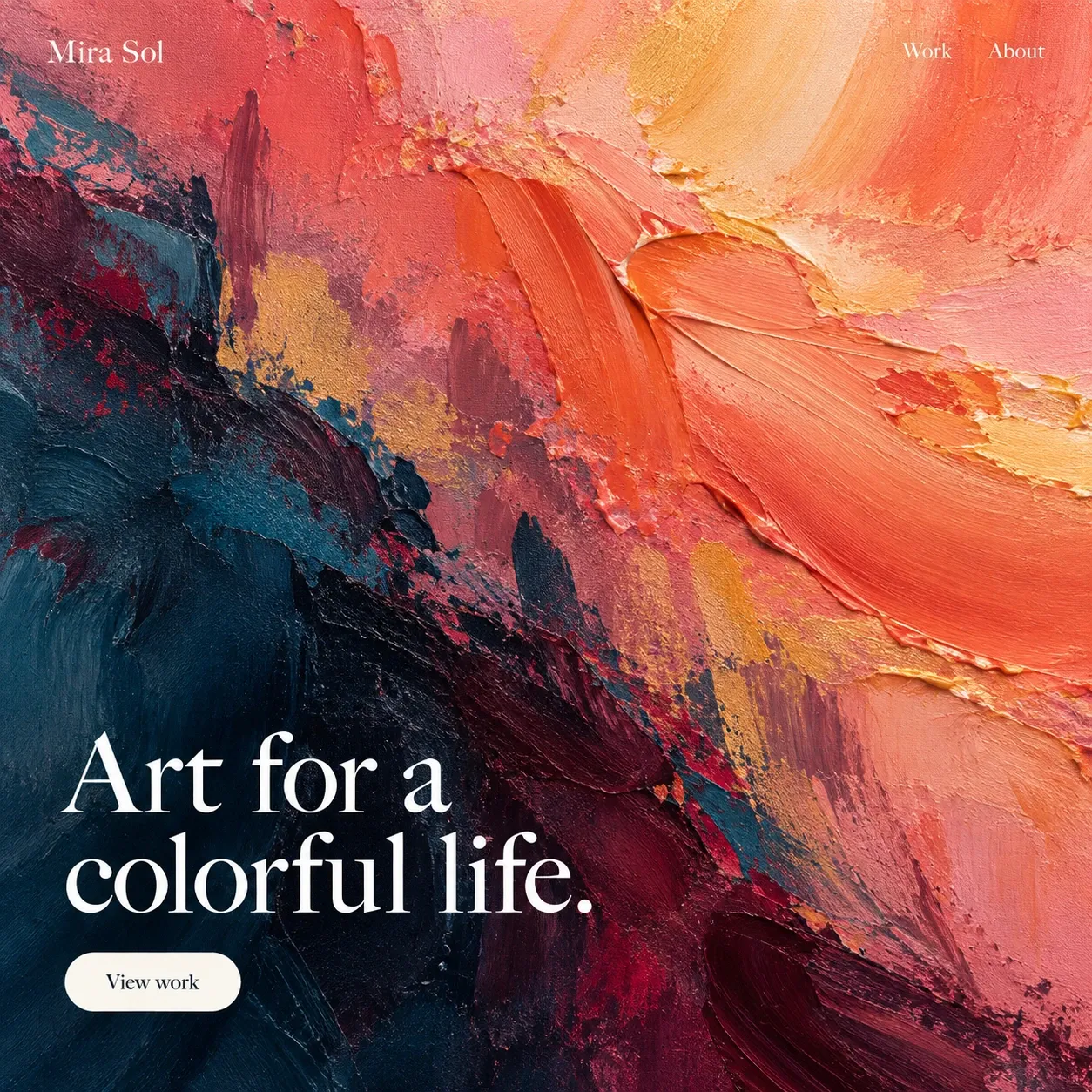
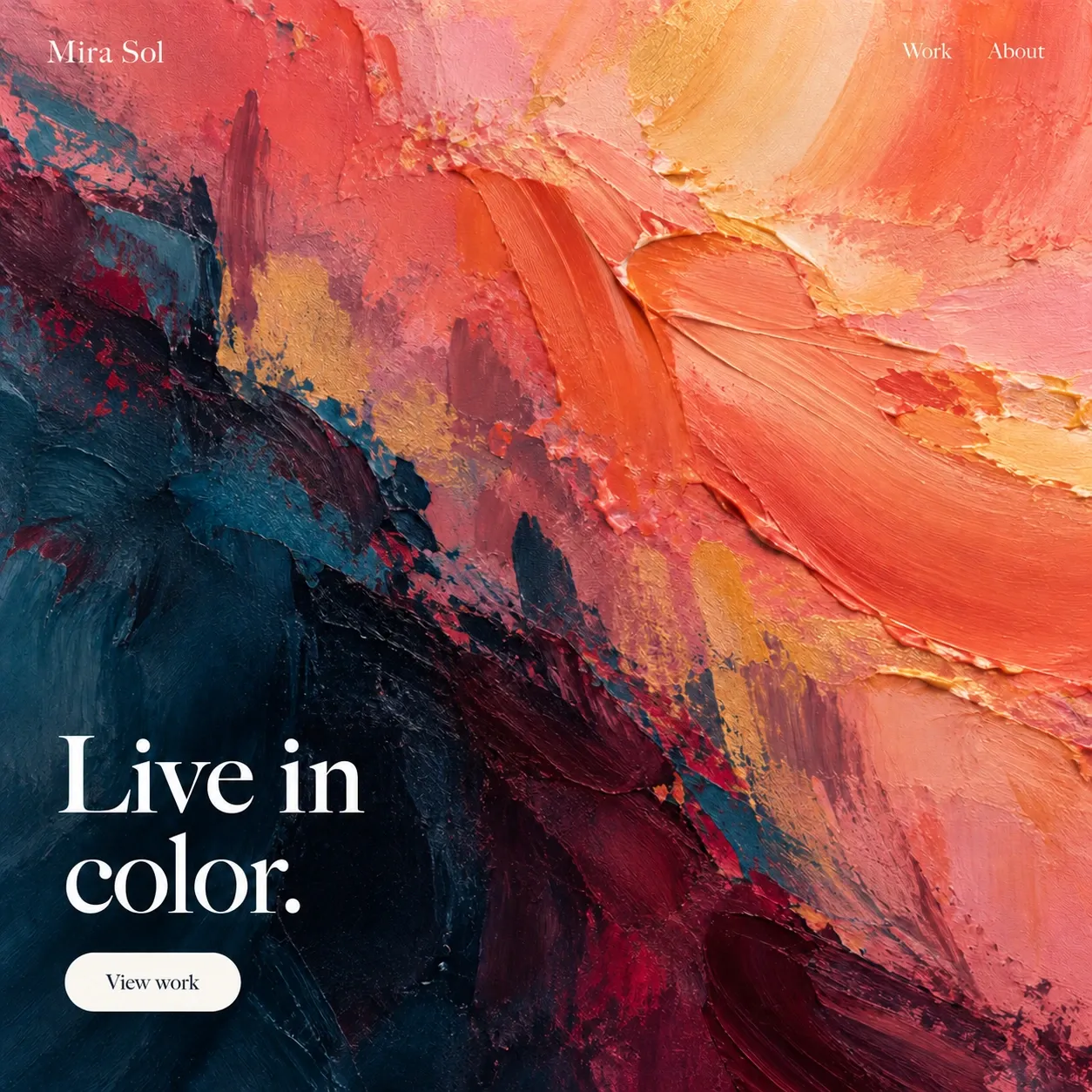
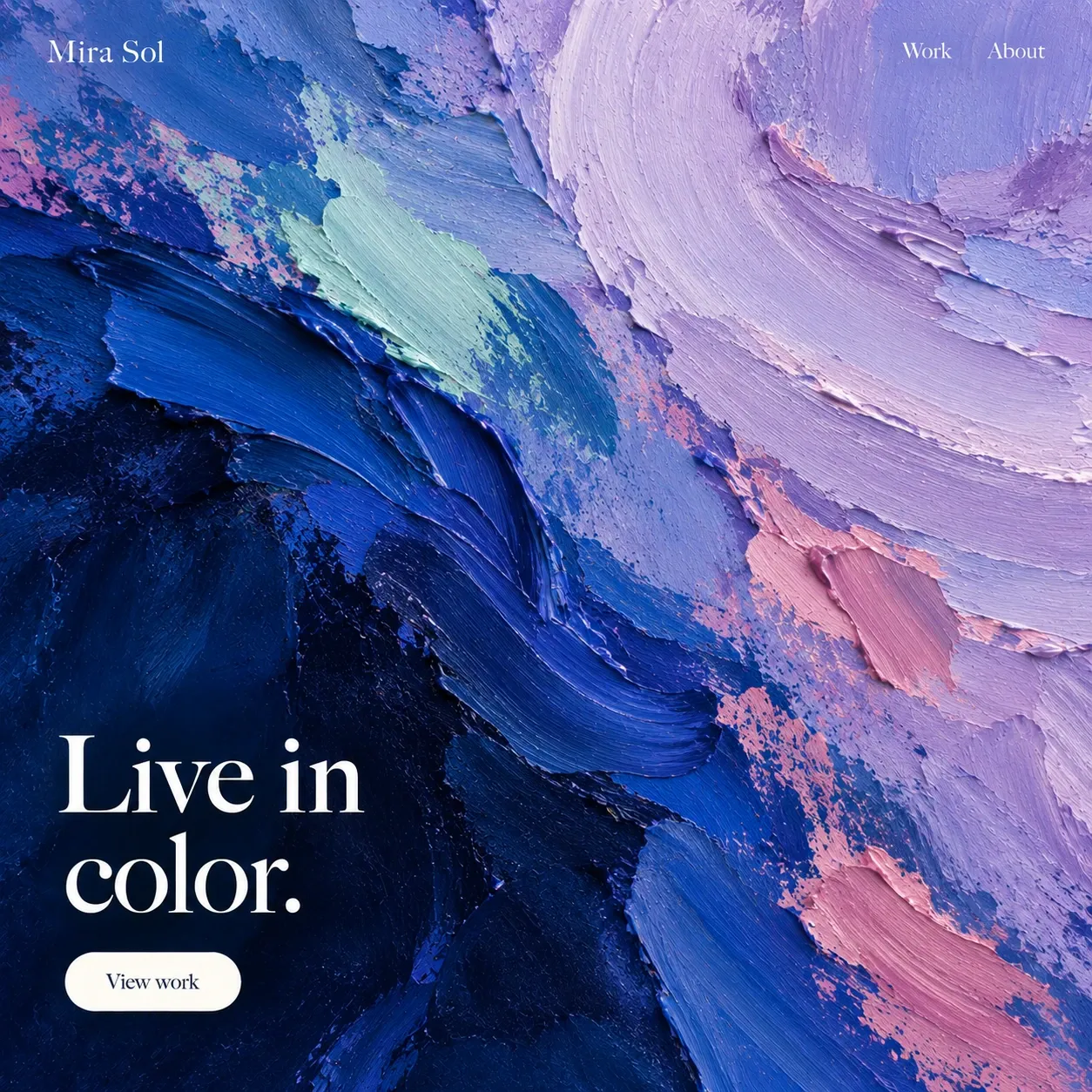
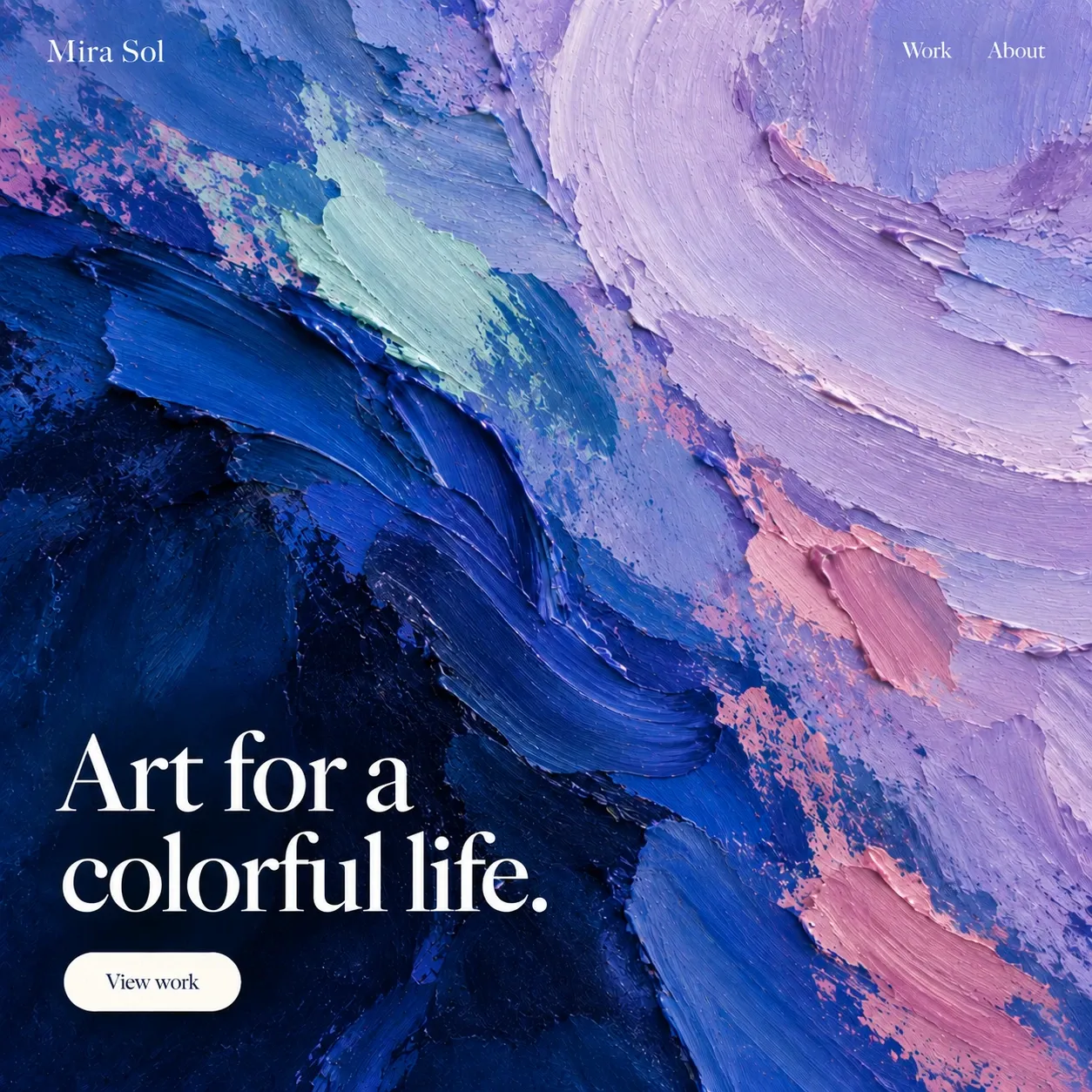
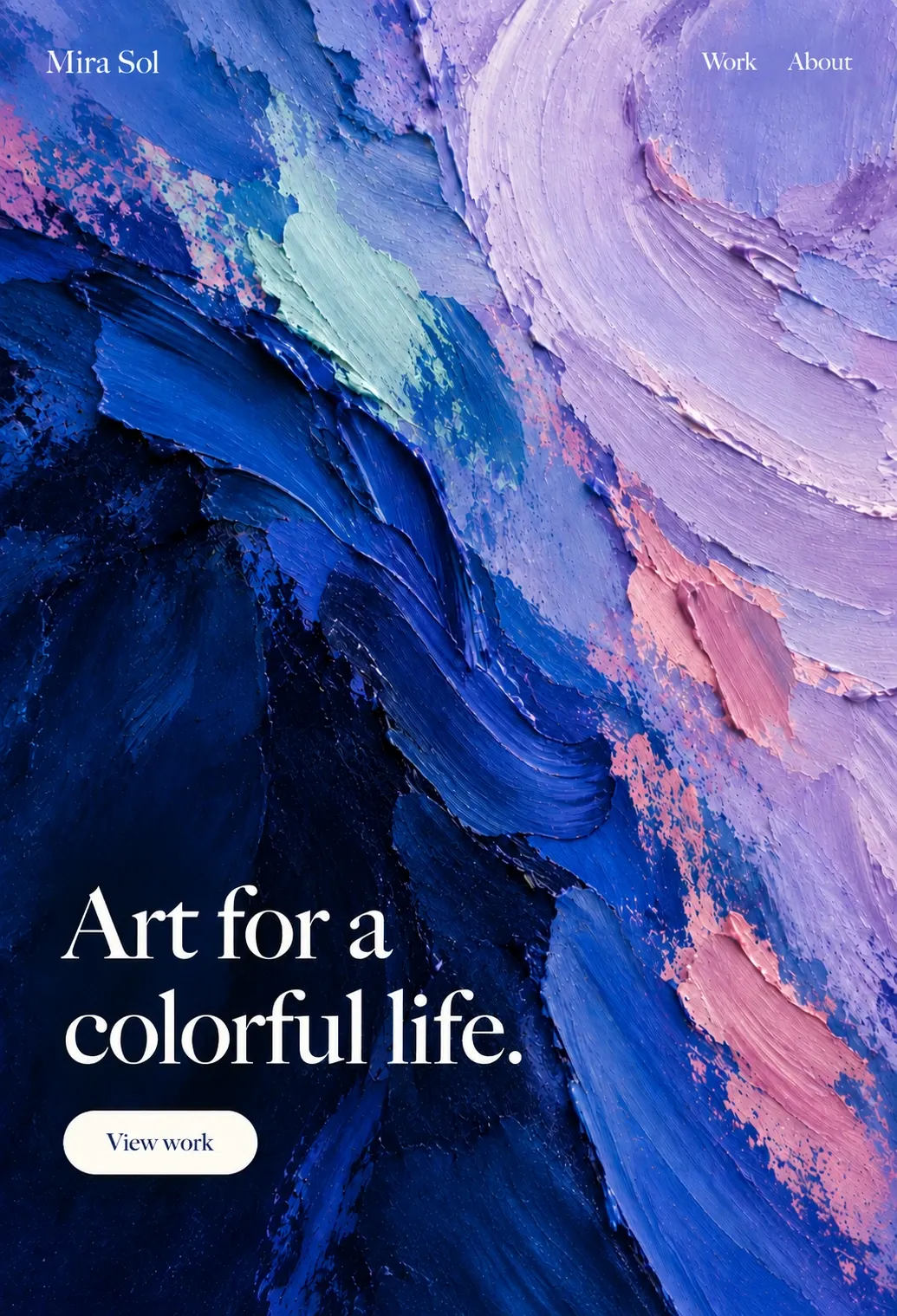
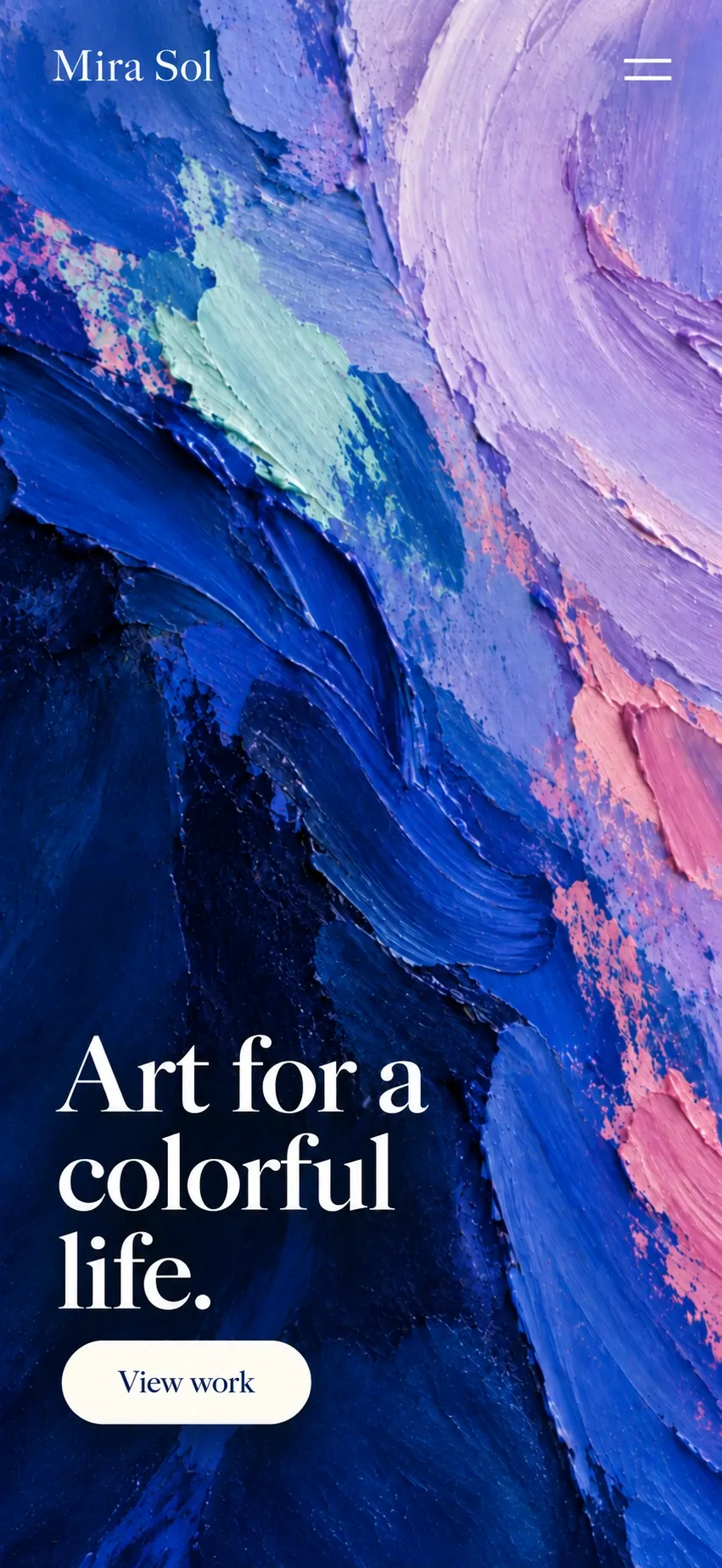
A short demo of Sixerr. One message creates an artist website. A second changes the title to Live in color. A third replaces the hero image with a delicate blue and lilac painting. Undo restores only the original title, keeping the new painting. The preview switches to tablet and phone widths. Publish connects the domain and puts the website live on Cloudflare’s global network.

  • Cloudflare
  • WordPress
  • GitHub
  • Google
  • Stripe
  • Pexels
  • Astro
  • Amazon SES

How it works

Your website, in three steps.

Describe the business, watch the draft appear, then publish when you are ready.
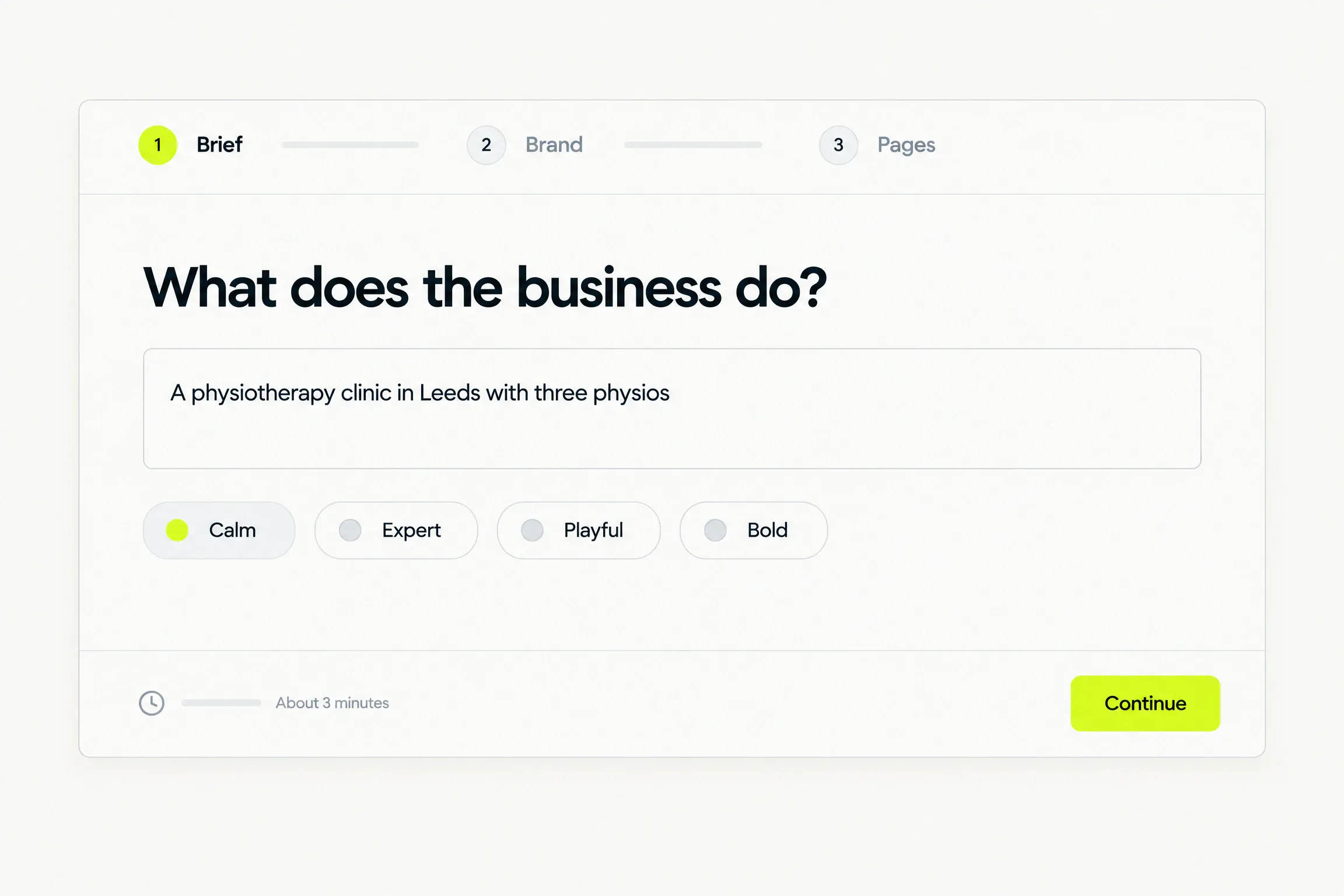
  1. The three-step intake: Brief, Brand, Pages, with the question “What does the business do?” and tone presets
    1Brief

    Tell us about the business

    Share what you do, your style and the pages you need.
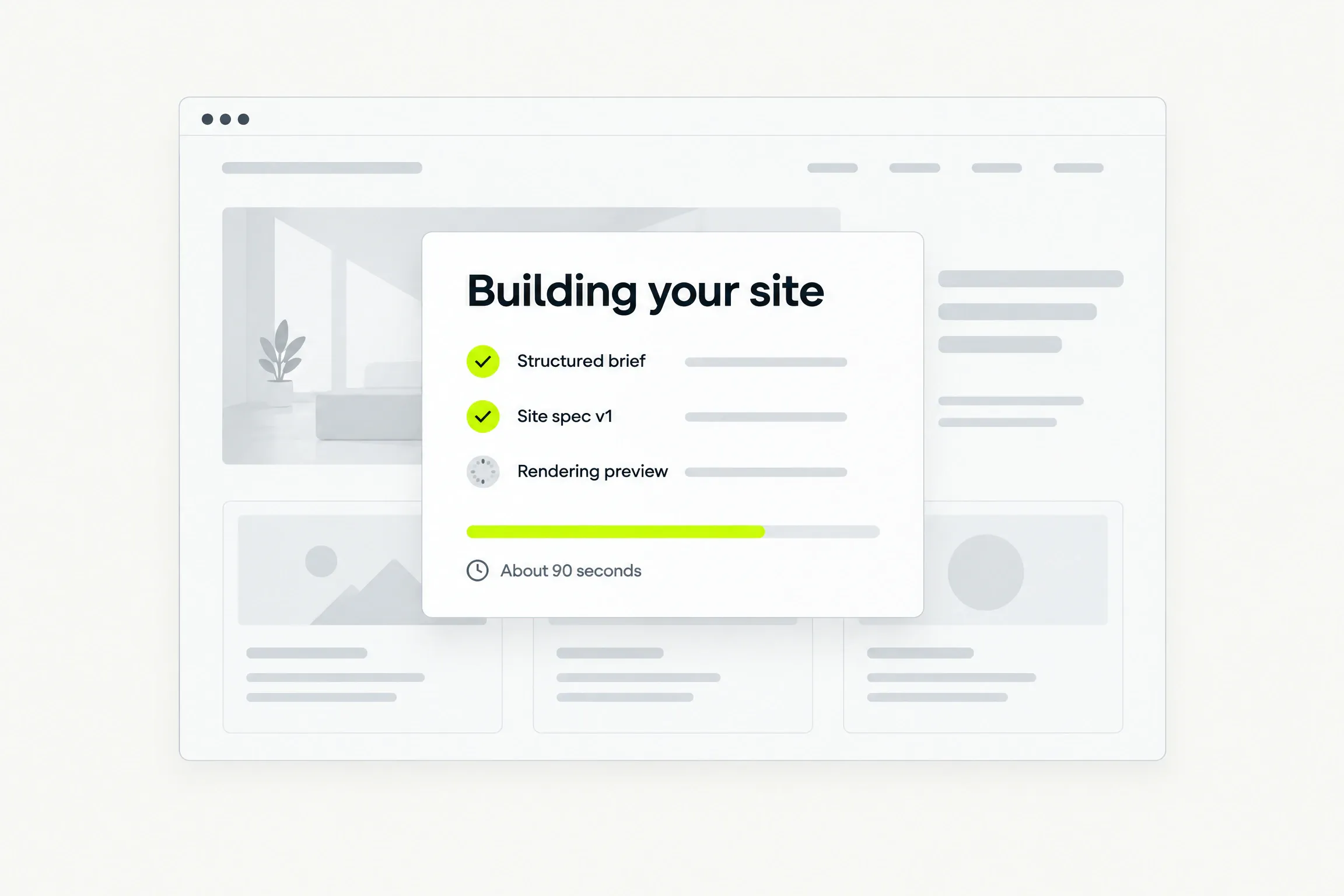
  2. The build in progress: structured brief and site spec done, preview rendering, about 90 seconds
    2Build

    Watch the first draft appear

    We write the copy, choose images and build your site.
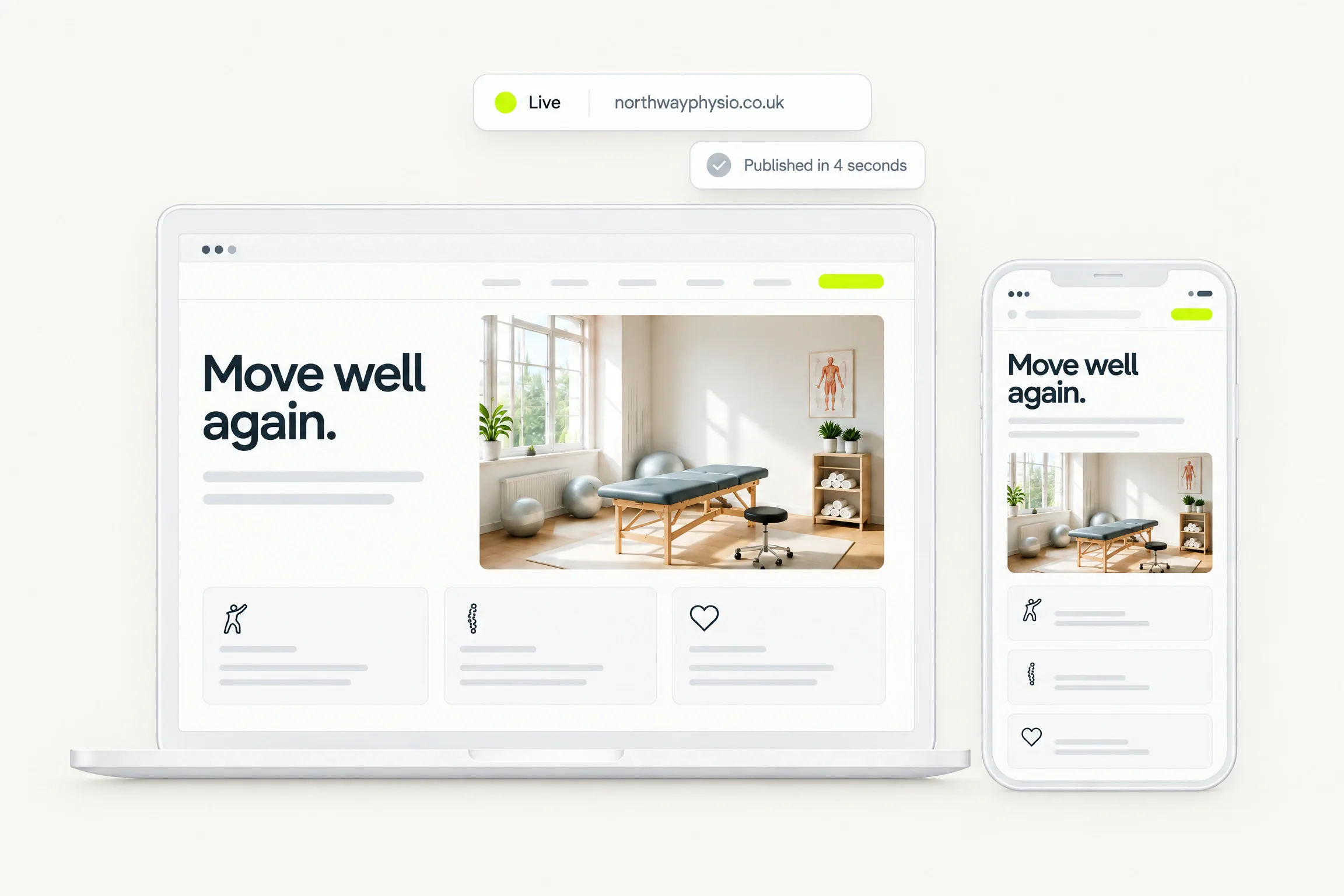
  3. The finished site on a laptop and a phone with a Live badge and the address northwayphysio.co.uk
    3Publish

    Approve it and go live

    Choose a plan, approve your draft and publish your site in seconds.

Examples

Every site looks like its business.

The brief sets the colours, the type and the imagery. Six example briefs, six different results.
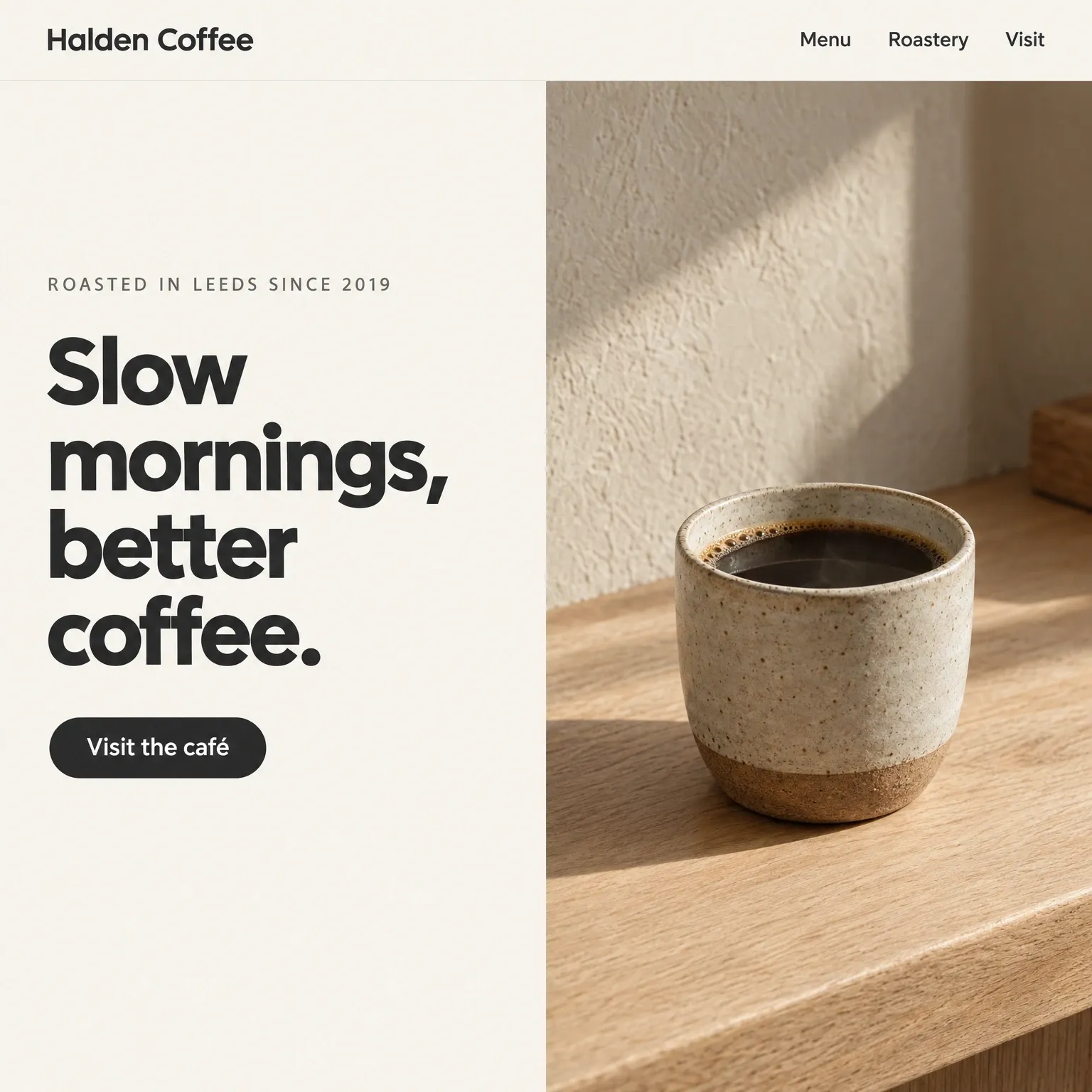
  • A coffee roastery homepage: warm off-white, a charcoal headline and a photograph of a stoneware cup on an oak counter

    A coffee roastery

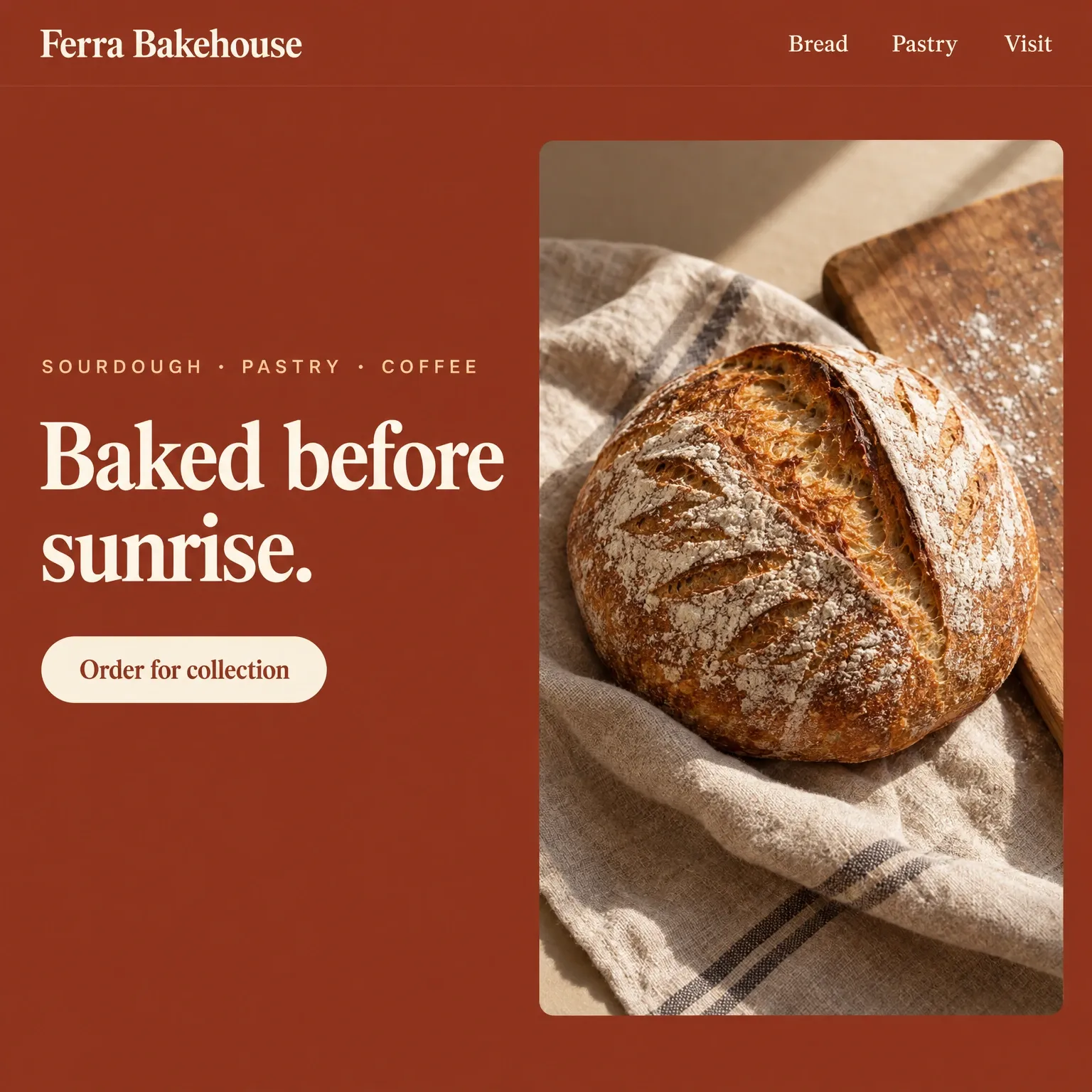
  • A bakery homepage: deep terracotta, a cream serif headline and a photograph of a scored sourdough loaf on linen

    A bakery

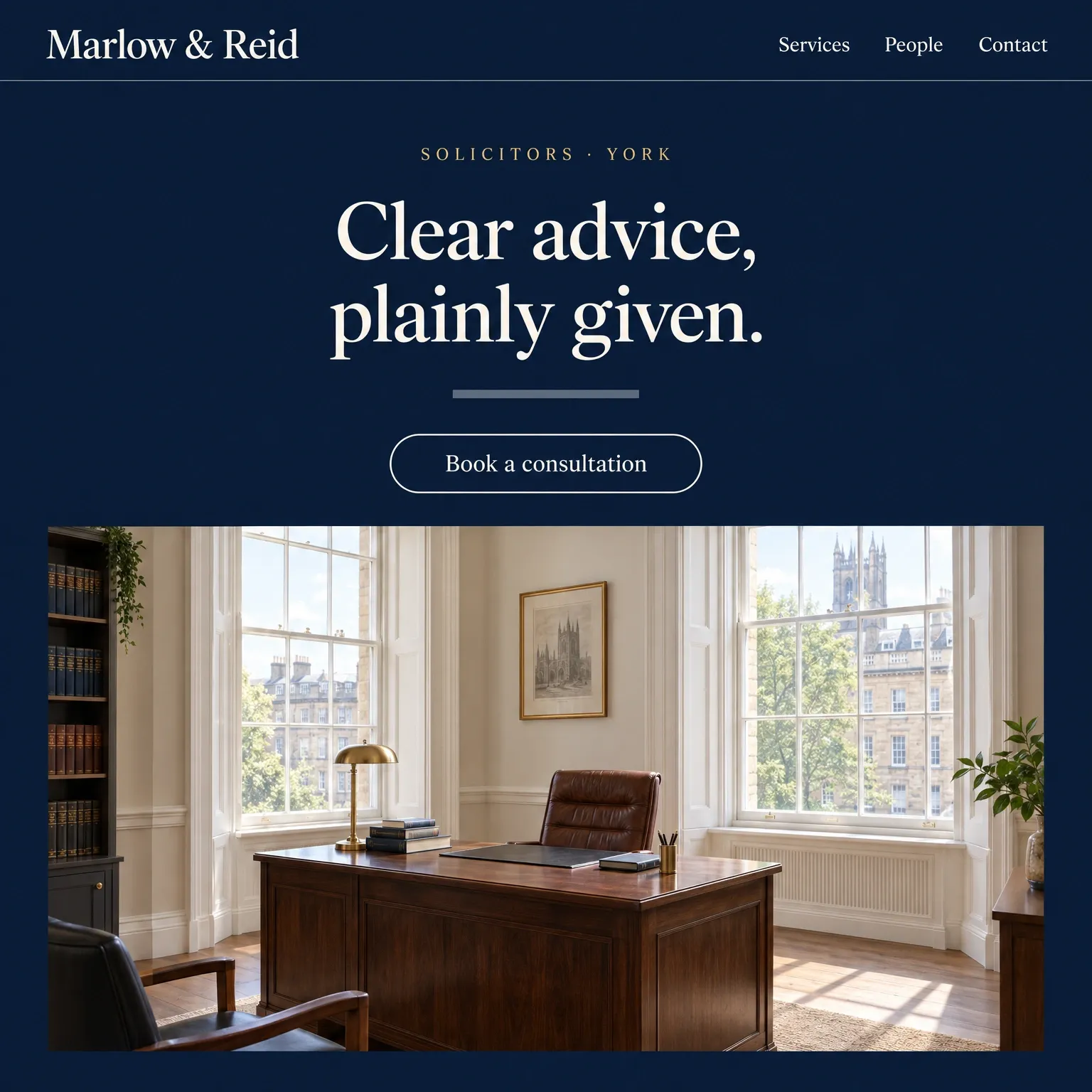
  • A law firm homepage: deep navy, an ivory serif headline and a photograph of a bright Georgian office

    A law firm

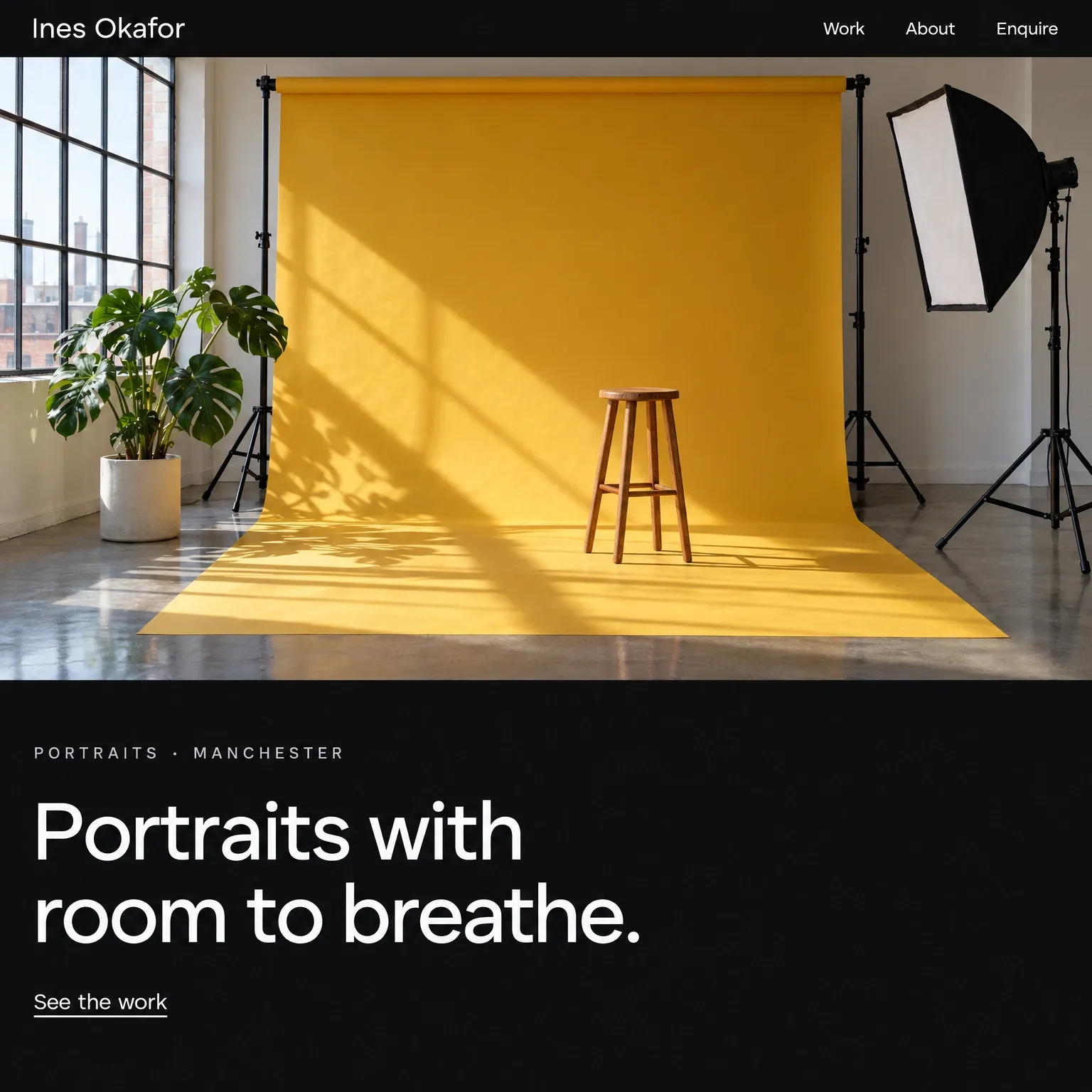
  • A photographer’s homepage: near-black, a wide white headline and a photograph of a studio with a mustard backdrop

    A photographer

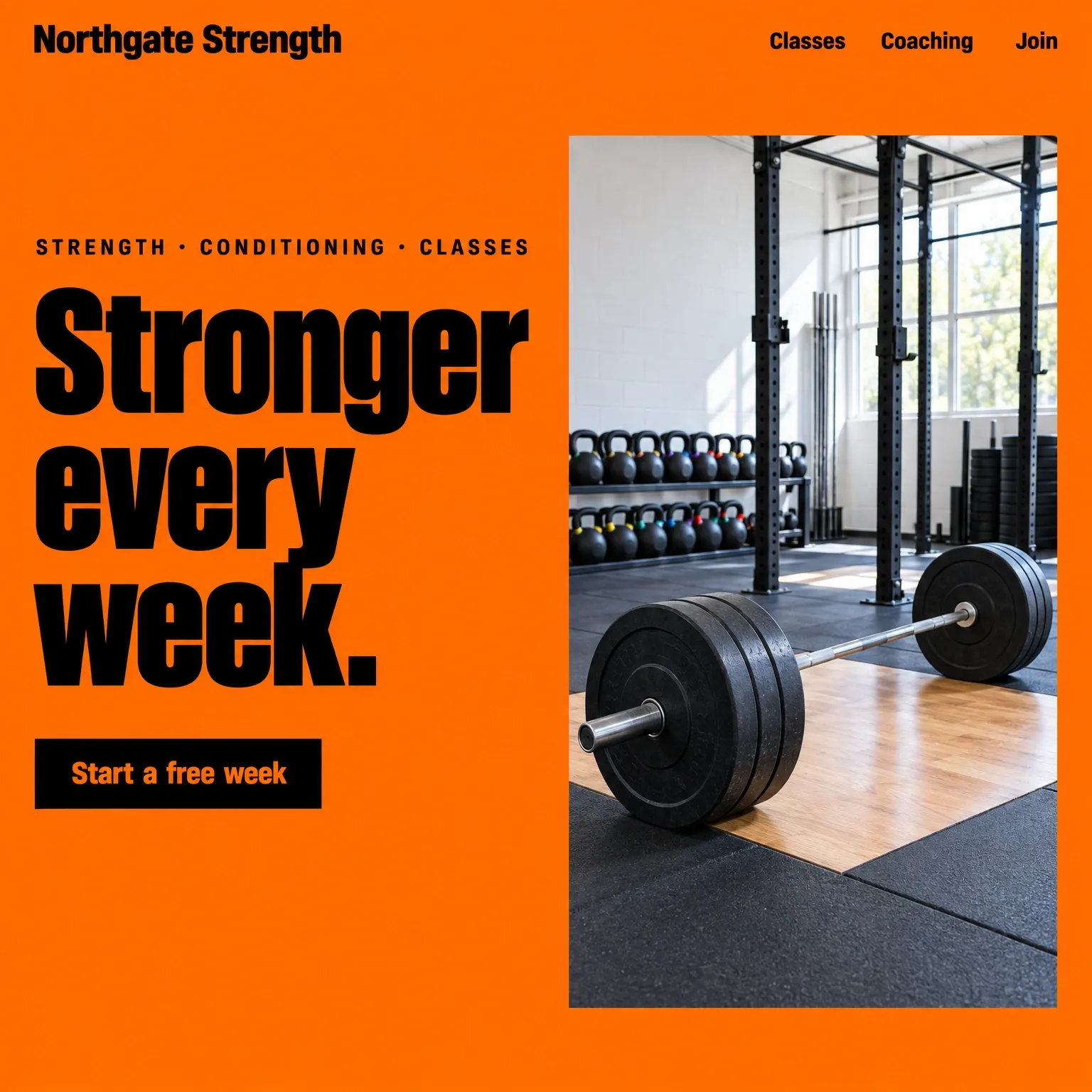
  • A gym homepage: vivid orange, a heavy black headline and a photograph of a loaded barbell on a platform

    A gym

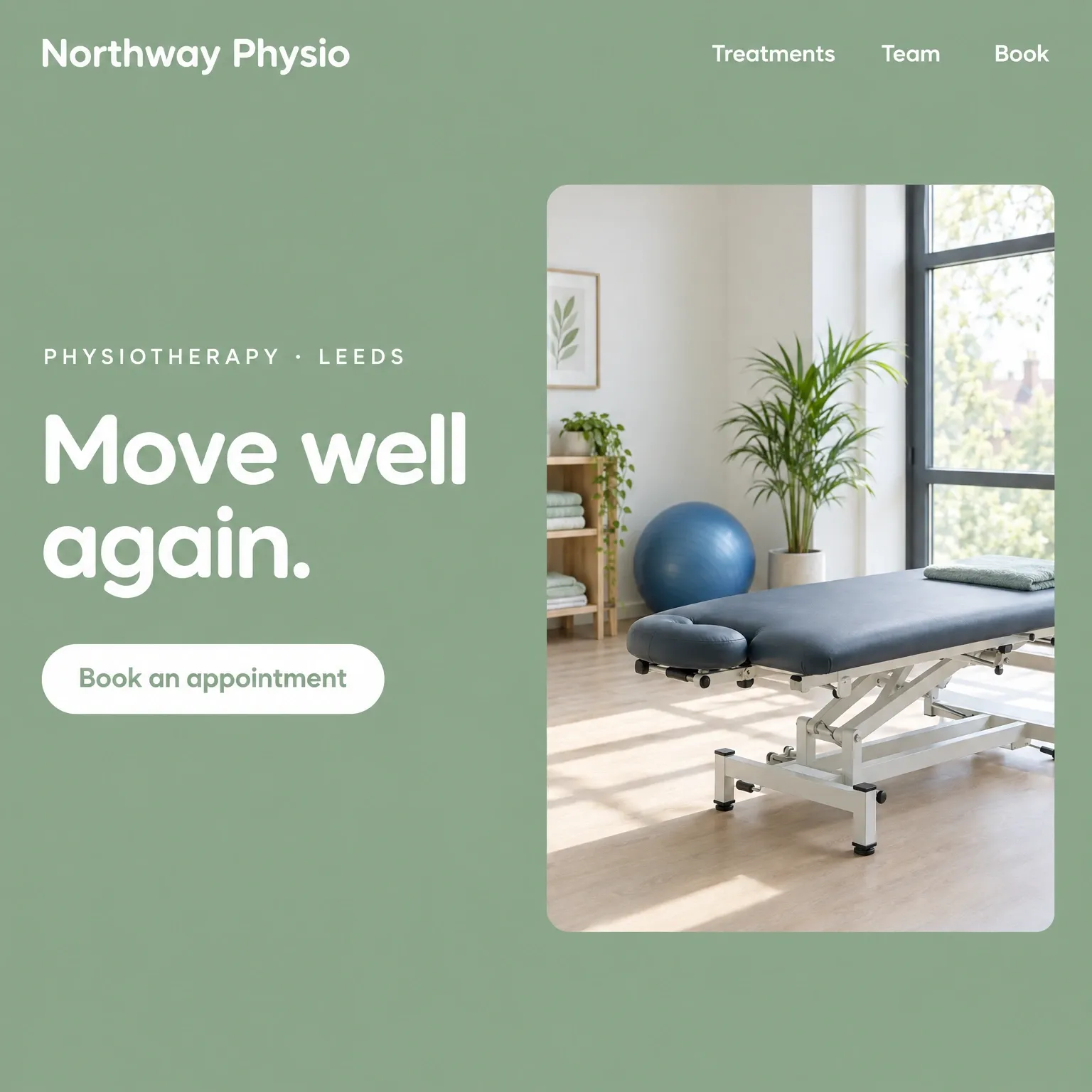
  • A physiotherapy clinic homepage: soft sage green, a white rounded headline and a photograph of a calm treatment room

    A physiotherapy clinic

Editing

Make a change. Just ask.

Describe the change. See it in the preview.
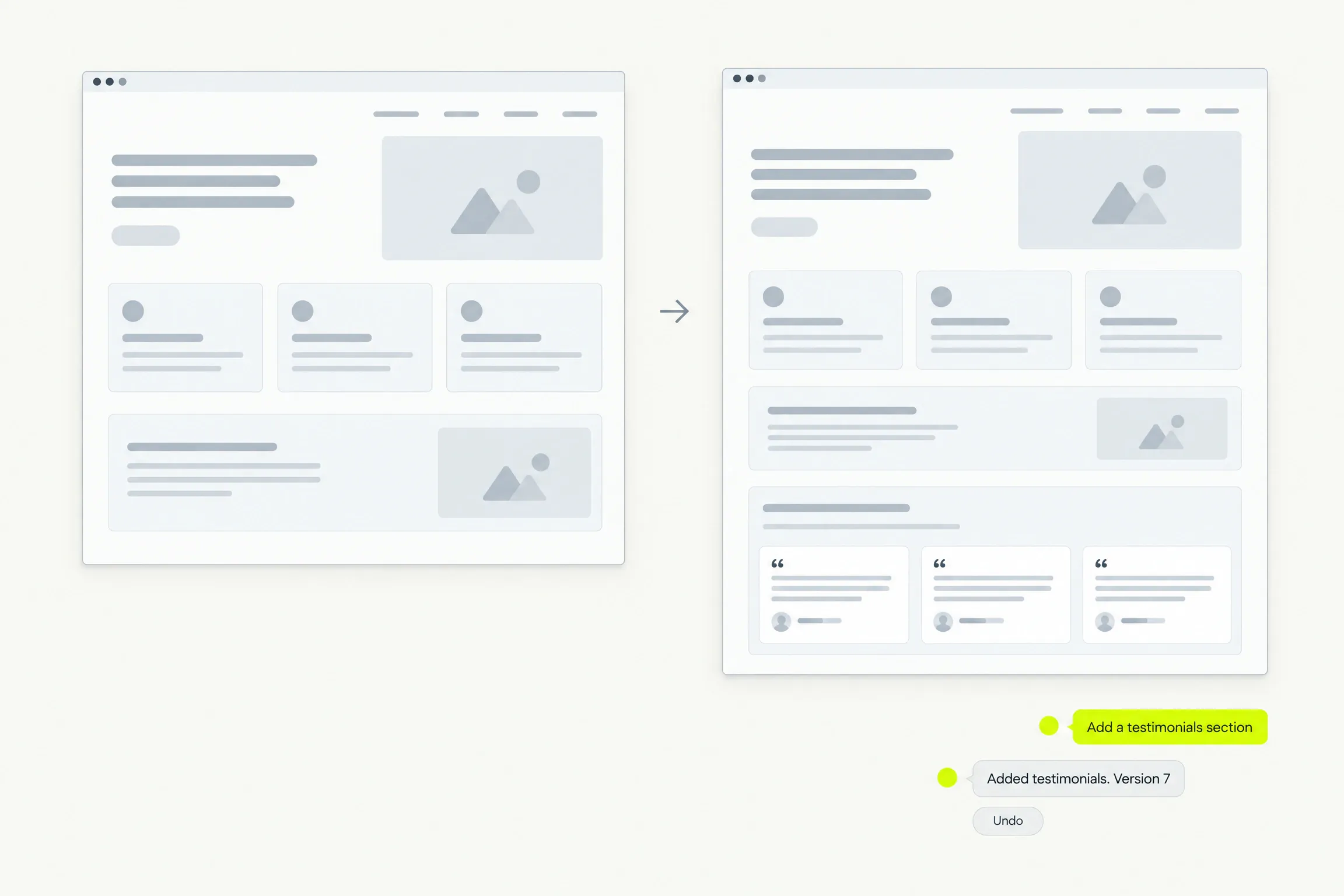
  • Undo any edit. Go live when you choose Publish.
  • Only applied AI edits use your allowance, then credits.
Before and after: a chat request adds a testimonials section, the reply names the change as Version 7 with an Undo

Edit in place

Click to edit. Always free.

Change text or swap an image right on the preview.
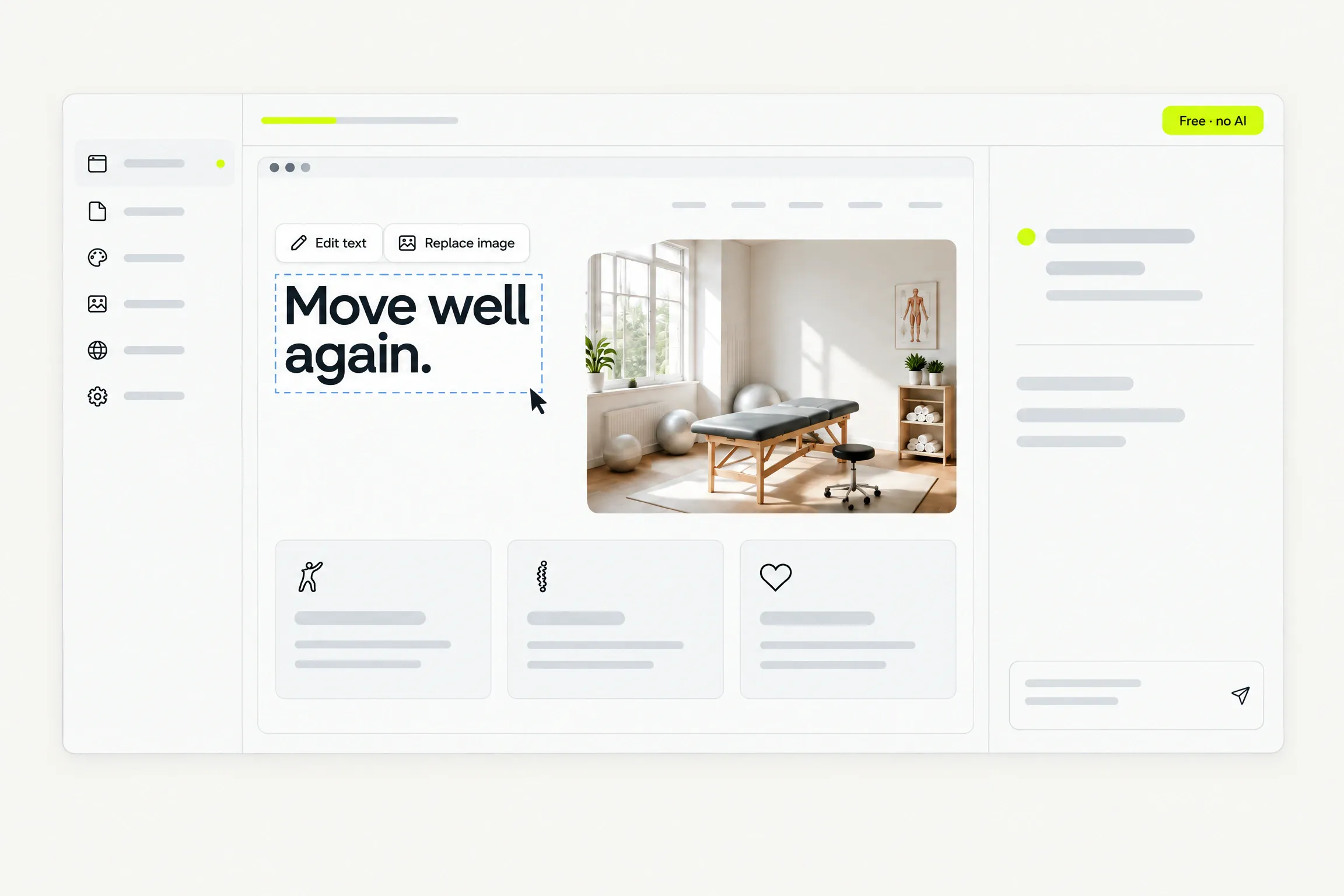
  • Your layout and styling stay consistent.
  • AI writing is optional and uses your allowance.
A headline selected on the preview with an Edit text and Replace image toolbar, tagged Free, no AI

Preview

Check every screen.

See your site on desktop, tablet and phone before you publish, and share a preview link before going live.
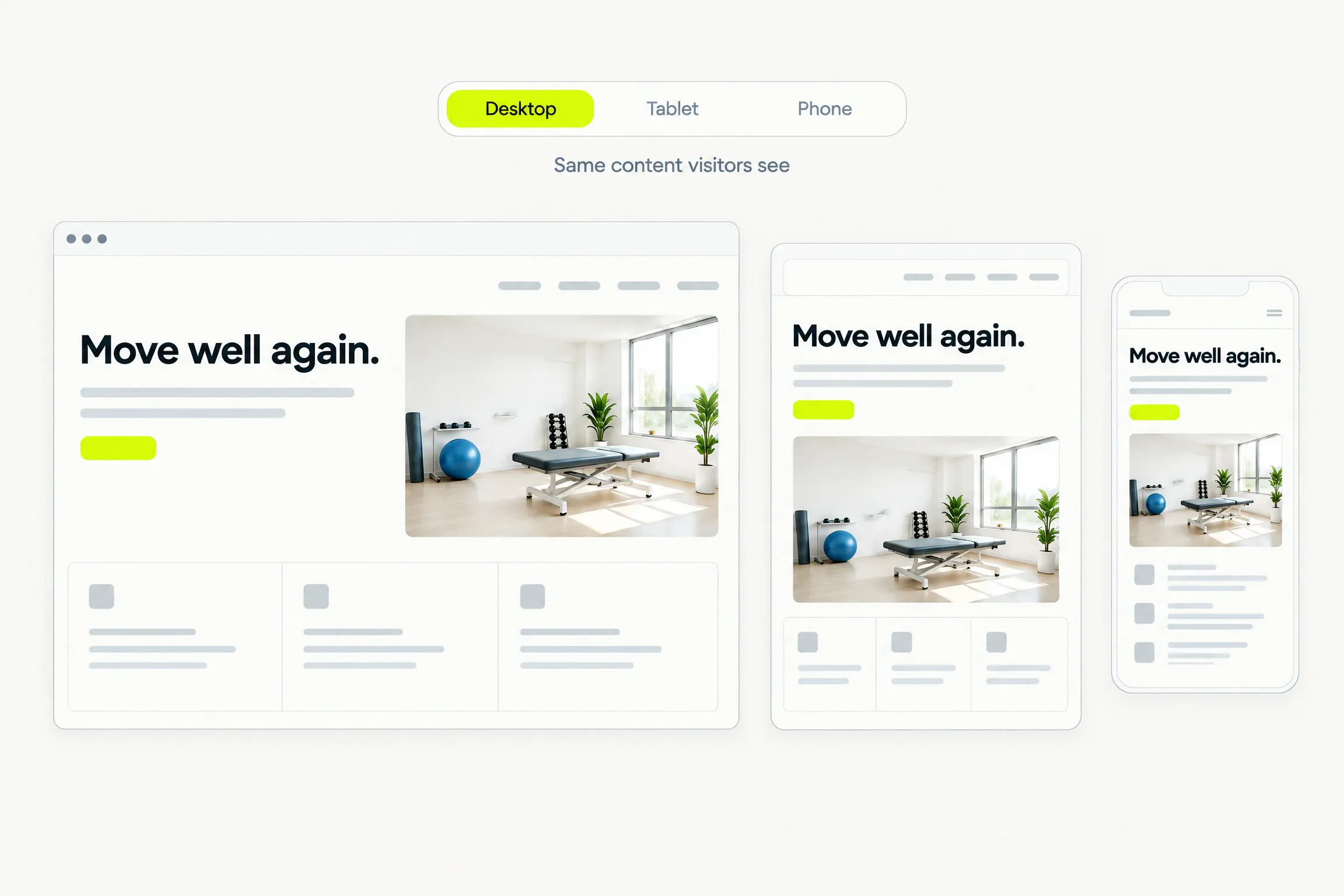
The same site at desktop, tablet and phone widths under a Desktop, Tablet, Phone control

Pages

Your pages, in order.

Add pages, update the menu and choose what goes live.
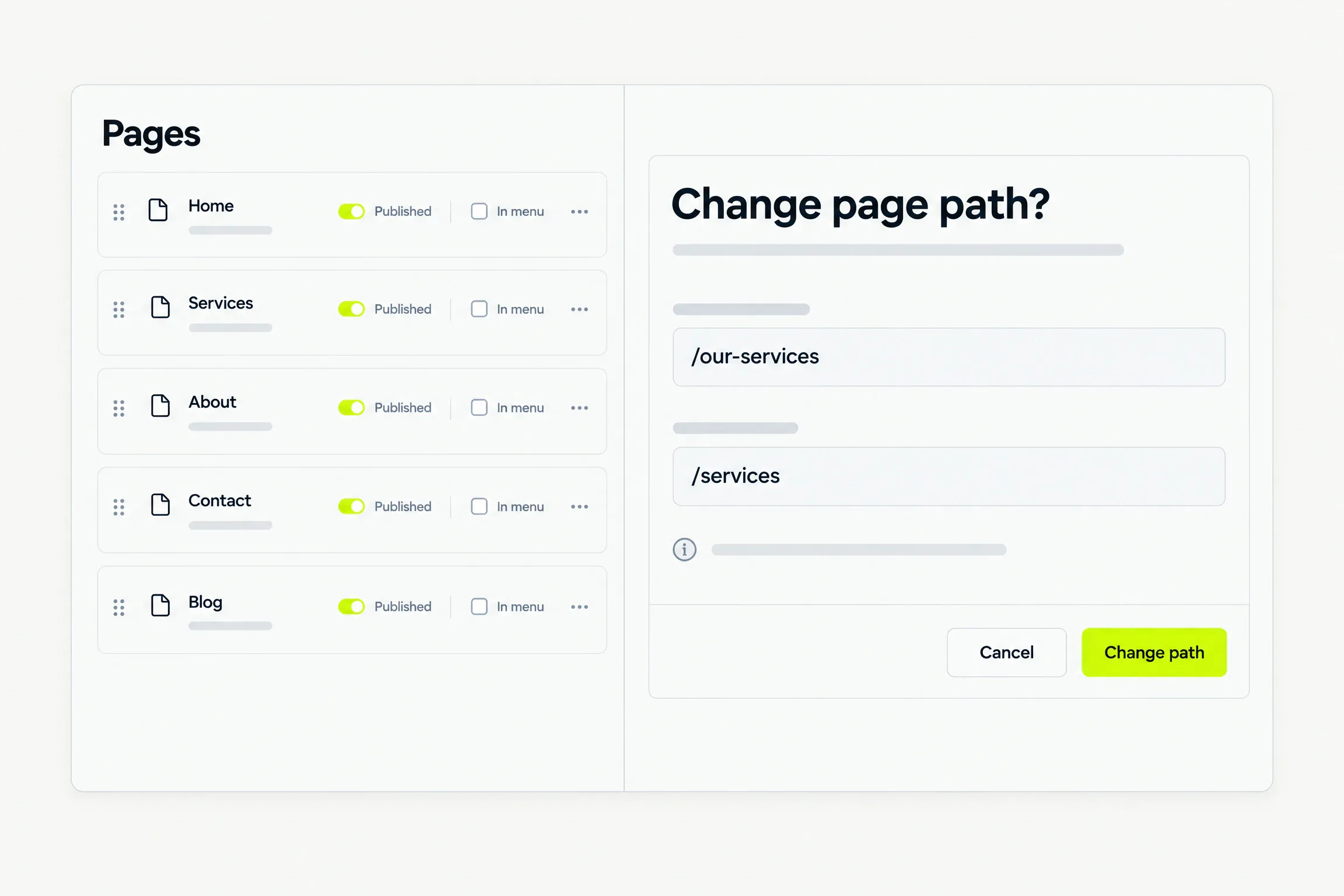
  • Before a path change on a live page is accepted, we state what it does to the old address.
  • Unpublish a page without losing its content.
The Pages list with published toggles, and a Change page path dialog showing the old and the new path

Blog

A blog that stays simple.

Write a post yourself, or ask AI for a first draft.
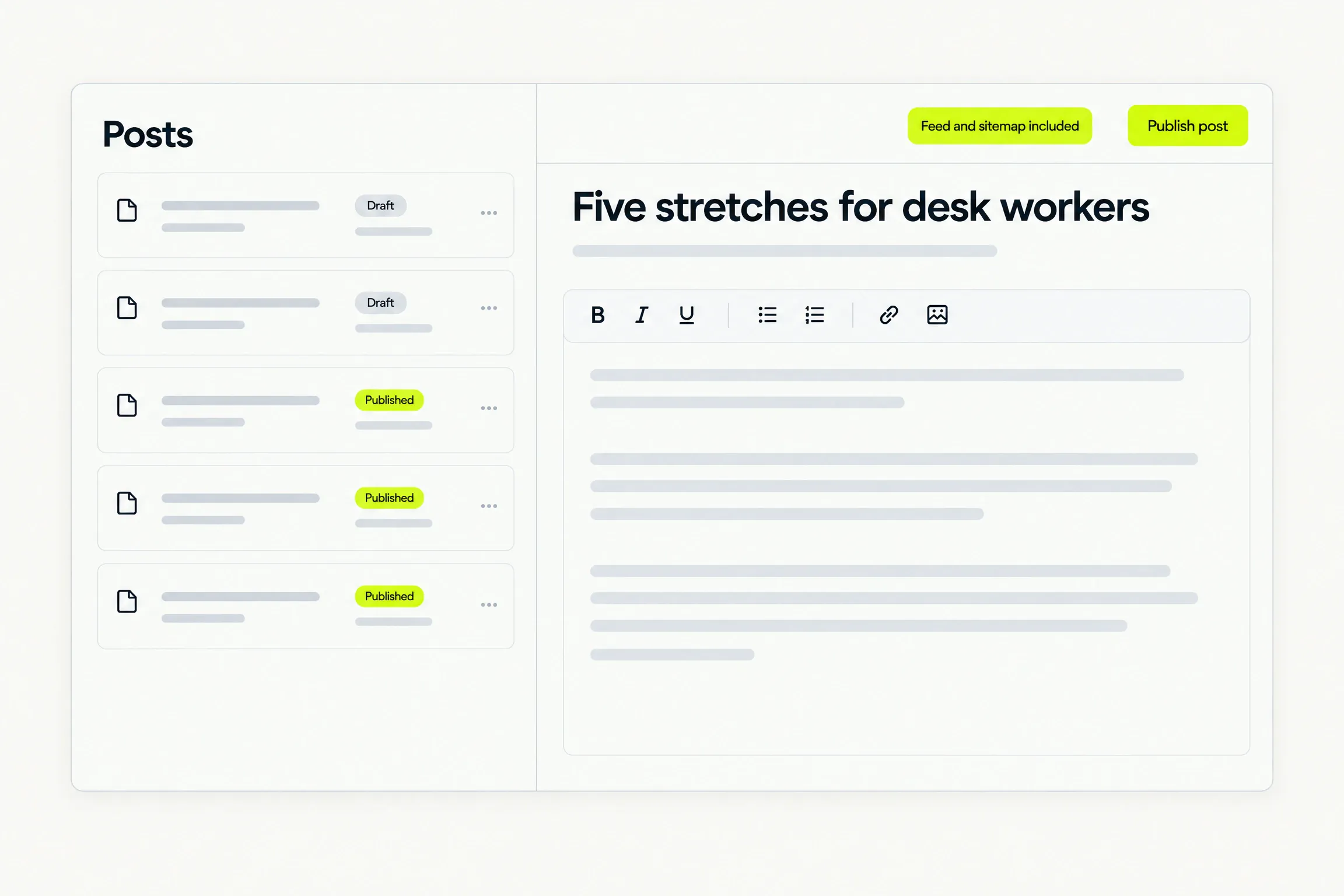
  • Writing by hand is free. AI drafts use your allowance.
  • Drafts stay private. Published posts join your blog, feed and sitemap.
The Posts list with drafts and published posts beside a simple editor

Design

Make it look like you.

Set your colours, type and spacing, and bring your own logo. Every page follows.
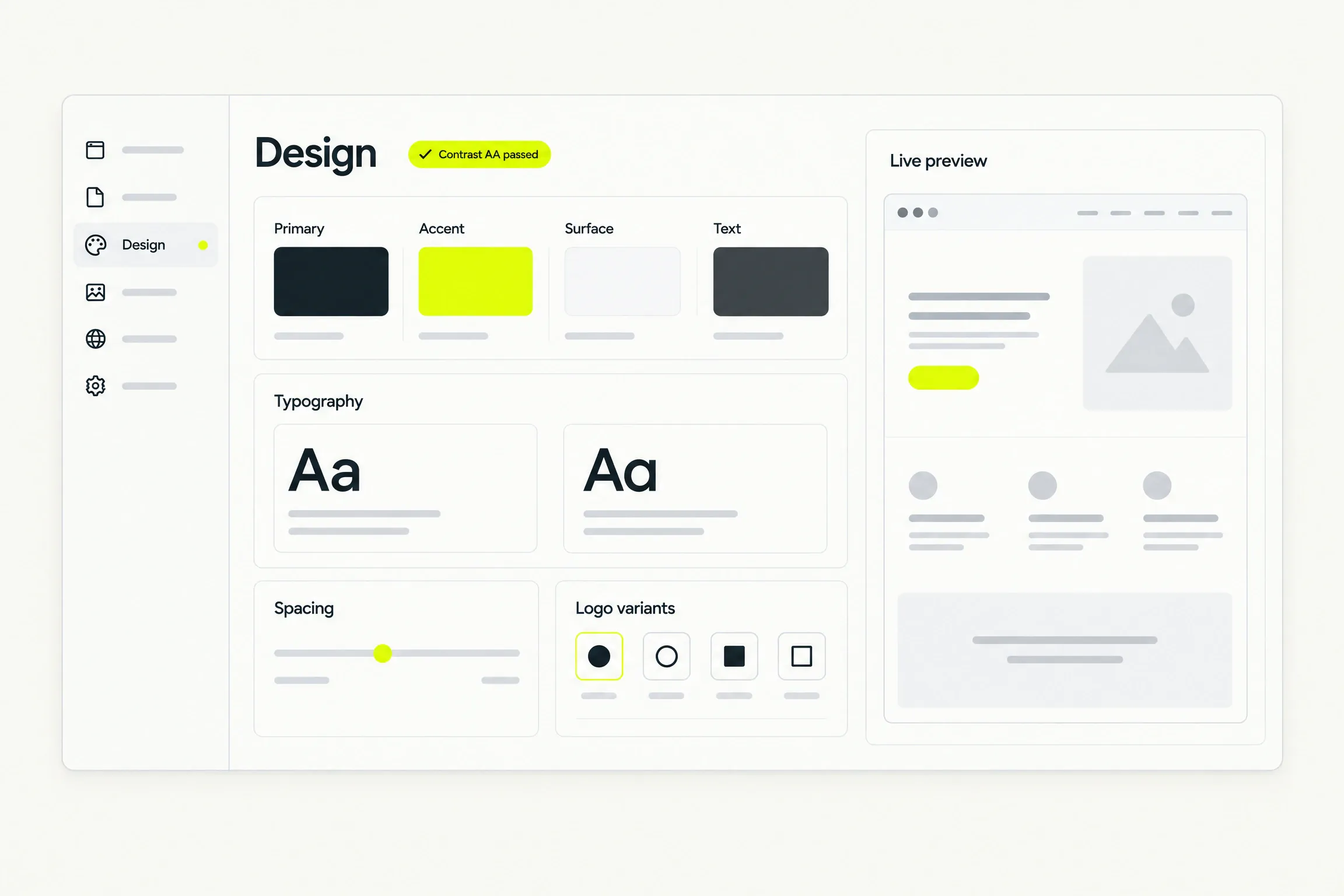
The Design panel: four semantic colours with a contrast verdict, typography, spacing and logo variants

Media

Your images, all together.

Upload photos, add image descriptions and see where each one appears.
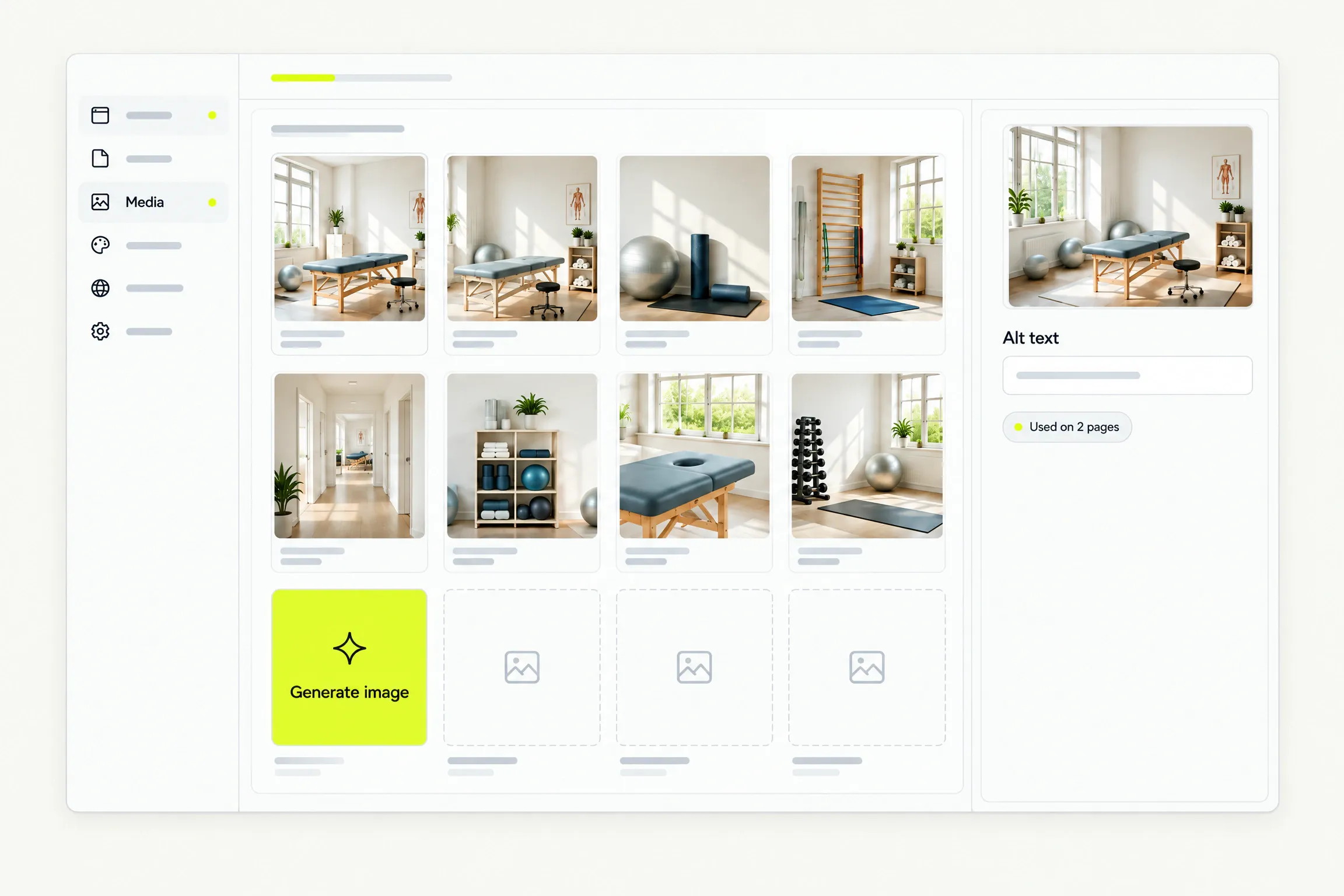
  • Start with stock images. Replace them anytime.
  • Create AI images on Pro. Three credits per image.
The media library grid with a Generate image tile and an alt text field
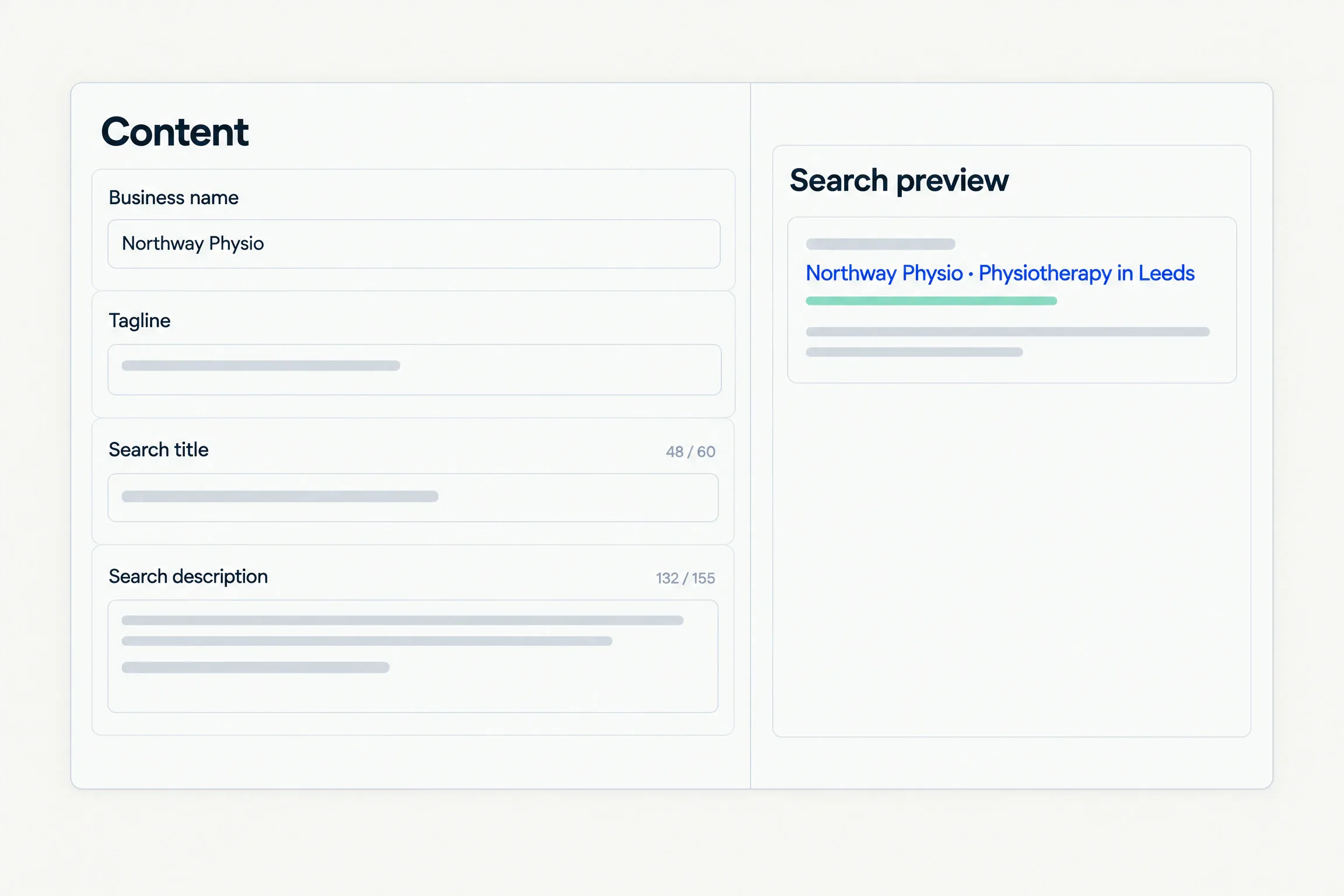
The Content screen: business name, tagline, search title and description with counters, and a search preview

Contact forms

Enquiries land in your inbox.

Get contact form enquiries by email, with every submission saved.
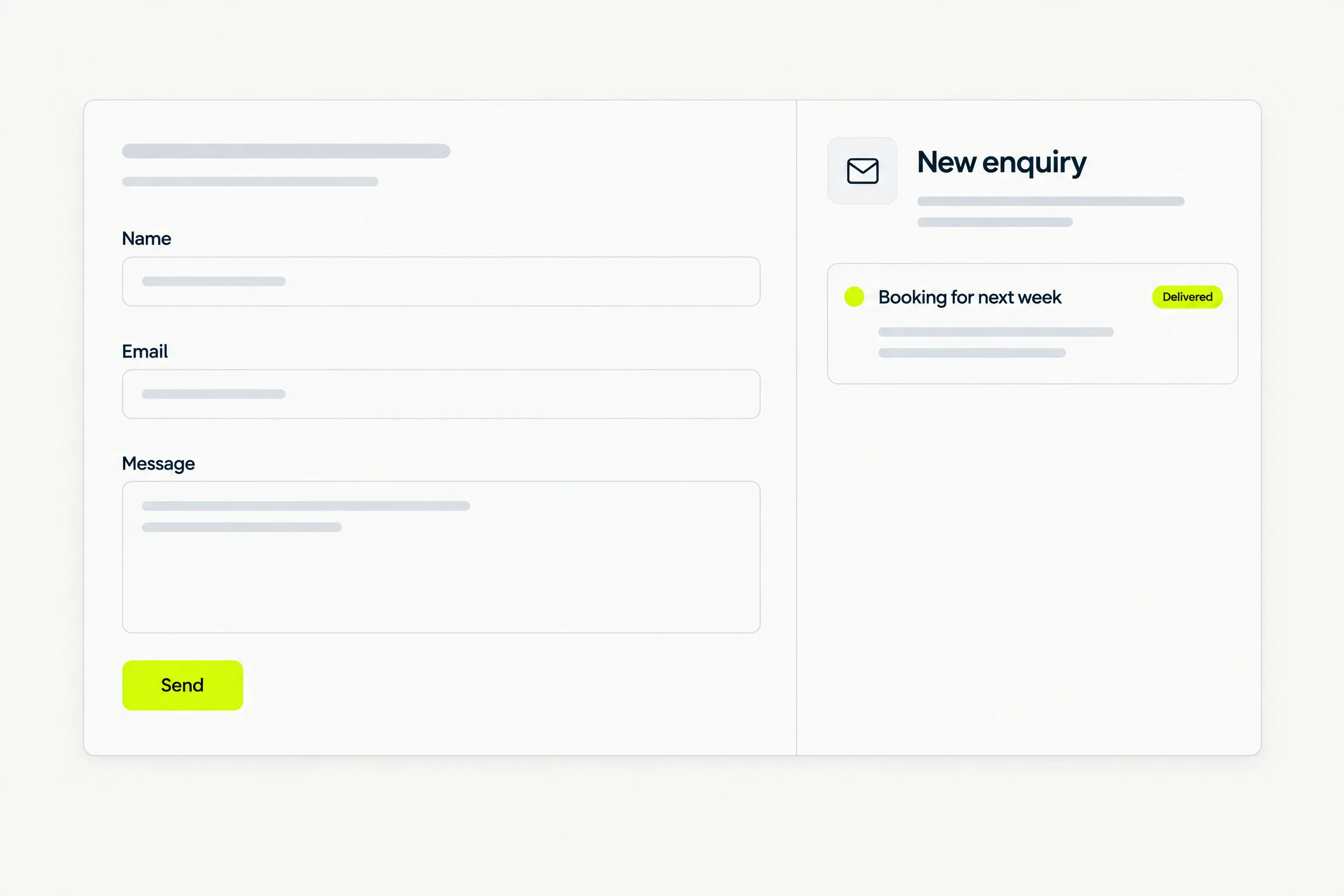
  • Choose the inbox that receives them.
  • Built-in protection against automated spam.
A contact form beside an inbox card showing a delivered enquiry

Hosting

Hosting, already handled.

Your site runs on Cloudflare’s global network, with no servers or plugins to maintain. If an update fails, your previous version stays live.
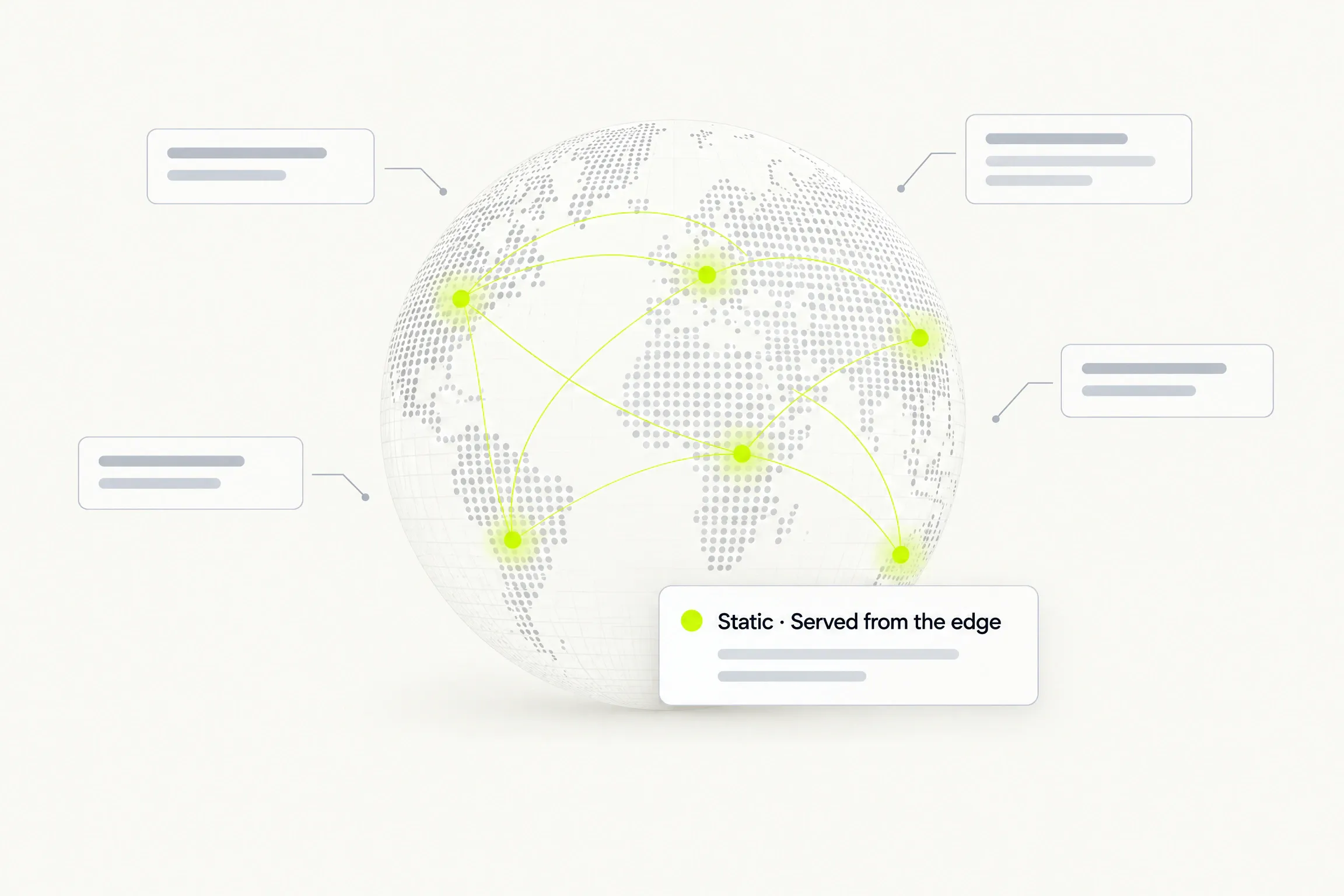
A globe of dots with yellow nodes joined by arcs, and a card reading Static, served from the edge

Domains

Your domain. Two DNS records.

Connect a subdomain, such as www.yourbusiness.com. We handle the security certificate.
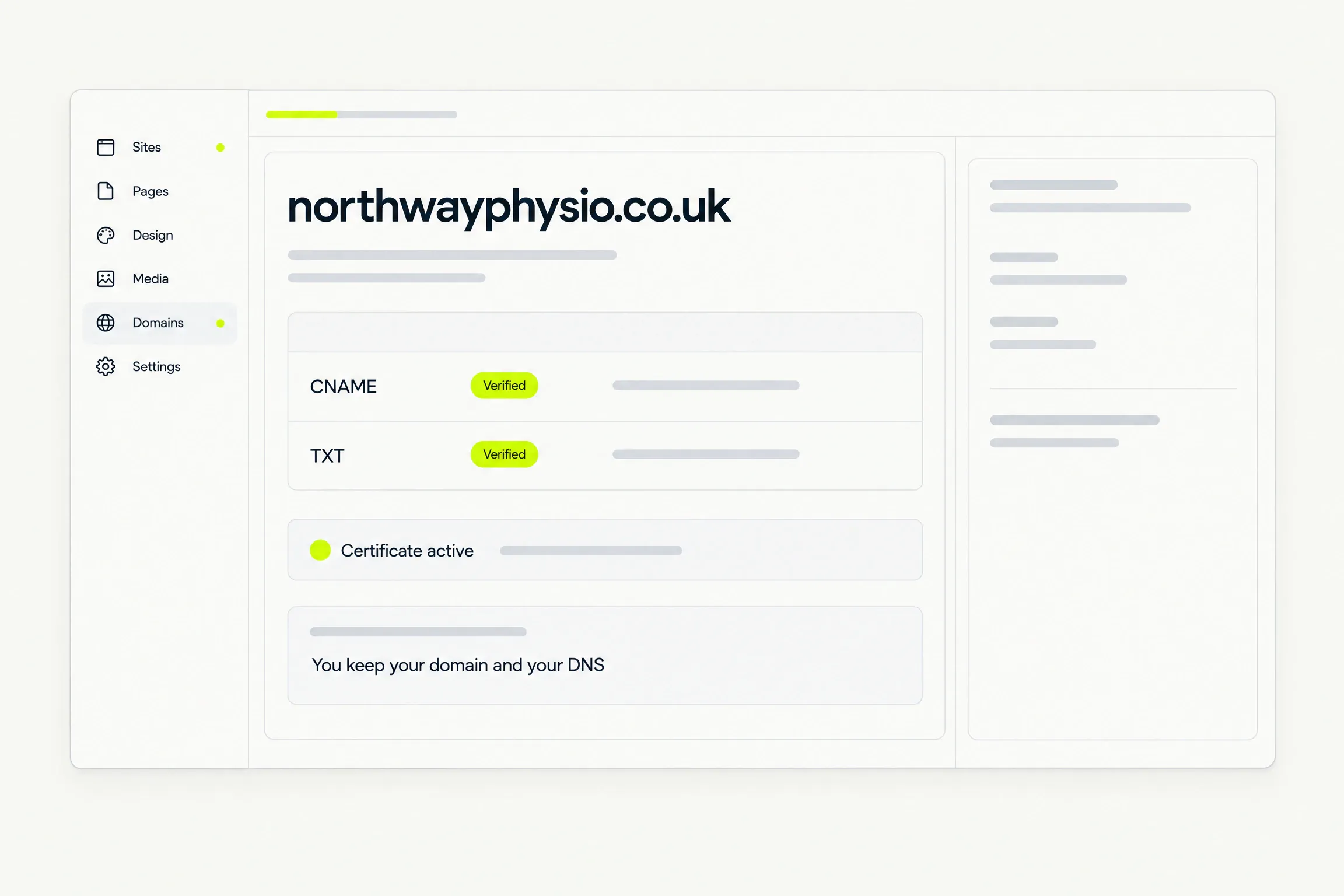
  • Add a CNAME and a TXT record. Keep your registrar and DNS provider.
  • Your Sixerr address works while setup completes.
The Domains screen for northwayphysio.co.uk: CNAME verified, TXT verified, certificate active, you keep your domain and your DNS

Settings

Your site. Your settings.

Connect analytics and choose whether to show a cookie notice.
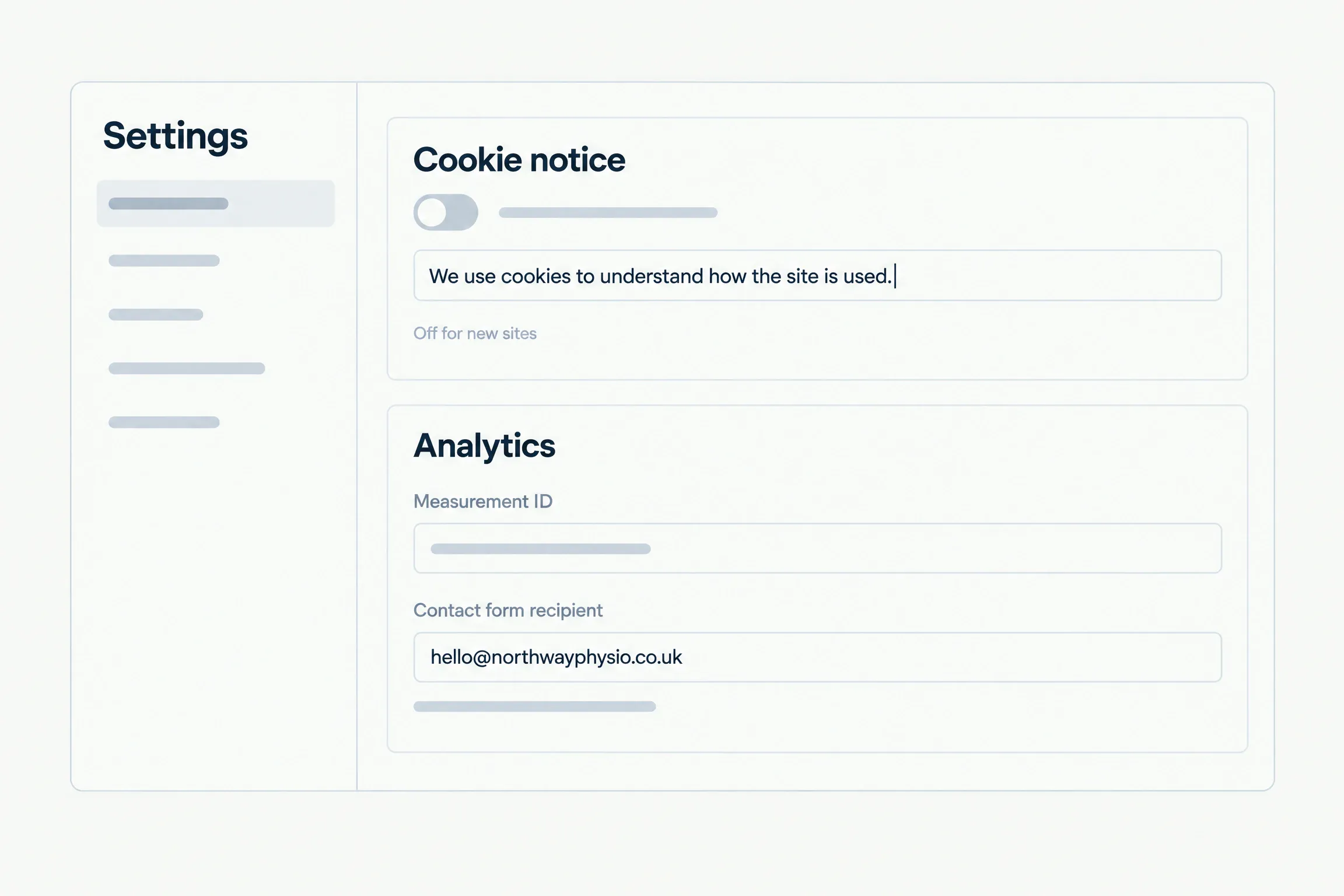
  • Write the notice yourself. It starts switched off.
  • The notice does not pause analytics.
Settings: a cookie notice toggle with editable wording, an analytics measurement ID and the contact form recipient

For agencies and freelancers

Every client site on one account.

Manage client sites from one login, with a separate plan and invoice for each live site. Extra credits are shared across all your sites.
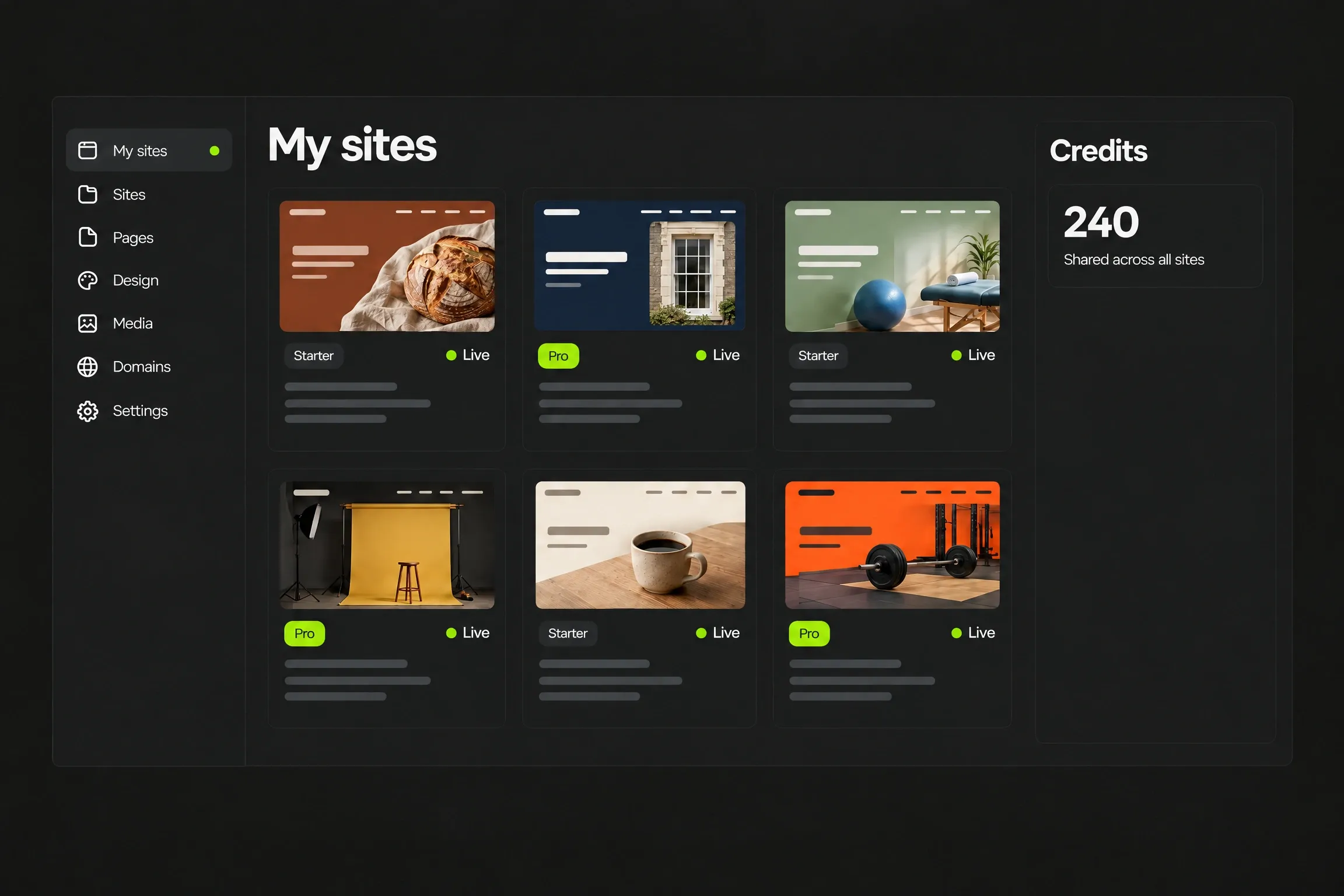
An agency’s My sites grid on the dark workspace: six client sites in six different looks, each with its own plan badge and Live status, and one shared credits balance

For a business

Your business. Your website.

Get it online, make changes and read enquiries in one place. You’re in control.

Small business websites

Usage

Know what you’ve used.

See each site’s AI activity, monthly allowance and your shared credit balance.
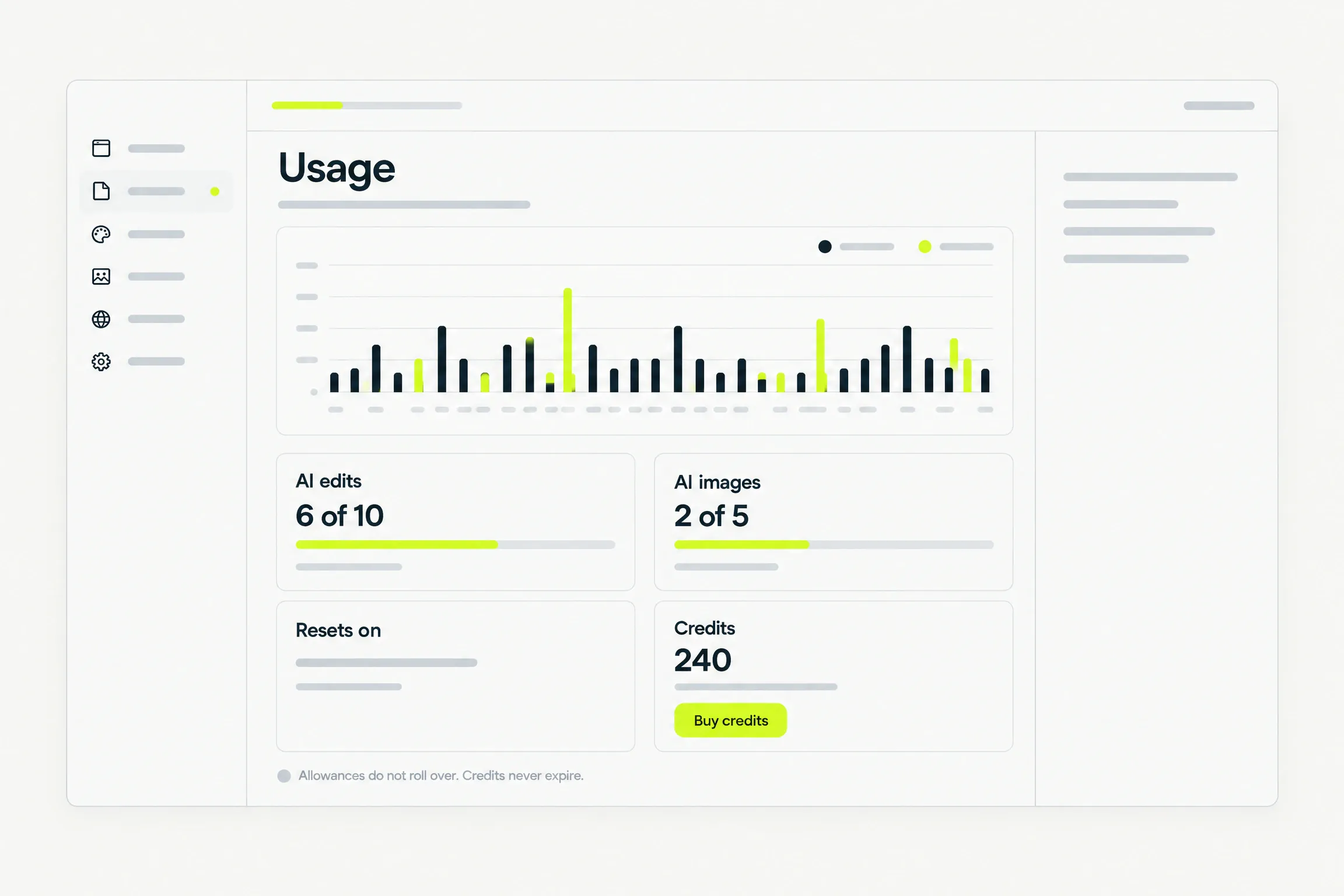
  • Monthly allowances reset. Extra credits never expire.
  • Top up credits without changing your plan.
The Usage screen: a 30-day chart of AI edits and images, allowances, the reset date and a credits balance

Import

Move from WordPress. Keep your content.

Posts move word for word, with their images. Pages are rebuilt in your new design.
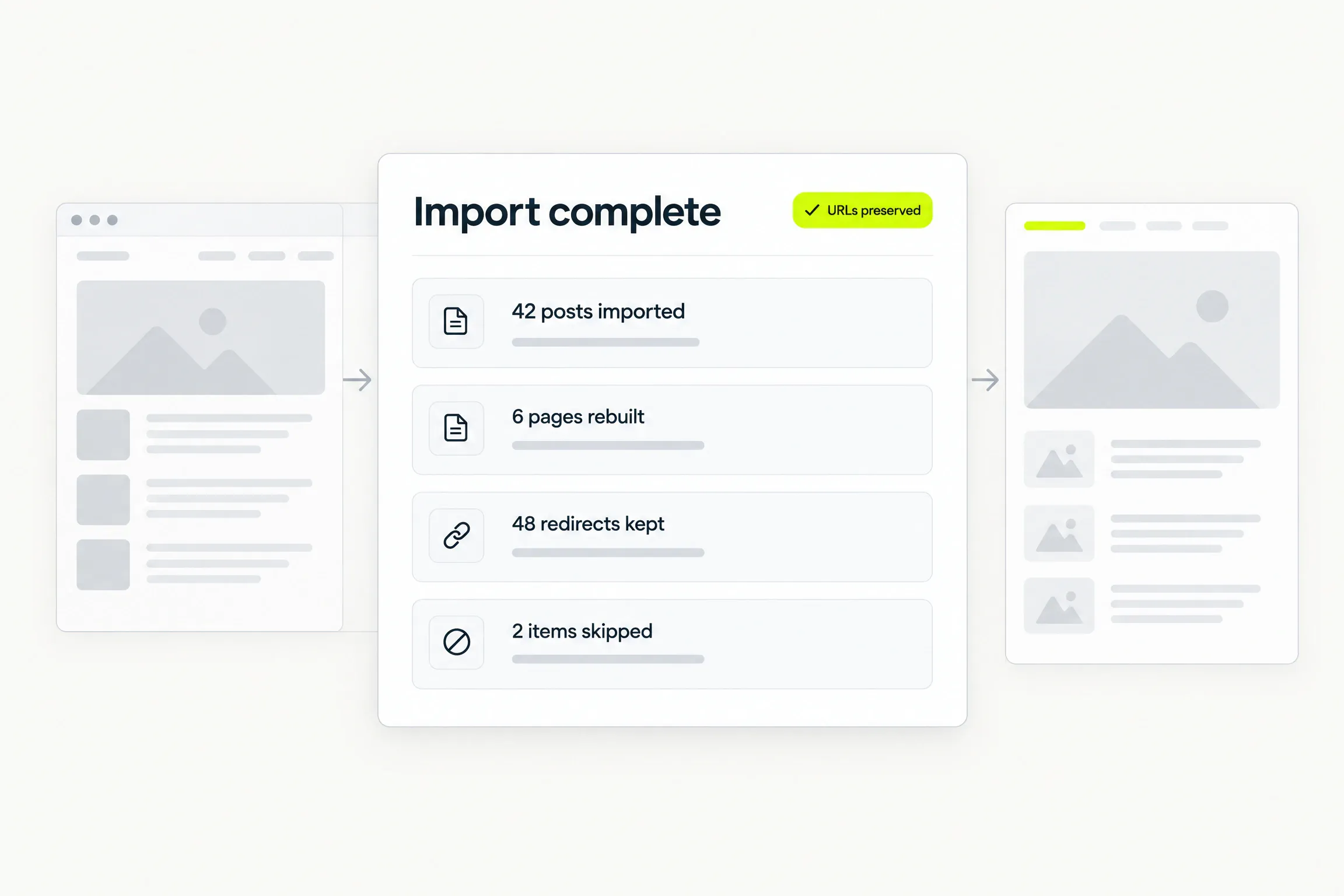
  • Start from a URL or export file. Post imports are free.
  • Keep existing URLs. Review what moved or was skipped.
An import report: 42 posts imported, 6 pages rebuilt, 48 redirects kept, 2 items skipped, URLs preserved

Ownership

Your site goes with you.

On Pro, download your site as a static archive or its editable source, or send it to your own GitHub repository.
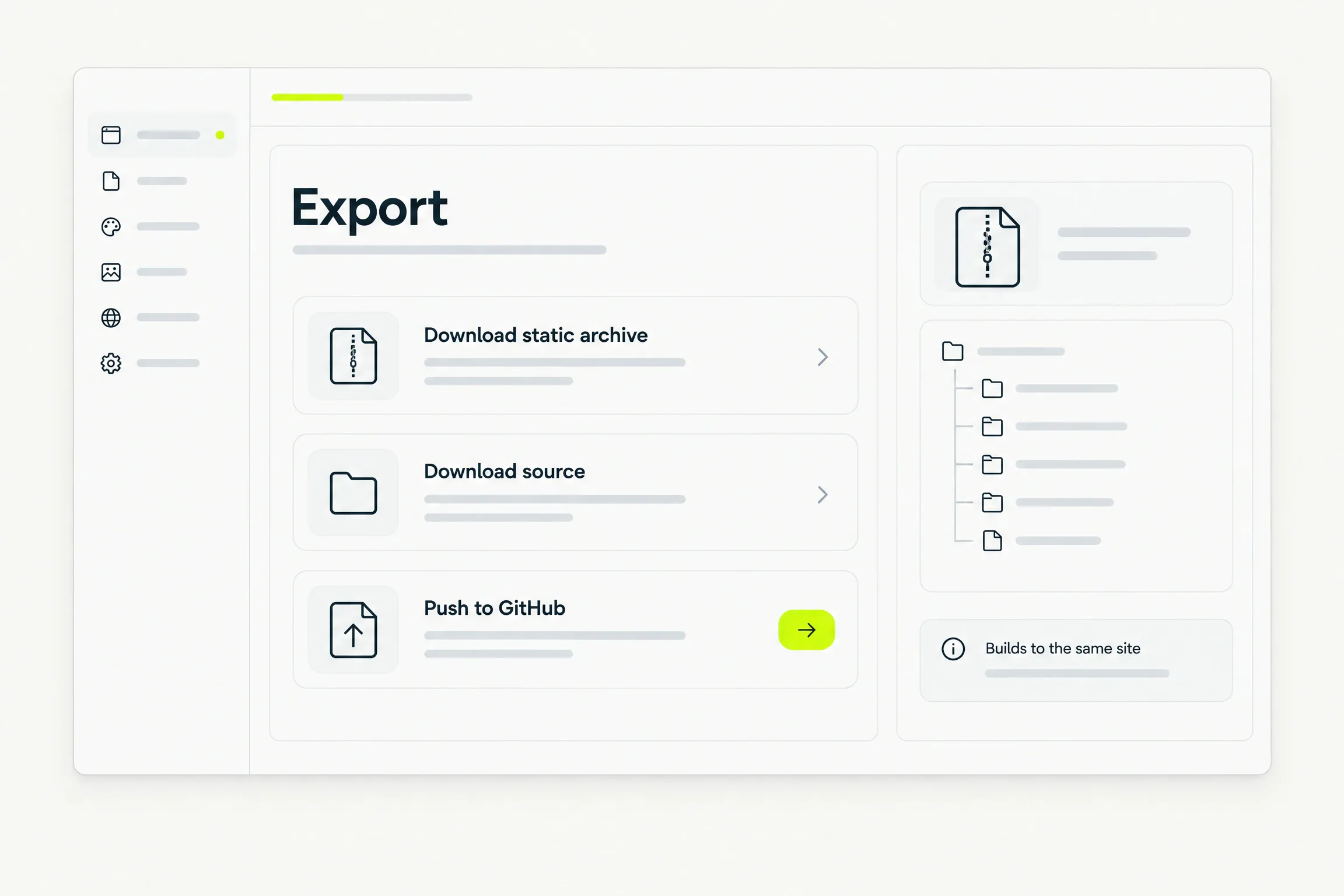
The Export panel: download static archive, download source, push to GitHub, builds to the same site

Support

A person answers.

Ask for help from your dashboard. A person replies.
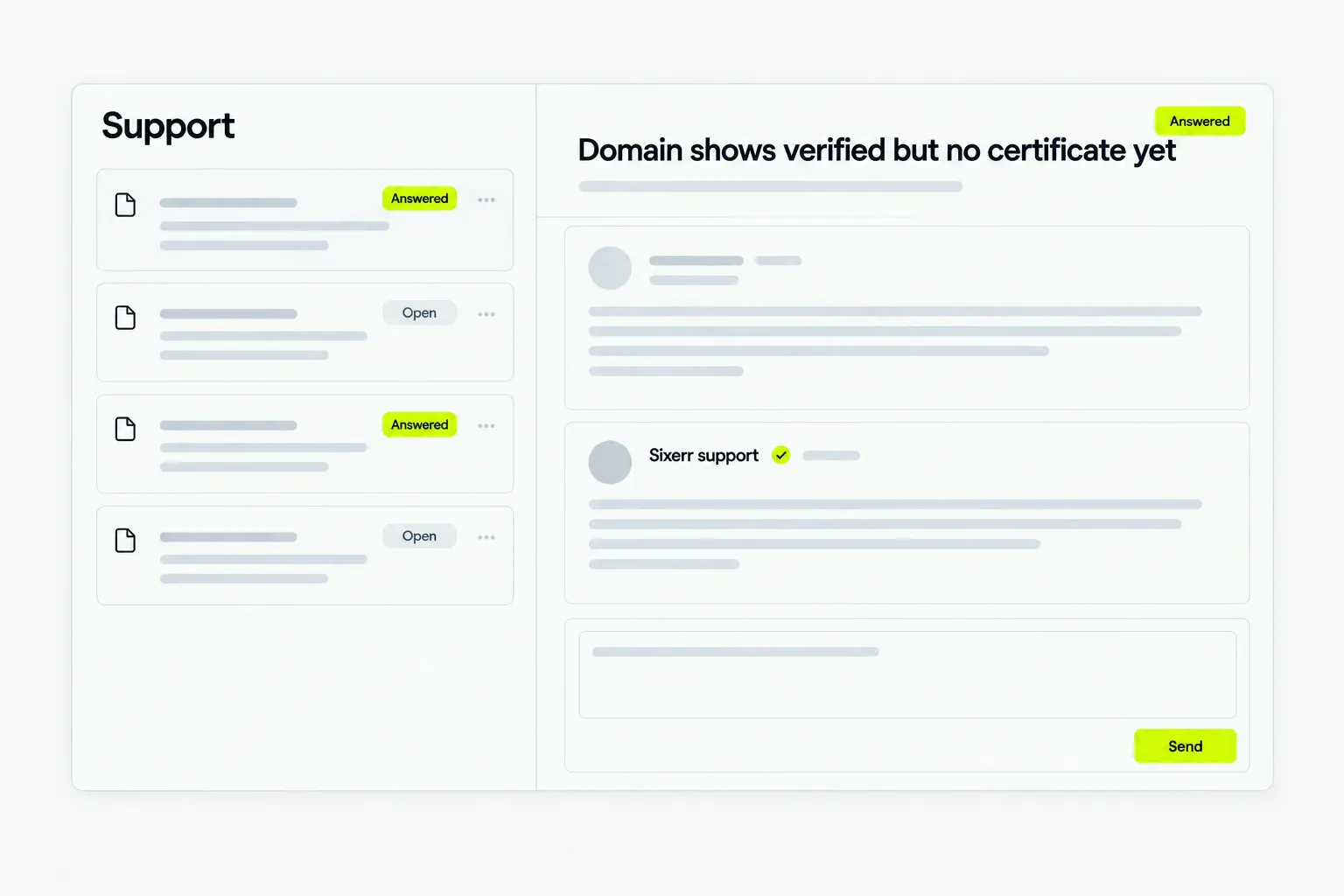
  • Follow your request’s status and keep its history.
  • Support never edits your site.
A support ticket thread marked Answered, with a reply from Sixerr support

Account

One login. All your projects.

Sign in with email or Google. Manage every project from one place.
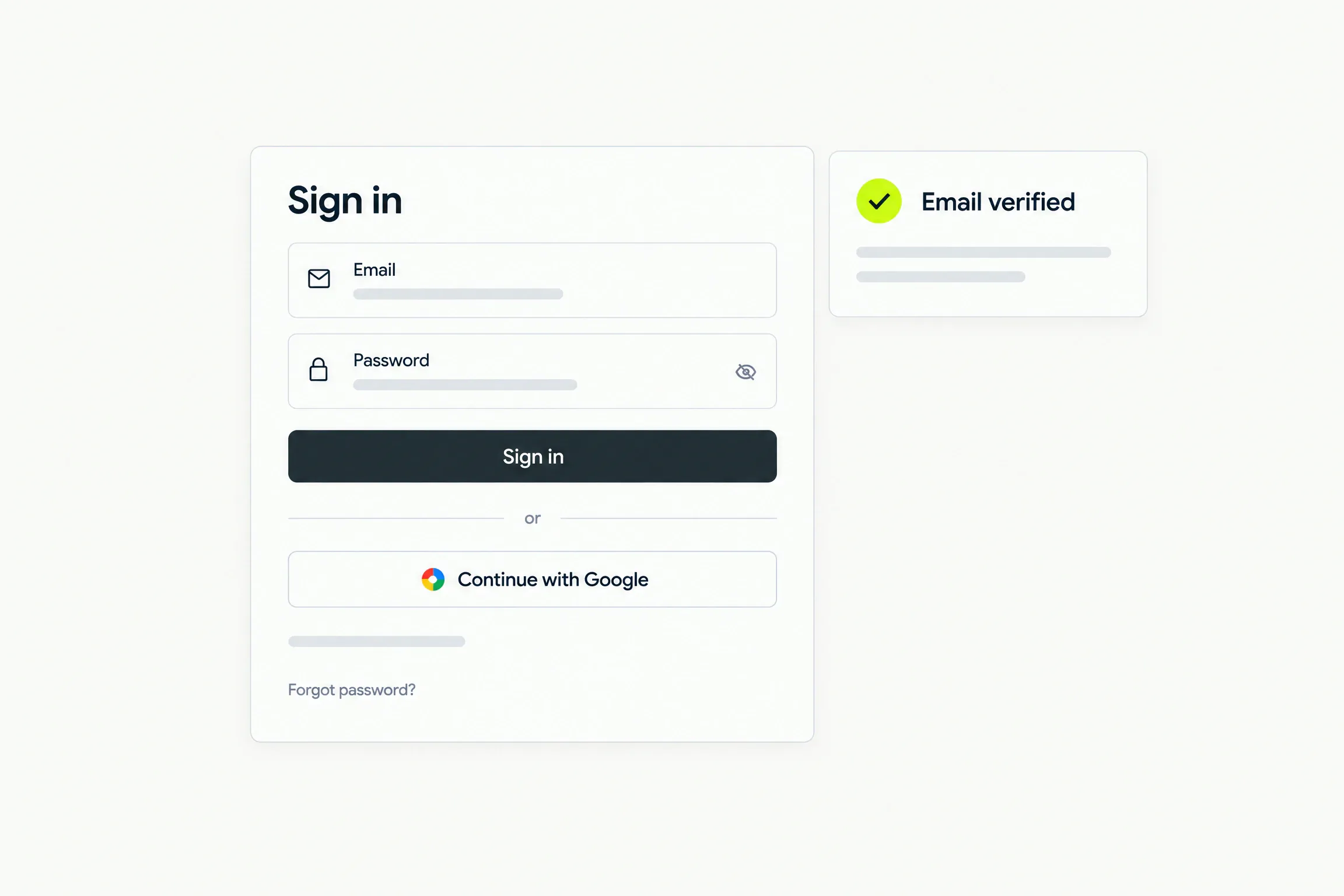
  • Verify your email before building your first site.
  • Delete a project yourself when you no longer need it.
A sign-in card with email, password and Continue with Google, and an Email verified badge

Pricing

Free to preview. Pay per live site.

No AI subscription to buy. Your account is free, and each live site pays its own plan.

Starter

$12/ month per site

or $120 a year, two months free

One live site with everything a business needs.

  • Live at its own address
  • Contact form and blog
  • Your own subdomain
  • 30 AI edits a month
  • Edit in place, free

Pro

$29/ month per site

or $290 a year, two months free

More edits, on-brand image generation, and export.

  • Everything in Starter
  • 150 AI edits a month
  • 50 AI images a month
  • Export and push to GitHub

Good to know

The fine print, in plain words.

See full pricing
Preview
Free to preview. Pay only when a site goes live.
Credits
Credits never expire and are shared across your sites. One AI edit is one credit; one AI image is three.
Refunds
Full refund on a site’s first payment within 14 days.
Card details
We never store card details.

Questions

Straight answers.

Help when you need it. Submit a request, follow its status and read a person’s reply in the ticket.

Do I need a designer or a developer?

No. Describe the business in three short steps. Afterwards, ask for changes or edit text and images directly.

What does the preview show?

The same content visitors will see at desktop, tablet and phone widths. Analytics stays off, and the contact form is visibly inactive.

Who writes the words and picks the images?

Sixerr writes the first draft and chooses stock images. Replace both later, and upload your logo during intake.

Can I use my own domain?

Yes. Connect a subdomain with two DNS records while keeping your registrar and DNS provider. Bare domains are not supported.

What happens if I cancel a site’s plan?

That site goes offline at the stated time; its content stays saved. Its first payment is fully refundable within 14 days.

Is my site locked in?

No. Pro lets you export a static archive or editable source, or push the site to your own repository.

Waitlist

Your site starts with a conversation.

Join the waitlist. We will email you when it is your turn to build. No card or commitment.