How it works
Describe it. We build it.
Describe the business in three short steps and watch the first draft appear in about 90 seconds. Preview it free, then choose a plan to publish.
- Brief, brand and pages
- 3 steps
- To your first preview
- 90 sec
- To publish a draft
- Seconds
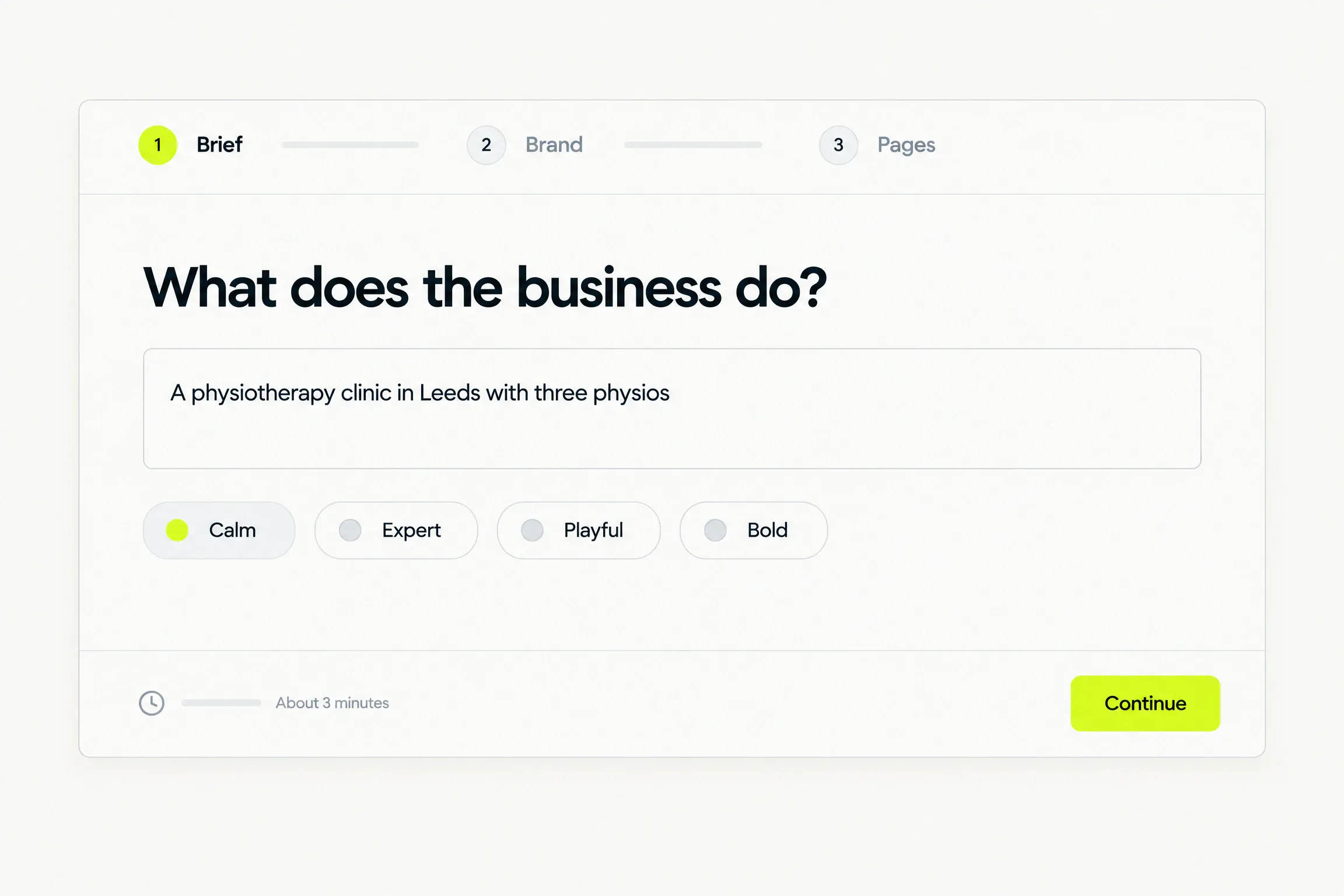
Three short steps: Brief, Brand and Pages. Presets, or your own words.
Step one · Brief
Tell us about the business.
Three short steps: Brief, Brand and Pages. Choose a preset, or write your own answer wherever a preset would be limiting.
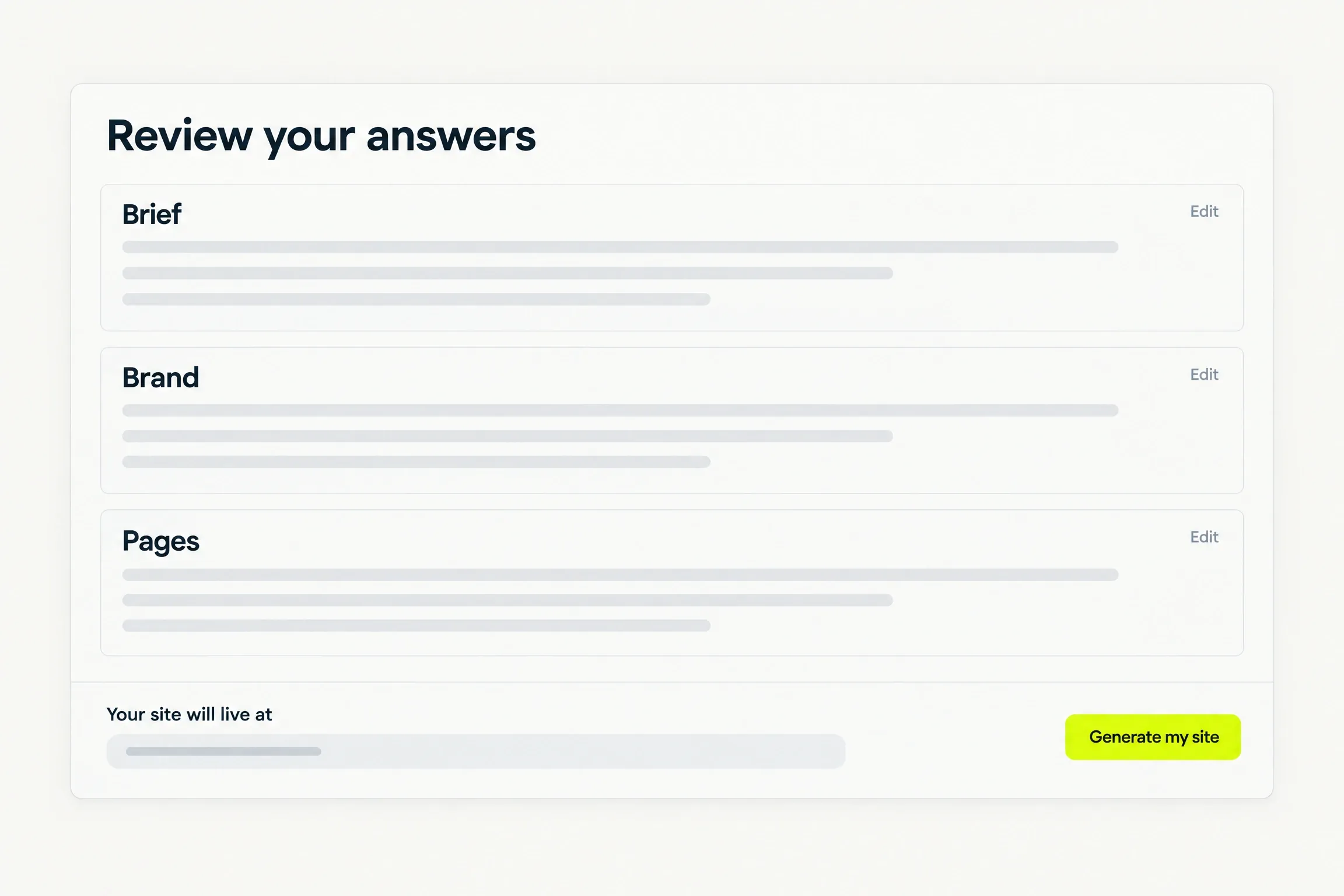
- Every answer is shown, grouped, before anything is generated.
- Jump back and change any of them.
- Nothing is built until you confirm.
Step two · Build
Watch the first draft appear.
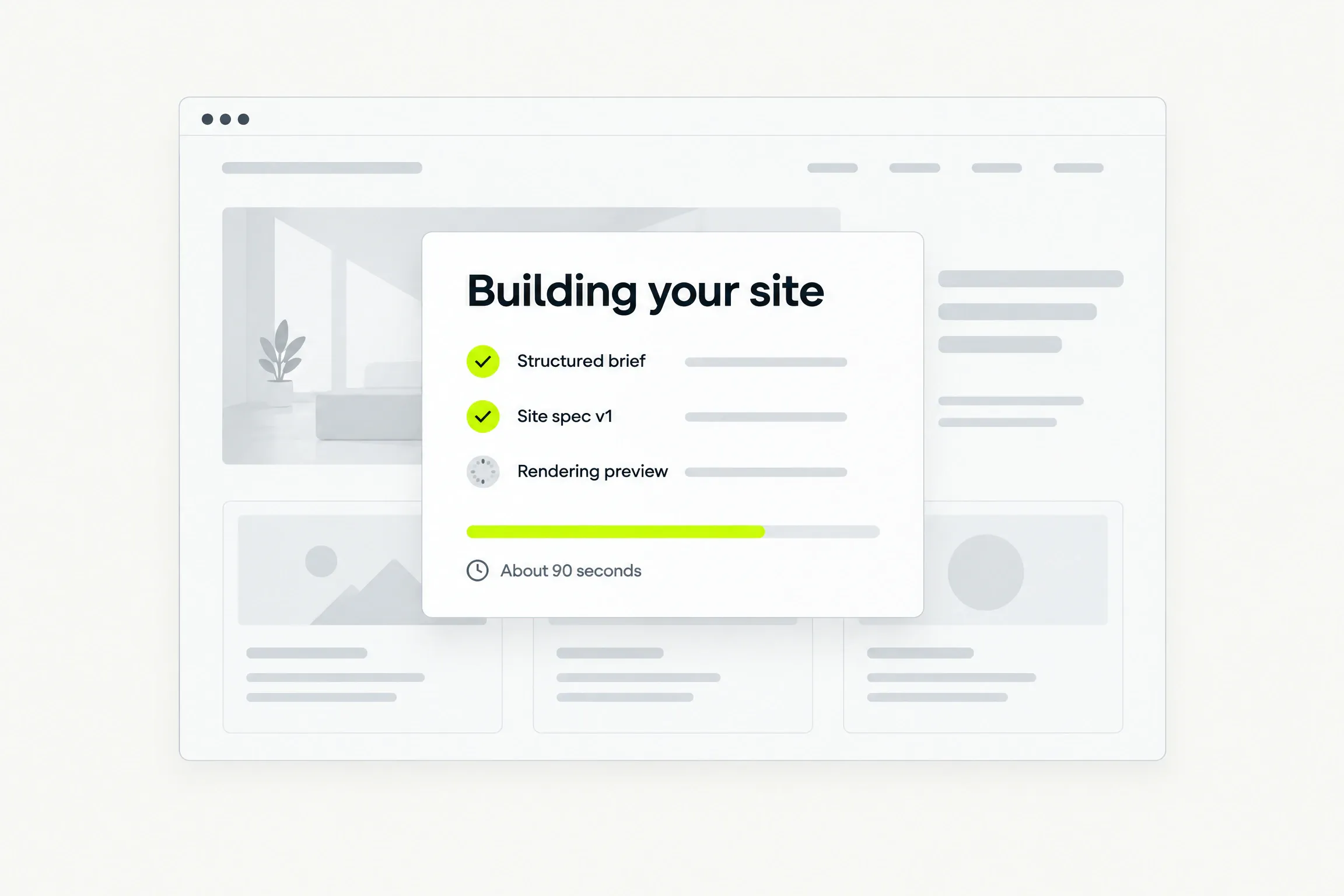
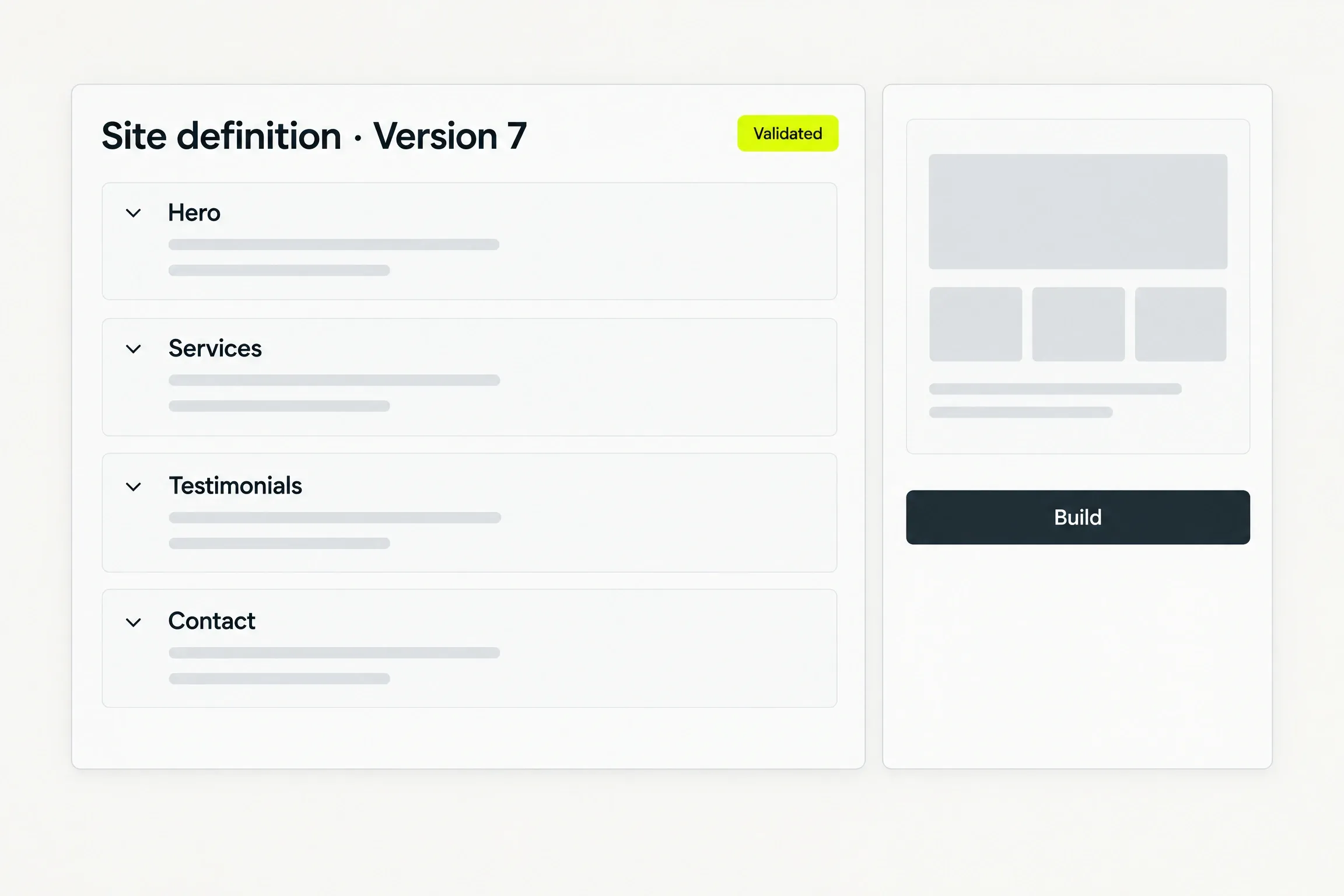
We turn your answers into a structured site definition, then render a complete first draft as a preview.
- The first preview takes 90 seconds for a typical site.
- Each stage is reported as it happens, with an honest expected duration.
- You see the address your site will live at before generation begins.
Step three · Publish
Approve it. Go live.
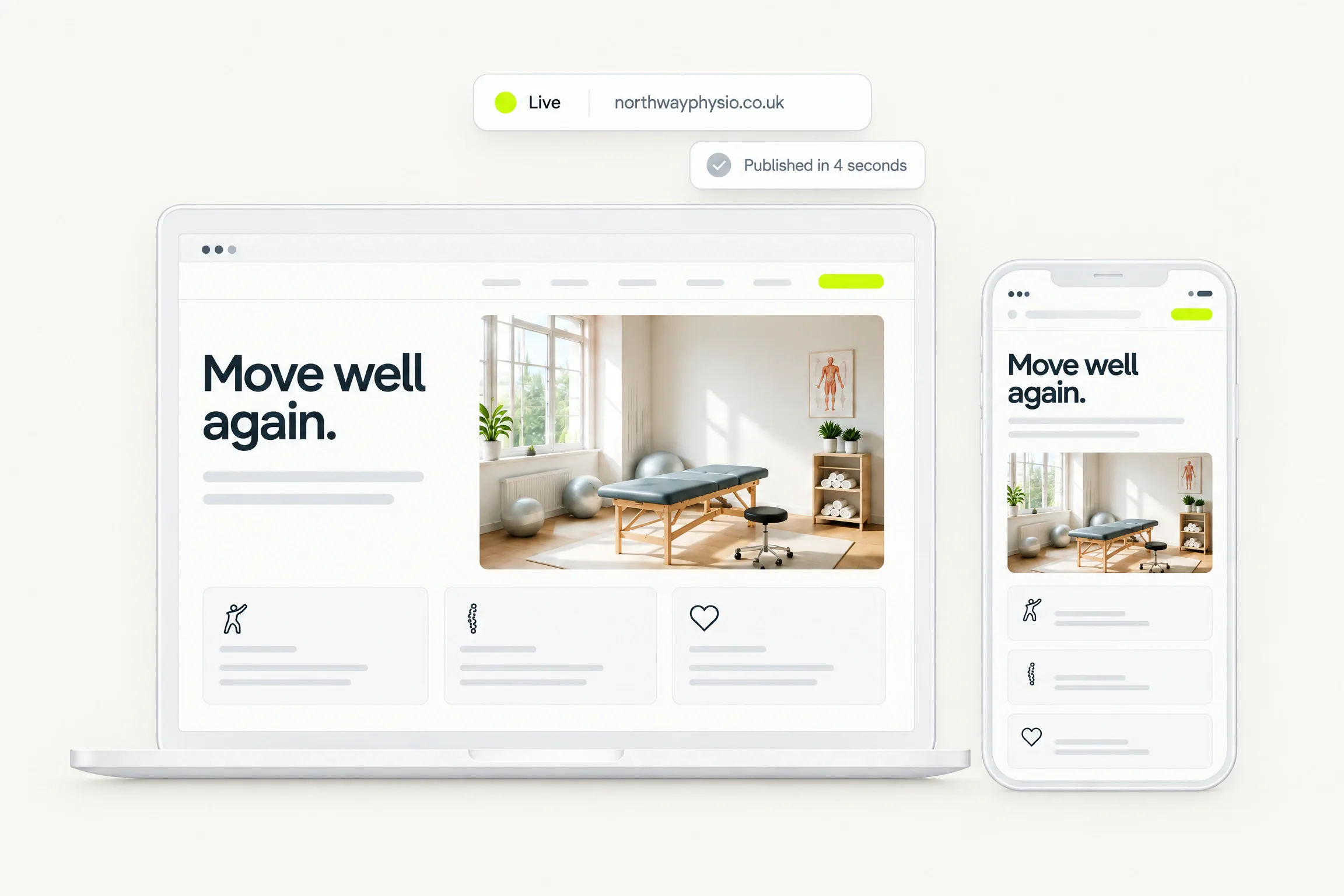
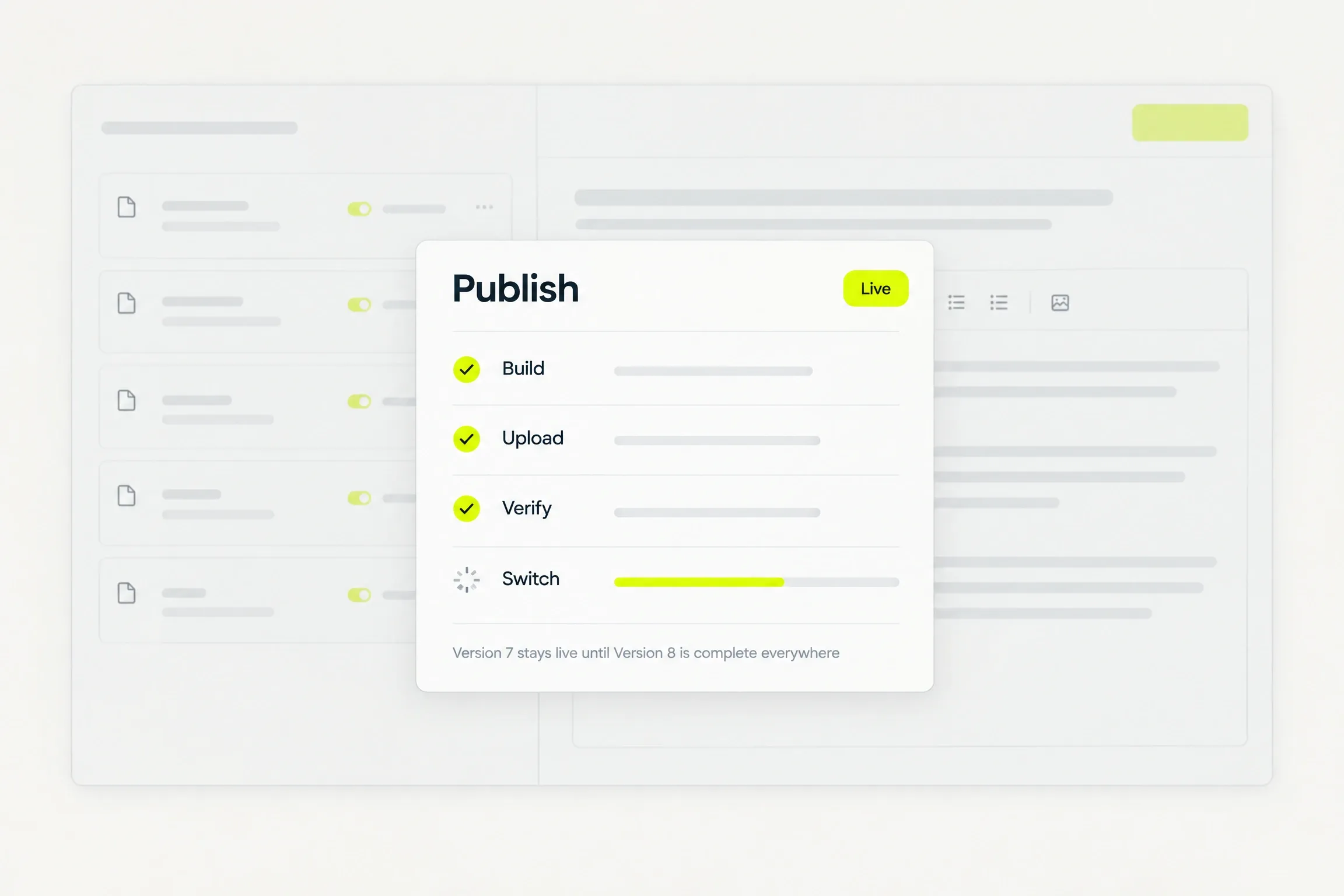
Read the draft, check it at every width, and publish when you are happy. A paid plan puts it live at its address.
- Publishing completes in seconds.
- A publish is atomic: every visitor always receives one complete build.
- Stay on your Sixerr address, or connect a subdomain with two DNS records.
Your call
Every step is yours to approve.
Nothing is built until you confirm the brief, and nothing goes live until you publish.
Afterwards
Then, just ask.
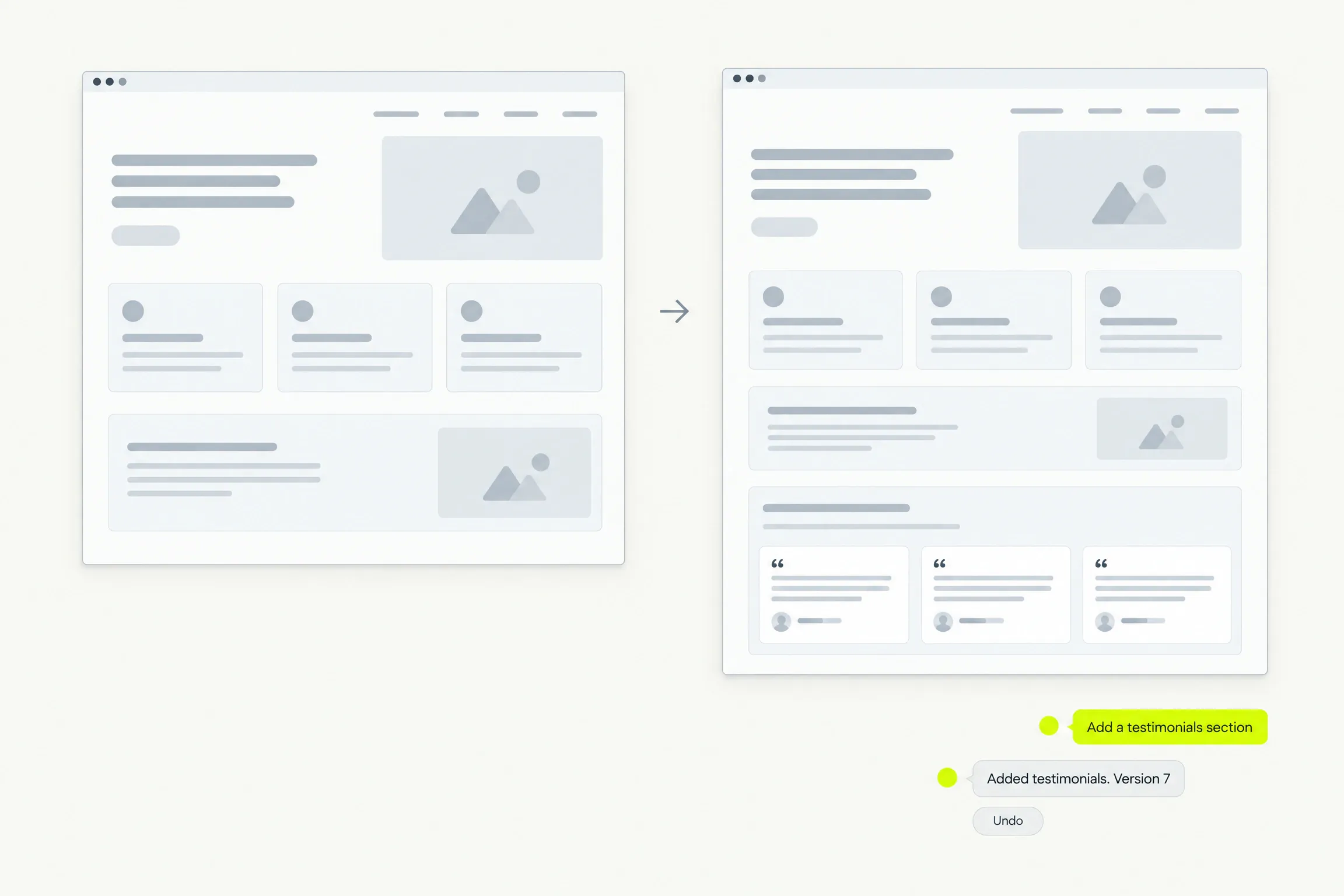
Describe a change in plain language and see it in the preview. Every applied change is a version you can undo, and nothing goes live until you publish again.
Good to know
Before you decide.
- We verify your email address before your first site is generated.
- Sites
- One account, any number of sites. Each live site carries its own plan.
- Generation
- Leaving during generation does not cancel the build. The draft is waiting when you return.
- Language
- Sites are generated in English.
Questions
Straight answers.
Help when you need it. Submit a request, follow its status and read a person’s reply in the ticket.
What do the three steps ask?
What the business does, the brand direction you want, and the pages and forms you need. Each step offers presets, with a free-text answer wherever a preset would be limiting.
Can I change an answer before the site is built?
Yes. Every answer is shown, grouped, before anything is generated, and you can jump back to change any of them.
How fast is the first draft?
The first preview appears in 90 seconds for a typical site. Each stage is reported as it happens, with an honest expected duration.
What if I close the tab while it is building?
The build carries on. Leaving during generation does not cancel it, and the draft is waiting when you come back.
Do I pay before I see anything?
No. Describing the business and previewing the draft are free, within a stated fair-use cap on generation. You pay when you put a site live.
Waitlist
Your site starts with a conversation.
Request beta access. We will email you when it is your turn to build. No card or commitment.