Forms, search and analytics
Enquiries, search and settings. All built in.
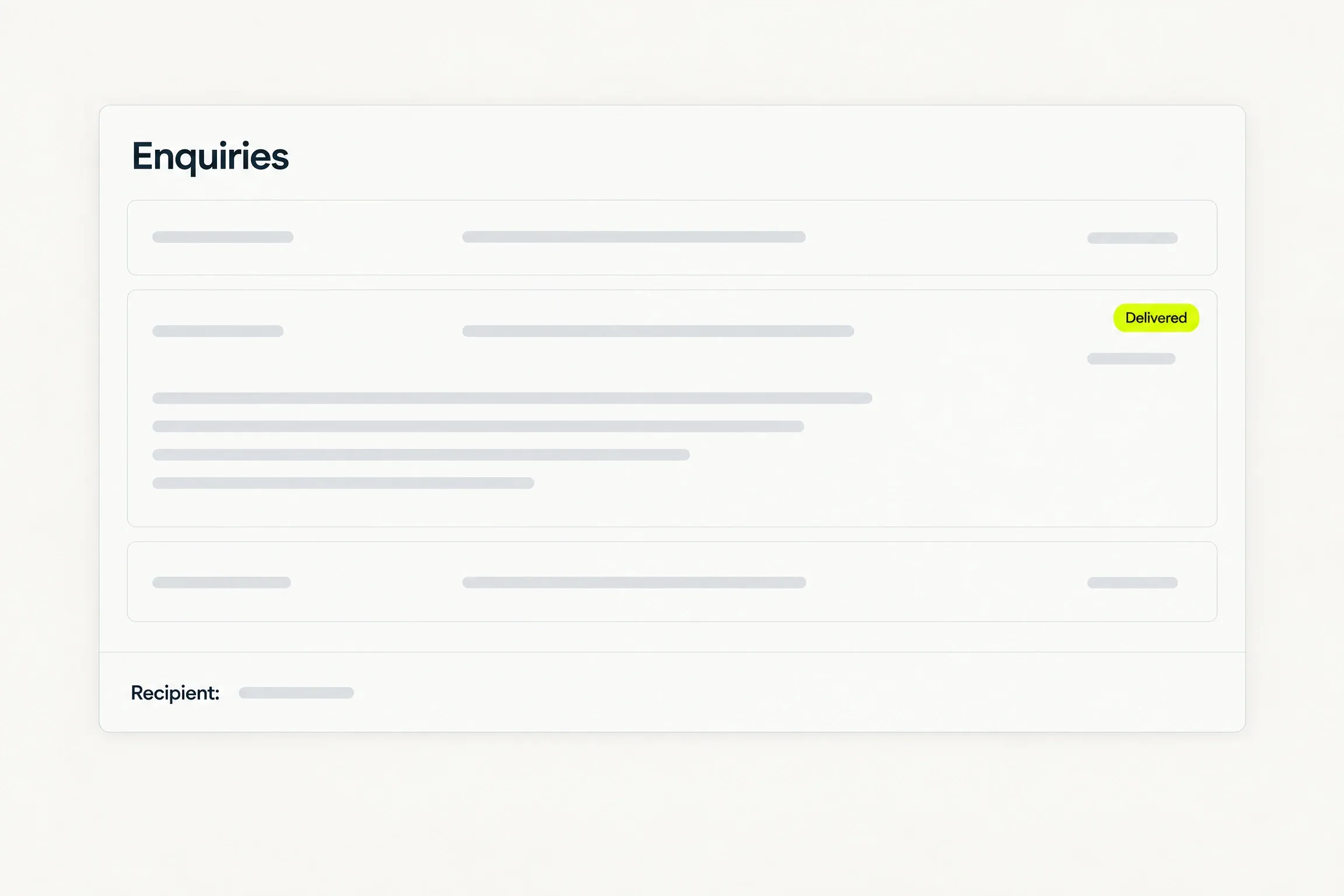
Enquiries land in the inbox you choose, and search basics come with the site. Analytics and the cookie notice are settings only you control.
A contact form beside an inbox card: the form fills, Send is pressed, and a new enquiry with the subject Booking for next week arrives in the inbox and is marked delivered.
- Enquiries reach one inbox that you choose.
- Every submission is stored, not only emailed.
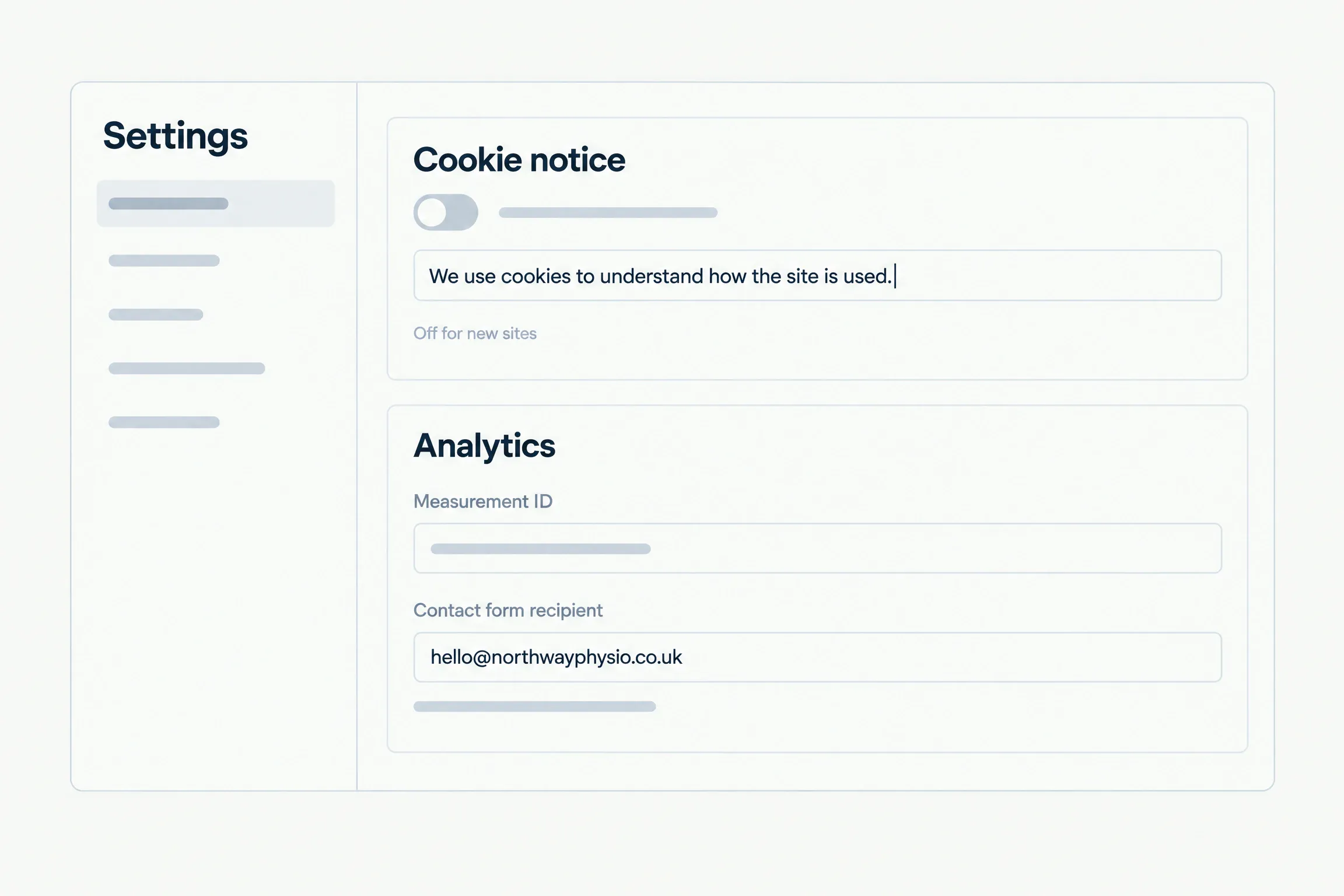
- The cookie notice is off on every new site.
Contact form
Enquiries reach a real inbox.
A published site’s contact form delivers each enquiry to the email address you set.
Search
Search basics, built in.
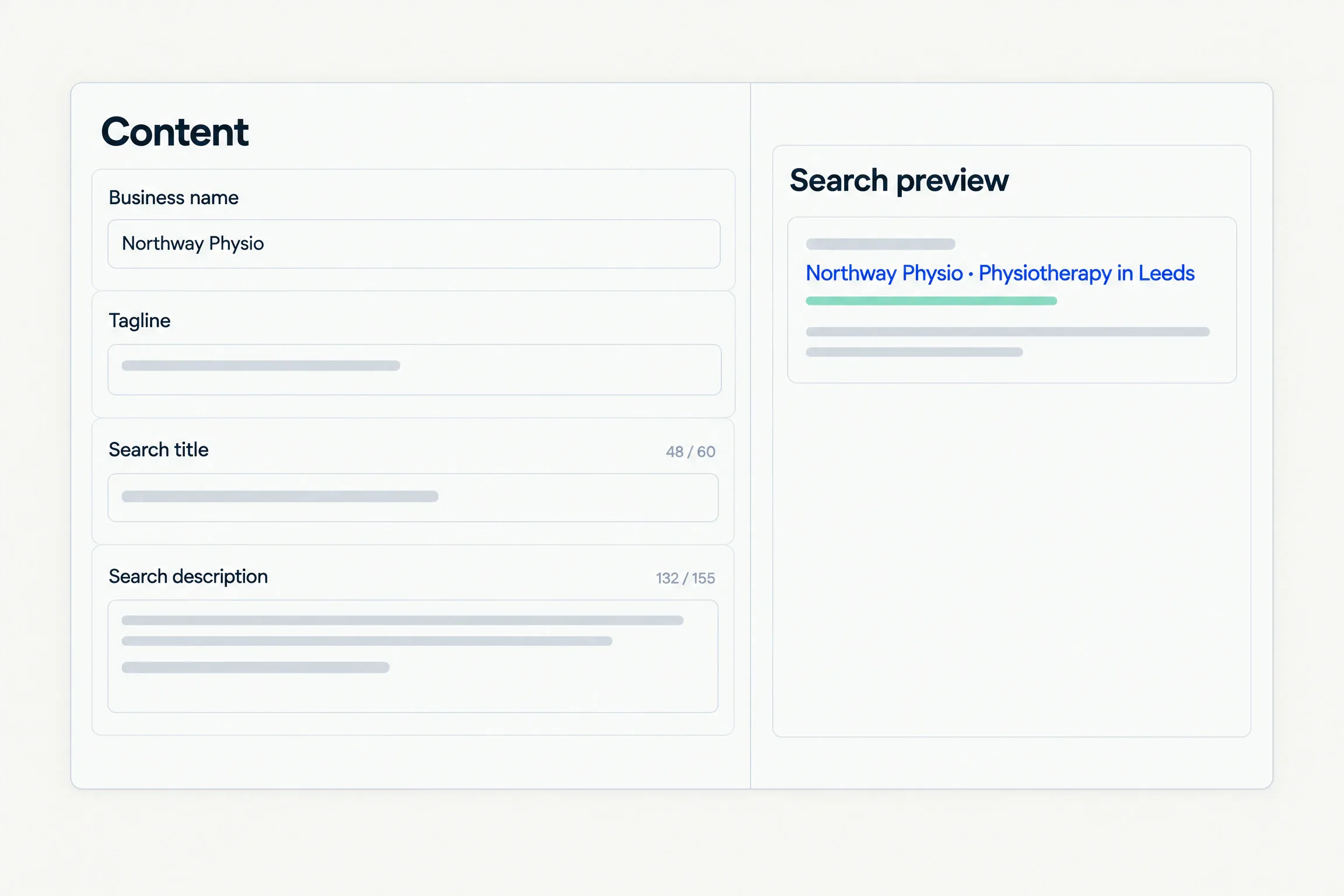
Set your business name, tagline and description, then the search title and description that results show.
- The limits that matter are shown as counts while you type.
- Clean URLs, a sitemap and a feed come with the site.
- You get the basics right. Nobody can promise you a position in results.
Analytics
Your analytics. Your notice.
Connect analytics with a measurement ID, and decide whether your site shows a cookie notice. The notice is off on every new site, and you write its wording.
Preview
A preview fires nothing.
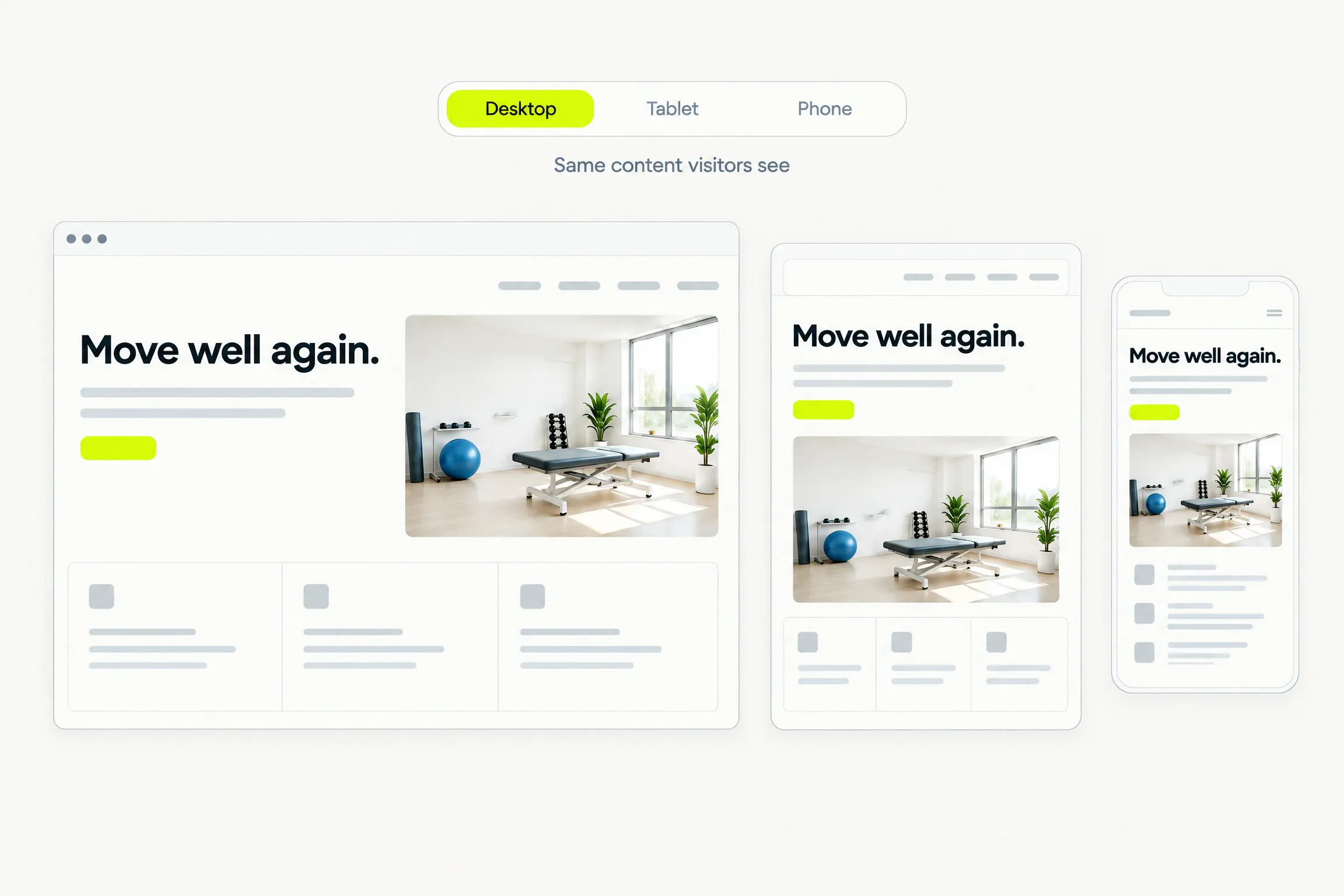
In the preview the contact form is visibly inert and labelled, and analytics counts nothing.
- The preview shows the same content visitors will see.
- An unpaid preview never sends an email and never records a visit.
- Both start working the moment you publish.
Good to know
Before you decide.
- Recipient
- The enquiry recipient and your analytics ID live in settings. An AI edit can never change them.
- Spam
- Protection against automated submissions is built in, and every form is rate-limited.
- Records
- Every submission is stored, so you can read an enquiry that never reached your inbox.
- We deliver enquiries to your inbox. We do not receive email for you and we do not host mailboxes.
Questions
Straight answers.
Help when you need it. Submit a request, follow its status and read a person’s reply in the ticket.
Where do enquiries go?
To the email address you set in your site’s settings. Change it whenever you like. Every submission is stored as well, so you always have the record.
Can an AI edit change where enquiries go?
No. The recipient address and your analytics ID sit in settings, outside anything an AI edit can reach. Only you change them, signed in to your account.
Will my site rank in search results?
Nobody can promise that. What you get is the groundwork: your business details in one place, a search title and description with their limits shown, clean URLs, a sitemap and a feed.
Do I have to show a cookie notice?
No. It is off for every new site, so no visitor sees a banner unless you ask for one. Switch it on if you want it, and write the wording yourself.
Does the contact form work in the preview?
No, and that is deliberate. In the preview the form is visibly inert and labelled, and analytics counts nothing. Both work once you publish.
Waitlist
Your site starts with a conversation.
Request beta access. We will email you when it is your turn to build. No card or commitment.