Design and media
One brand. Every page.
Set your colours, type, logo and spacing once, and every page follows. Keep your images in one library, and on Pro make on-brand images too.
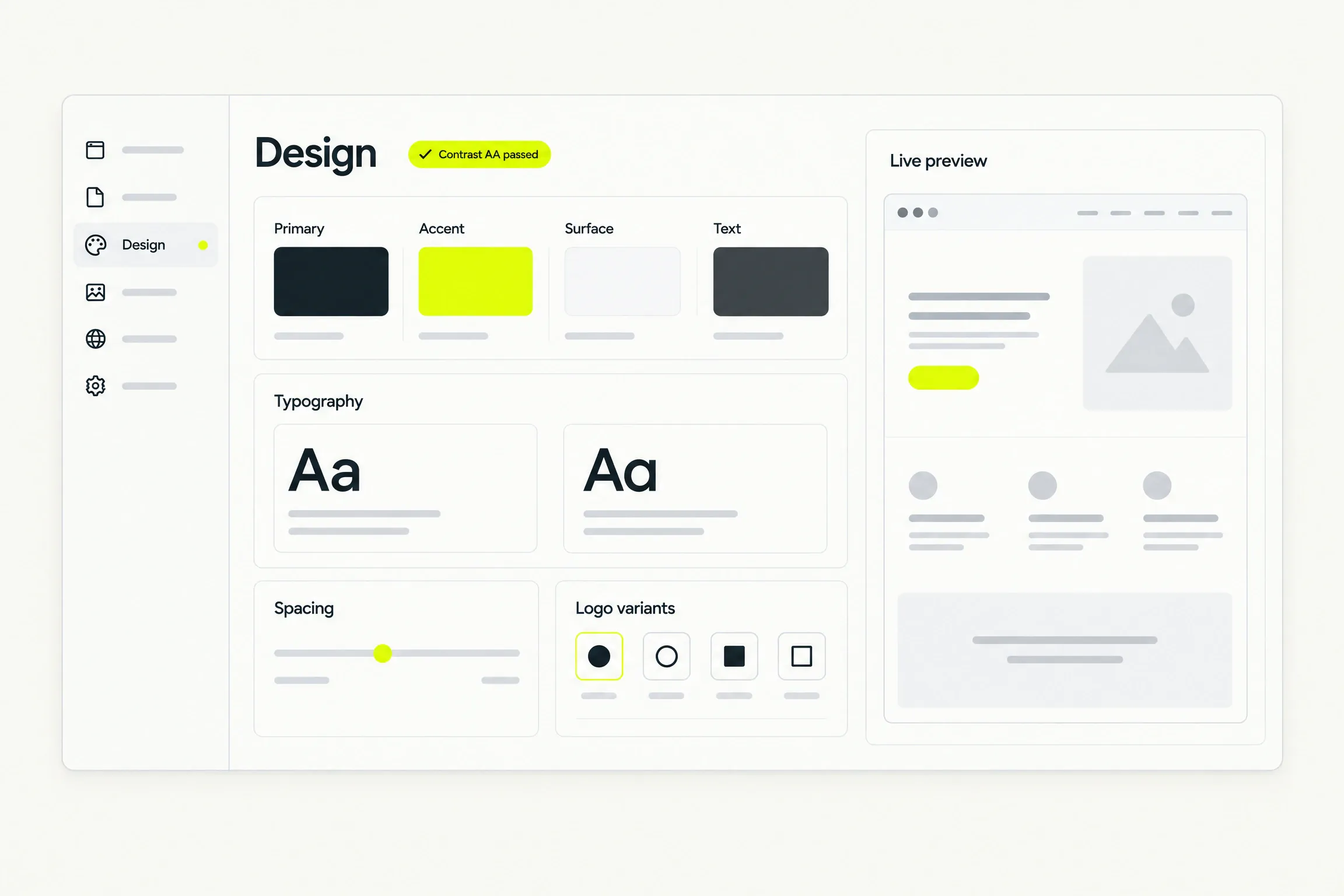
A preview of an example site beside four palettes. Choose a palette and the preview takes its colours, with the contrast verdict for that pairing.
Palette
Ink on white. AA passes.
- Brand colours, each contrast checked
- 4
- Logo you upload, used everywhere
- 1
- Per AI image, on Pro
- 3 credits
- Every page starts with images in place
- Stock
Brand
Set it once. Every page follows.
Four semantic colours, a type system, your logo, and how much structure and spacing the site uses.
- Choose a colour and read the contrast verdict before you save it.
- Restore the generated palette at any time.
- Your choices reach every page, so no page drifts from the rest.
Media library
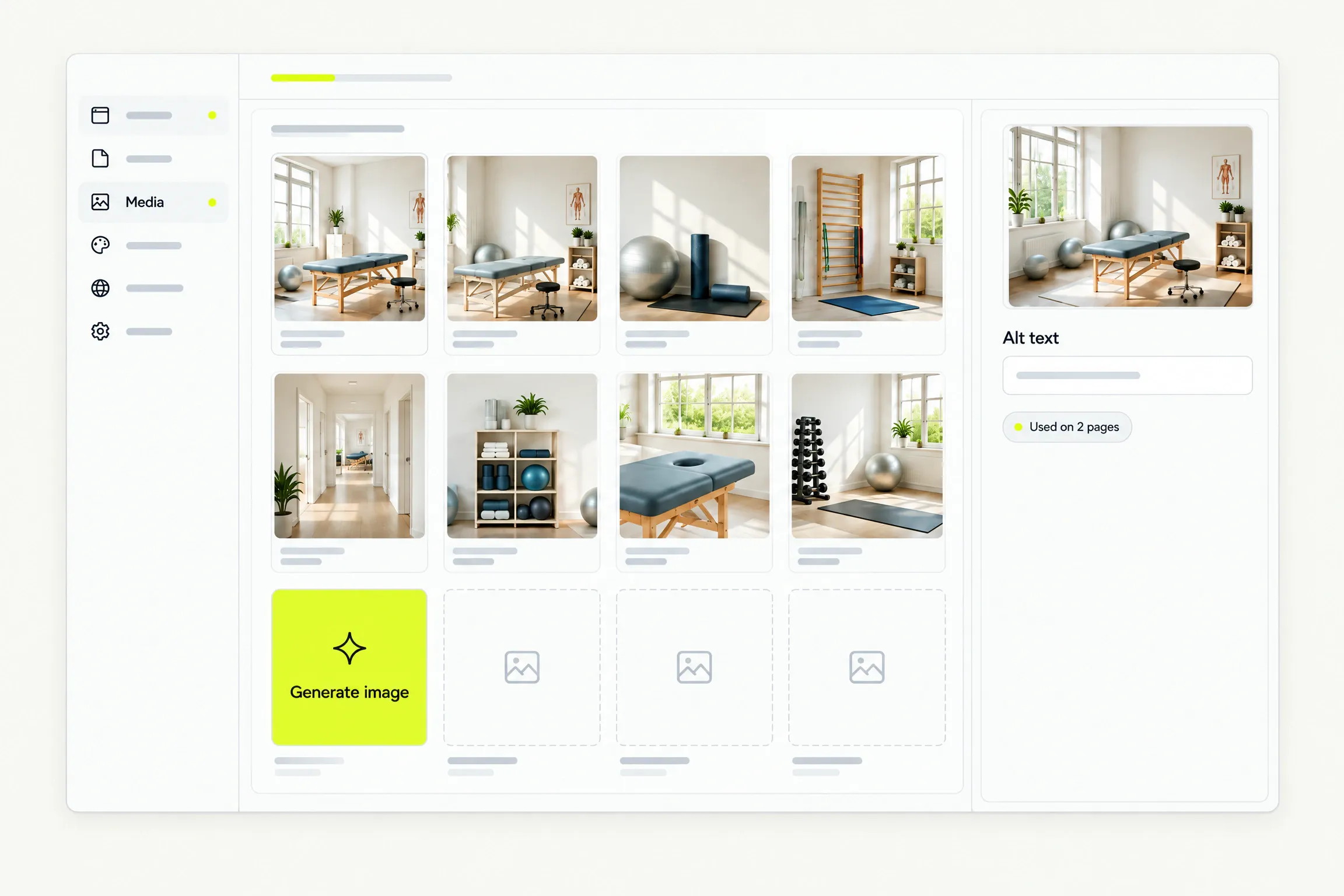
Every image in one place.
Upload assets, write their alt text, and see where each one is used.
- Your pages start with images from our stock library. Replace any of them.
- Removing an image a page uses warns you which pages reference it.
- The alt text you write ends up in the built site.
AI images
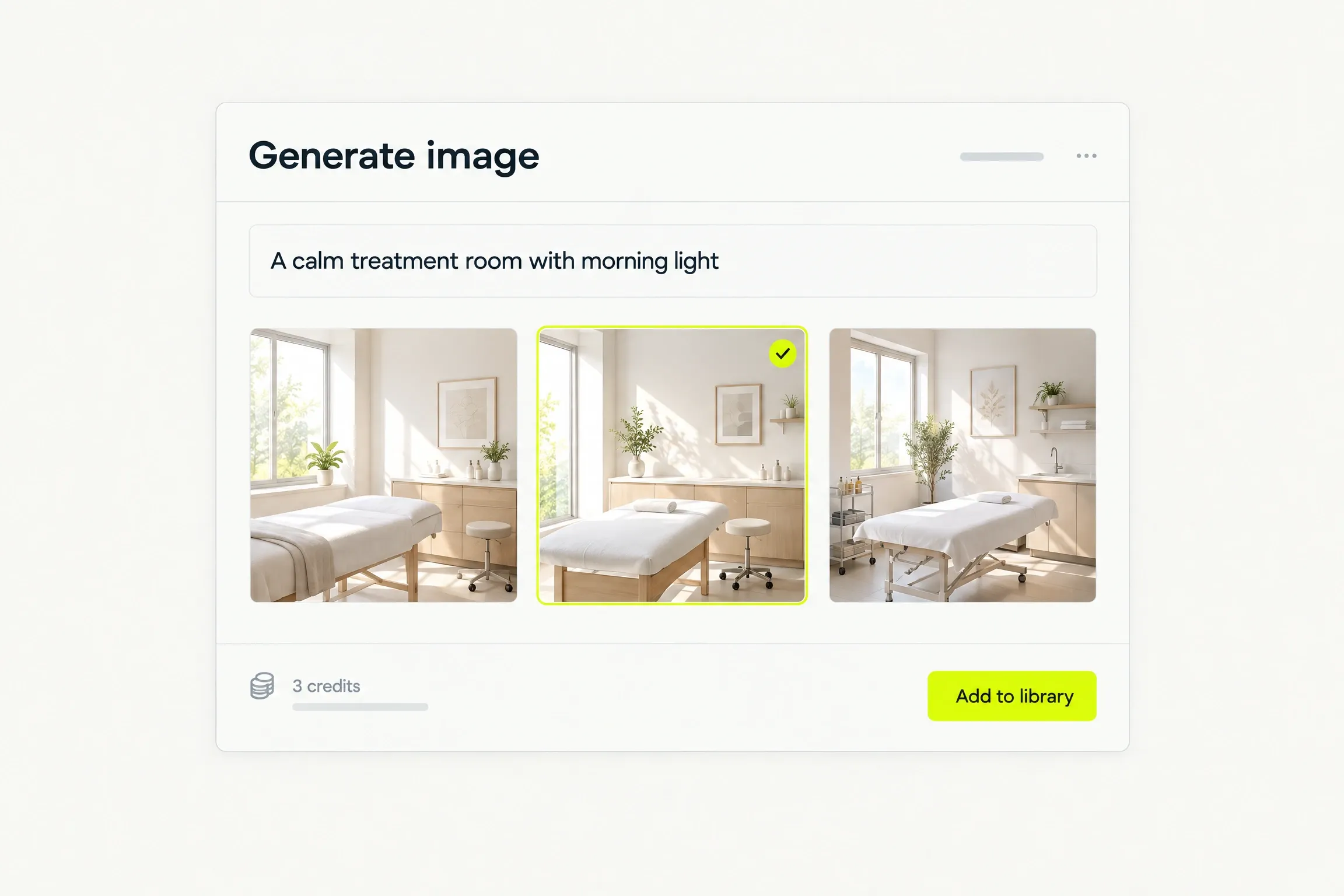
On-brand images, on Pro.
Describe the picture you want, and choose the one that fits. After the plan’s monthly allowance, each image is three credits.
Logo
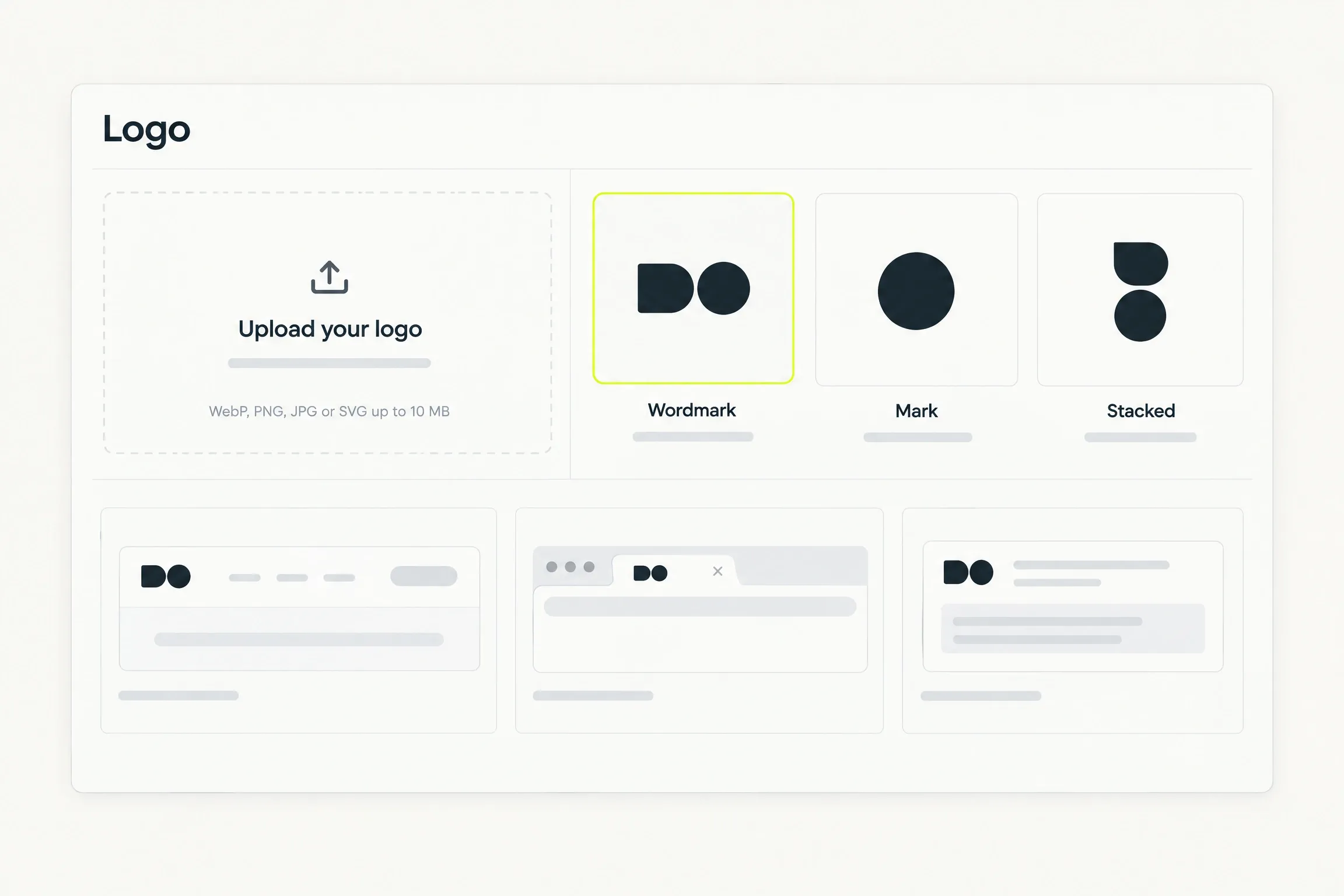
Your logo, everywhere it belongs.
Upload it while you answer the brief. It is the one file we ask you for.
- Choose the variant that suits your mark: wordmark, mark or stacked.
- It appears in the header, the browser icon and the sharing image.
- Stock imagery covers the rest, so nothing else is yours to gather.
Good to know
Before you decide.
- Contrast
- Colours are contrast checked as you change them. An unreadable combination is reported, with the role it affects named.
- Uploads
- Every upload is validated for type, size and dimensions, then re-encoded before it is used. A rejected file says why.
- AI images
- Image generation is on Pro. One image is three credits, and credits never expire.
- Stock
- Your first draft is filled from our stock library, so the site looks finished. Replace any image whenever you like.
Questions
Straight answers.
Help when you need it. Submit a request, follow its status and read a person’s reply in the ticket.
Can I choose my own colours?
Yes. You set four semantic colours — primary, background, surface and text. Each change is contrast checked, and you can restore the generated palette at any time.
Can I upload my own font?
No. You choose from the type system, which sets the heading and body roles together. This keeps your pages legible and fast on every screen.
Where do the images on my site come from?
Your first draft is filled from our stock library, so no page has a gap in it. Replace any image with one you upload, or with one you generate on Pro.
Do I need Pro to generate images?
Yes. Image generation is on Pro, $29 a month for that site. One image is three credits, and you choose which candidate enters your library.
What happens if I remove an image a page uses?
We name the pages that reference it before anything is removed, so a published page never ends up with a missing image.
Waitlist
Your site starts with a conversation.
Request beta access. We will email you when it is your turn to build. No card or commitment.