Editing
Make a change. Just ask.
Describe the change in plain language, or click any text or image and edit it yourself, free. Nothing goes live until you publish.
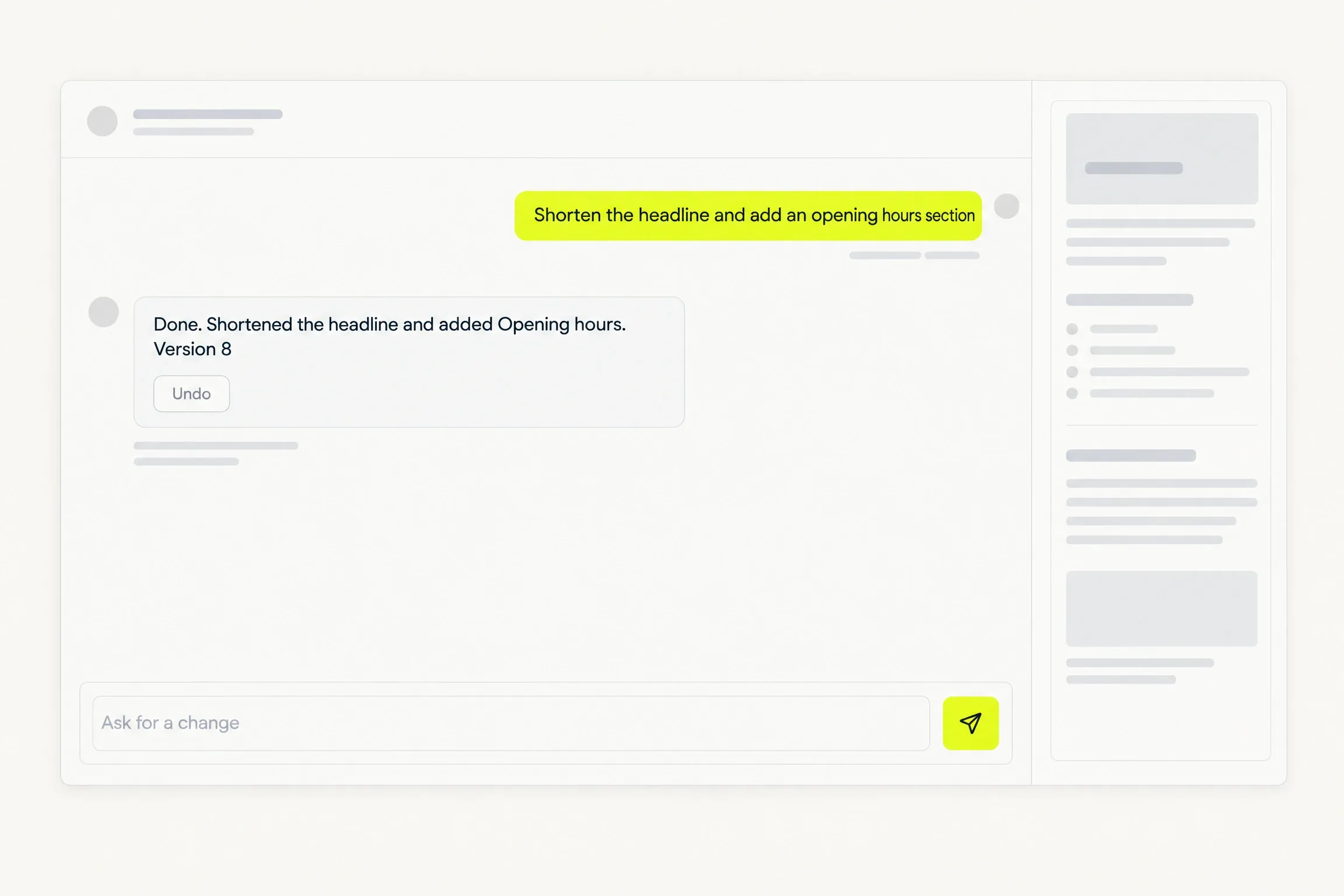
A preview of an example website beside a chat. Choose a request and the preview changes: a shorter headline, an added opening hours section, or a different photograph. Undo returns to the previous version.
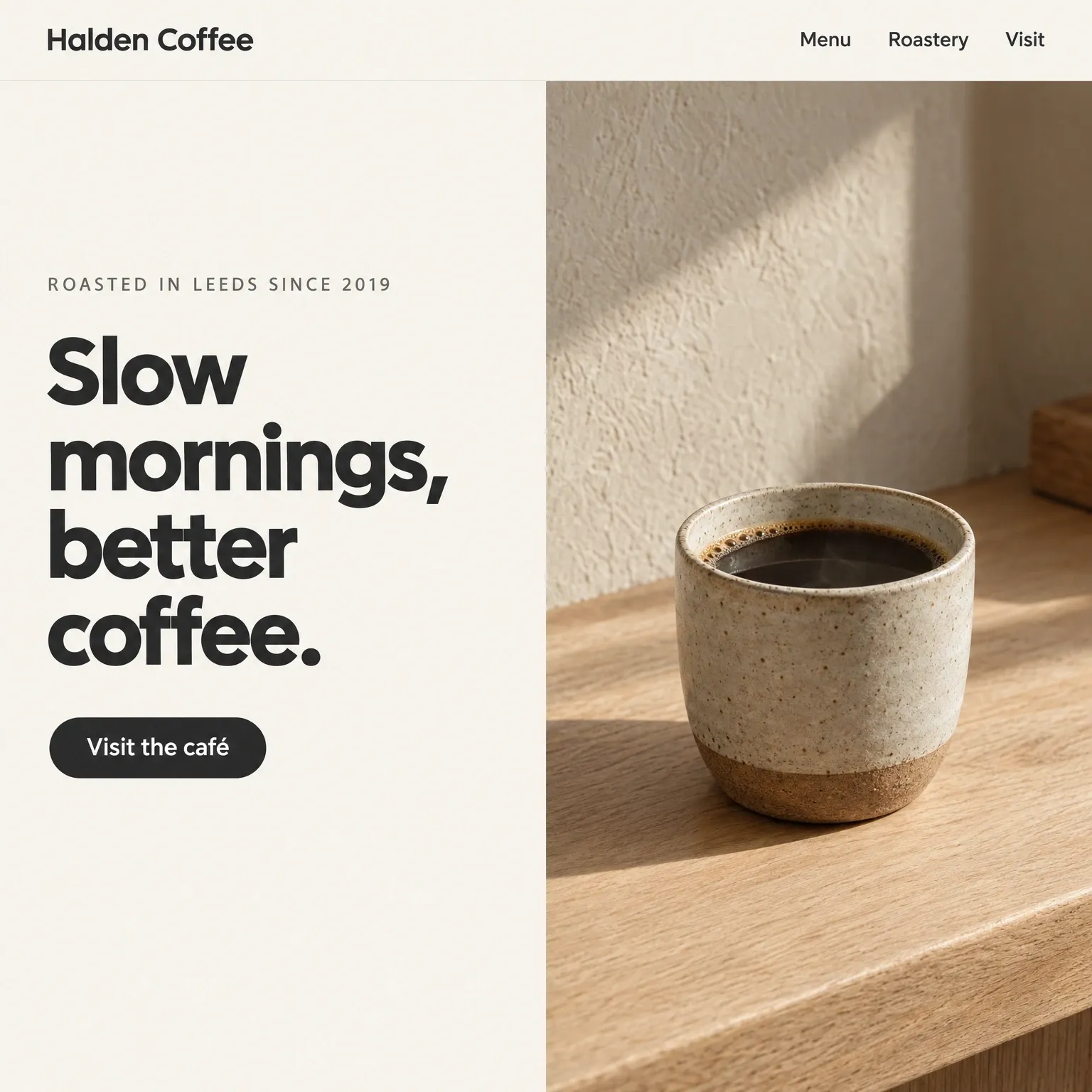
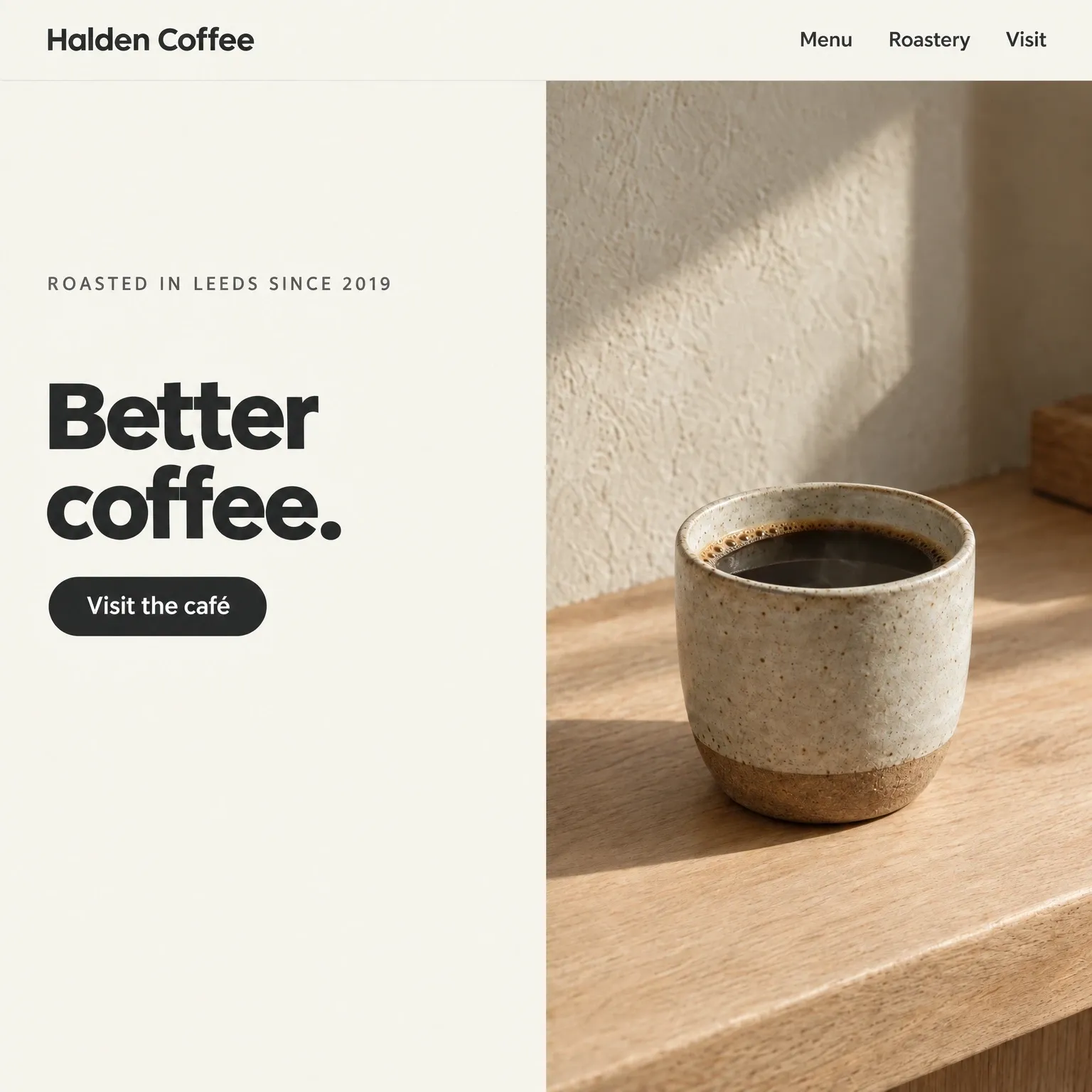
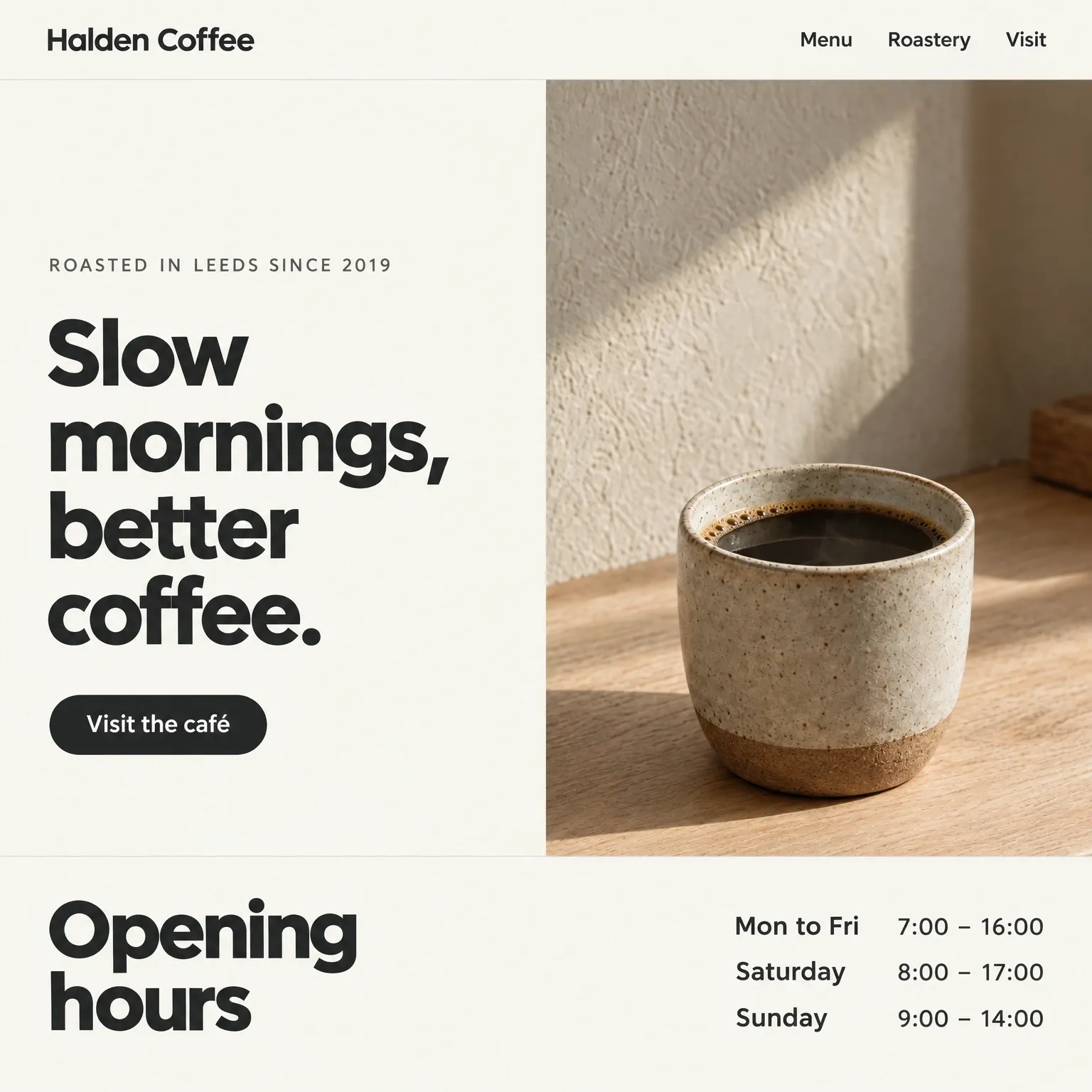
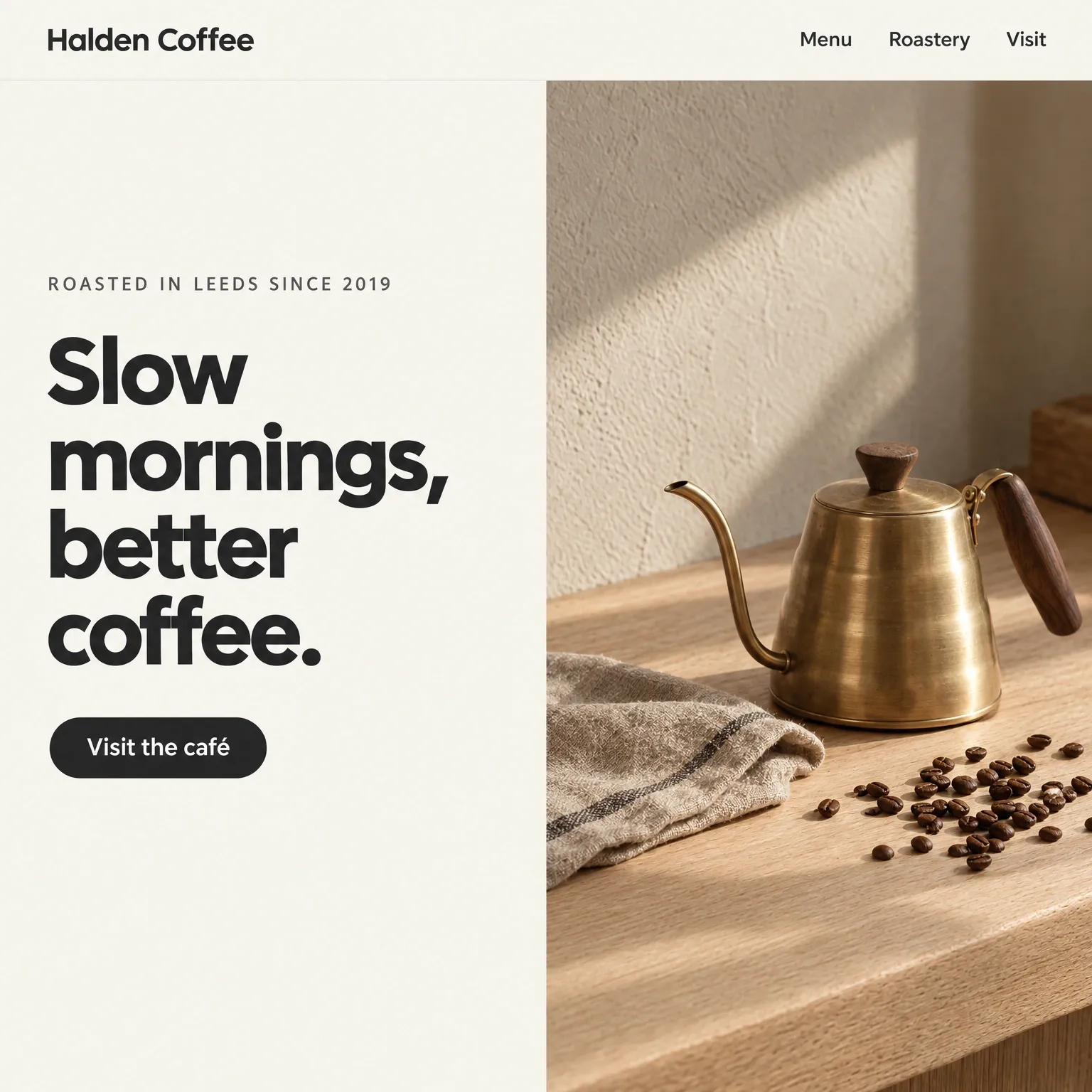
Ask for a change…Shorten the headline.
Ask for a change
Say it. See it.
Type what you want changed. The preview updates, and the reply says what changed in one line.
- Add a section, rewrite a paragraph, swap a photo or reorder a page.
- A request that cannot become a valid change leaves the site untouched and says so.
- Only an applied edit uses your allowance. A refused request costs nothing.
Edit in place
Click to edit. Always free.
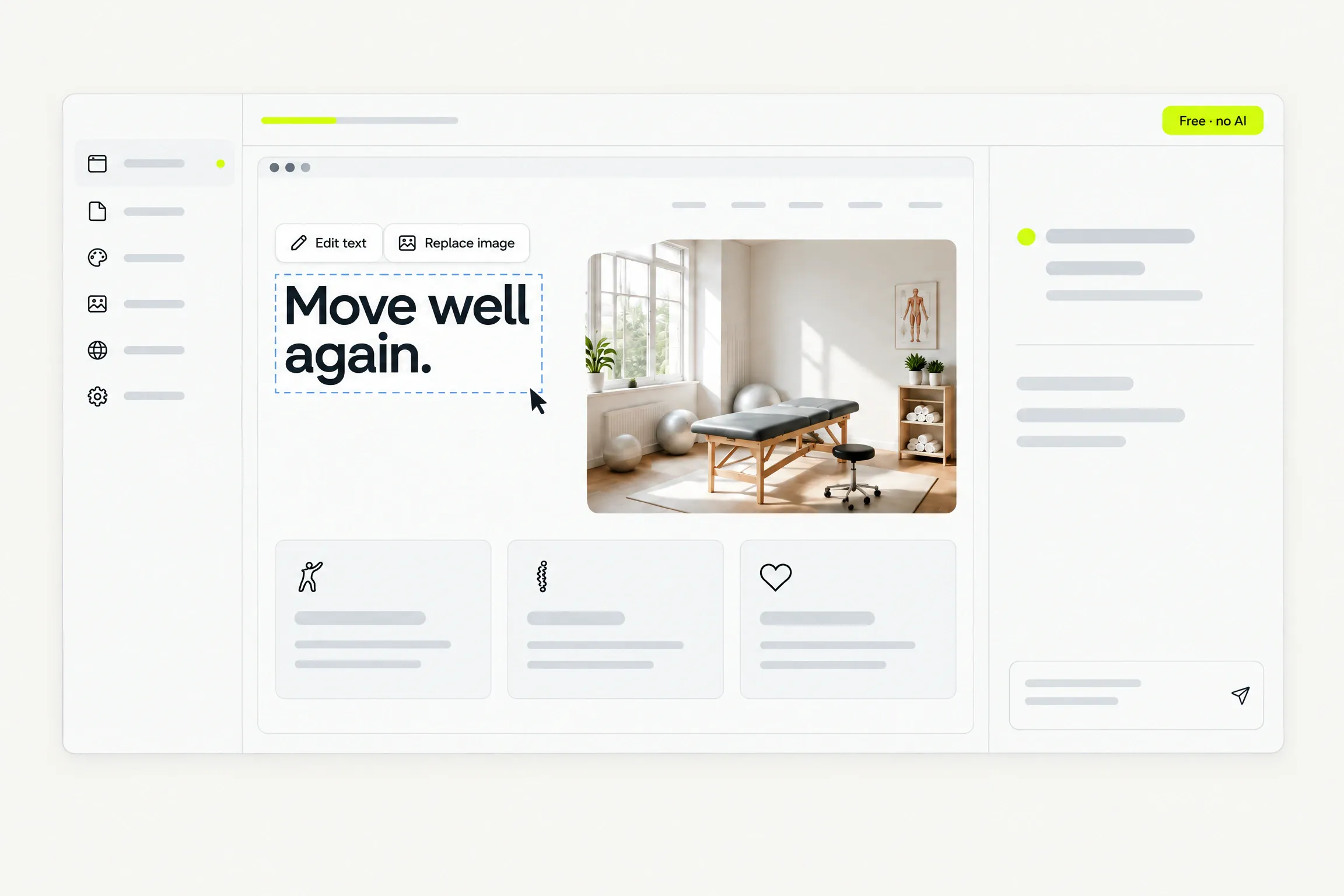
Click any text on the preview and change the words. Click any image and replace it from your library.
- No AI involved, so it never uses your allowance.
- Text and images only. Layout, structure and styling stay consistent.
- Asking the AI to write is the metered alternative, and the interface says so.
Versions
Nothing you ask for is permanent.
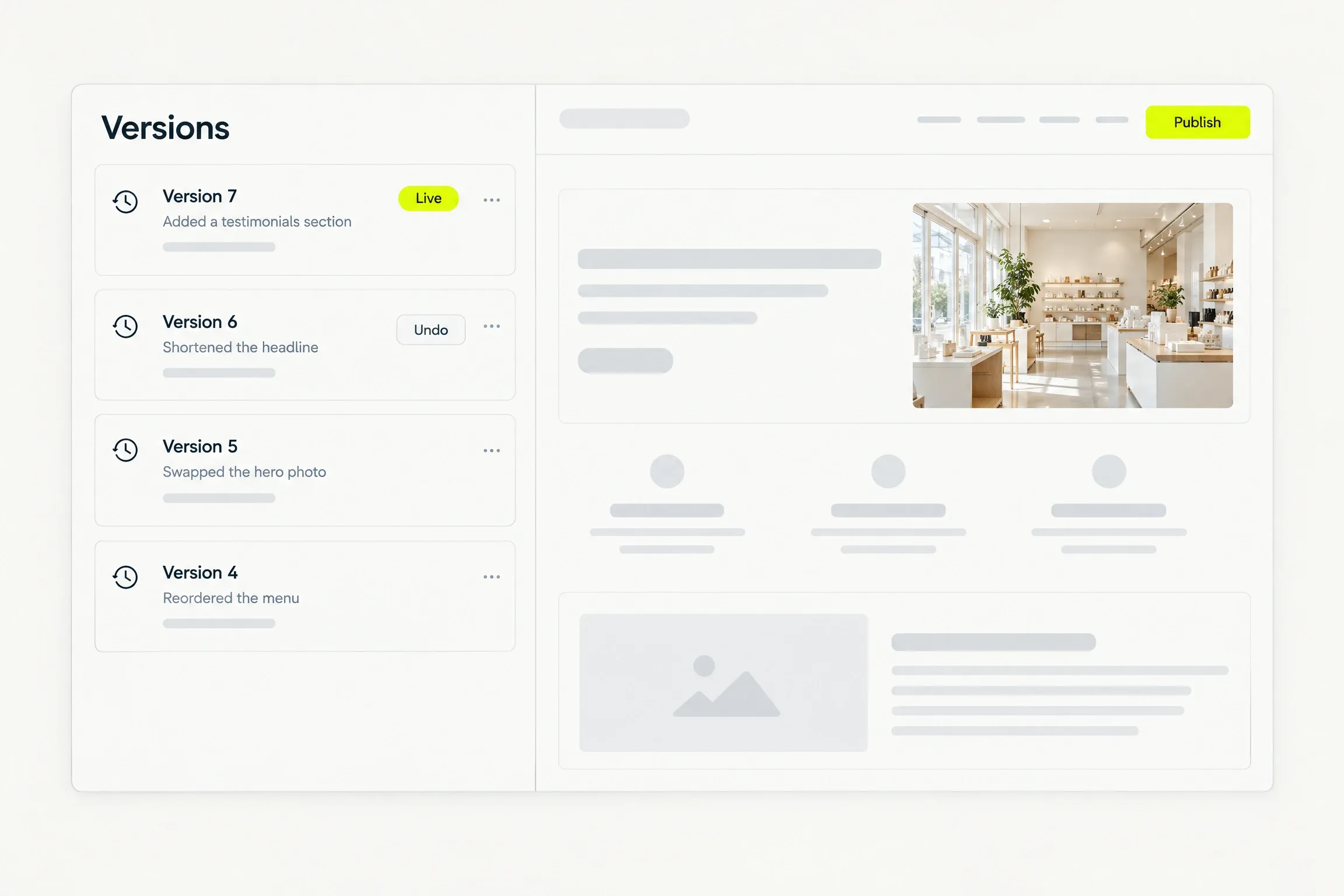
Every applied change becomes a version of its own, so undo always has somewhere to go.
Versions
Every change is a version.
Each applied change creates a new version. Undo takes you back to the previous one.
- Versions are never overwritten, so undo always works.
- The live site changes only when you publish. Everything else is a draft.
Preview
Check every screen before you publish.
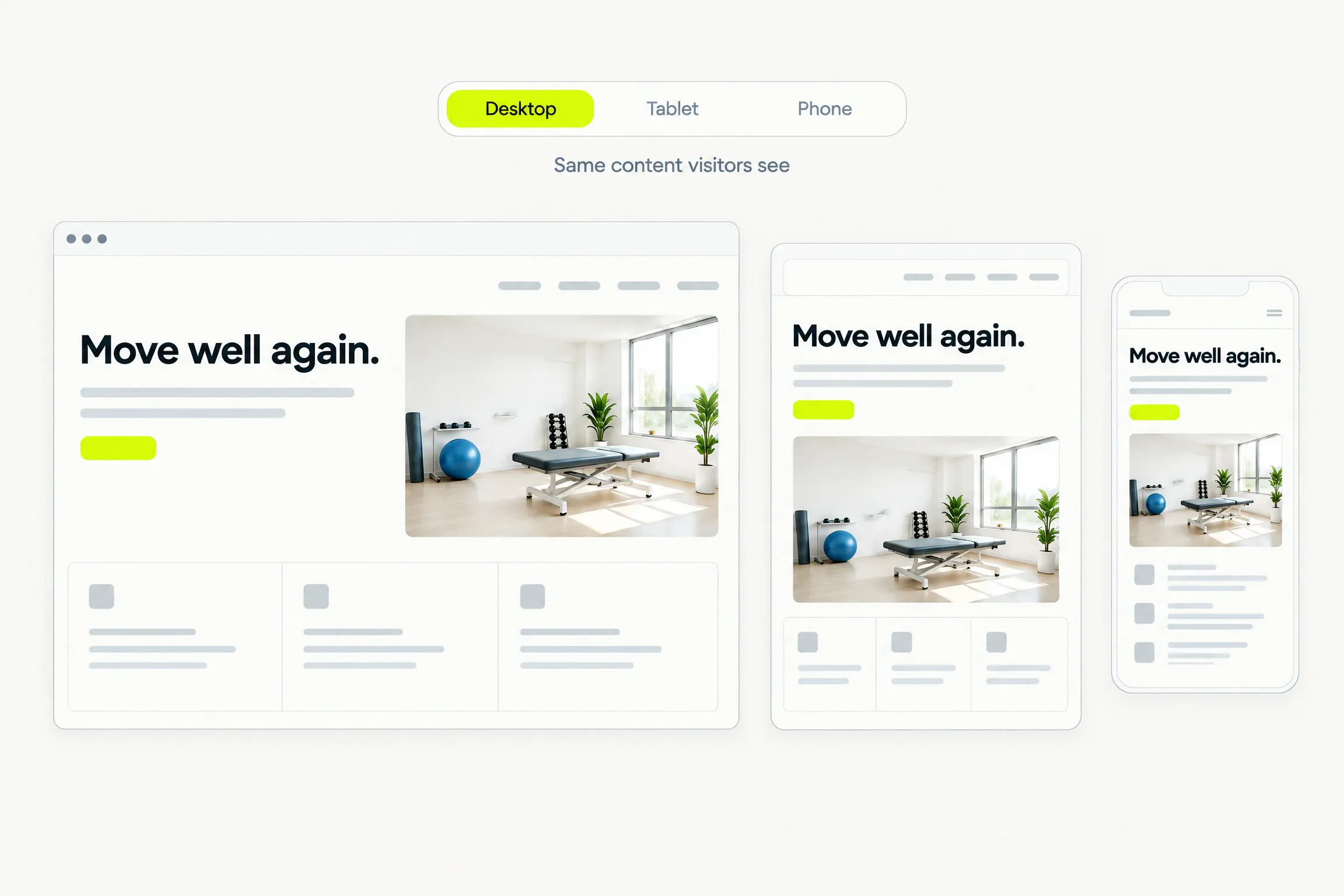
See your site’s content at desktop, tablet and phone widths. Analytics stays off, and you can share a preview link before going live.
Good to know
Before you decide.
- Allowance
- Each live site has a monthly AI edit allowance. It resets each month and does not roll over.
- Credits
- When the allowance is used, edits draw on your credit balance. Credits never expire and are shared across your sites.
- Limits
- At the limit, editing is refused and the limit is explained. Your site stays as it is.
- Publish
- Publishing is atomic. Visitors see the previous version until the new one is complete everywhere.
Questions
Straight answers.
Help when you need it. Submit a request, follow its status and read a person’s reply in the ticket.
What can I ask for?
Anything about the words, images, sections and pages of your site. Add a testimonials section, shorten a headline, swap a photo, or reorder the menu.
What if the AI misunderstands?
Undo the change. The previous version comes back. A request that cannot become a valid change leaves the site untouched and says so.
Does every message cost a credit?
No. Only an applied edit counts, and it first uses your monthly allowance. Editing text or images in place is free.
Can I edit the layout or the code?
No. Editing is conversational, in place, or through settings for pages, design and content. This keeps every page consistent and fast.
When does a change go live?
Only when you publish. Until then every change is a draft you can preview and undo.
Waitlist
Your site starts with a conversation.
Request beta access. We will email you when it is your turn to build. No card or commitment.