Pages and blog
Add a page. Write a post.
Add pages, put them in order and choose which reach the menu. Run a blog that stays simple and looks like your site.
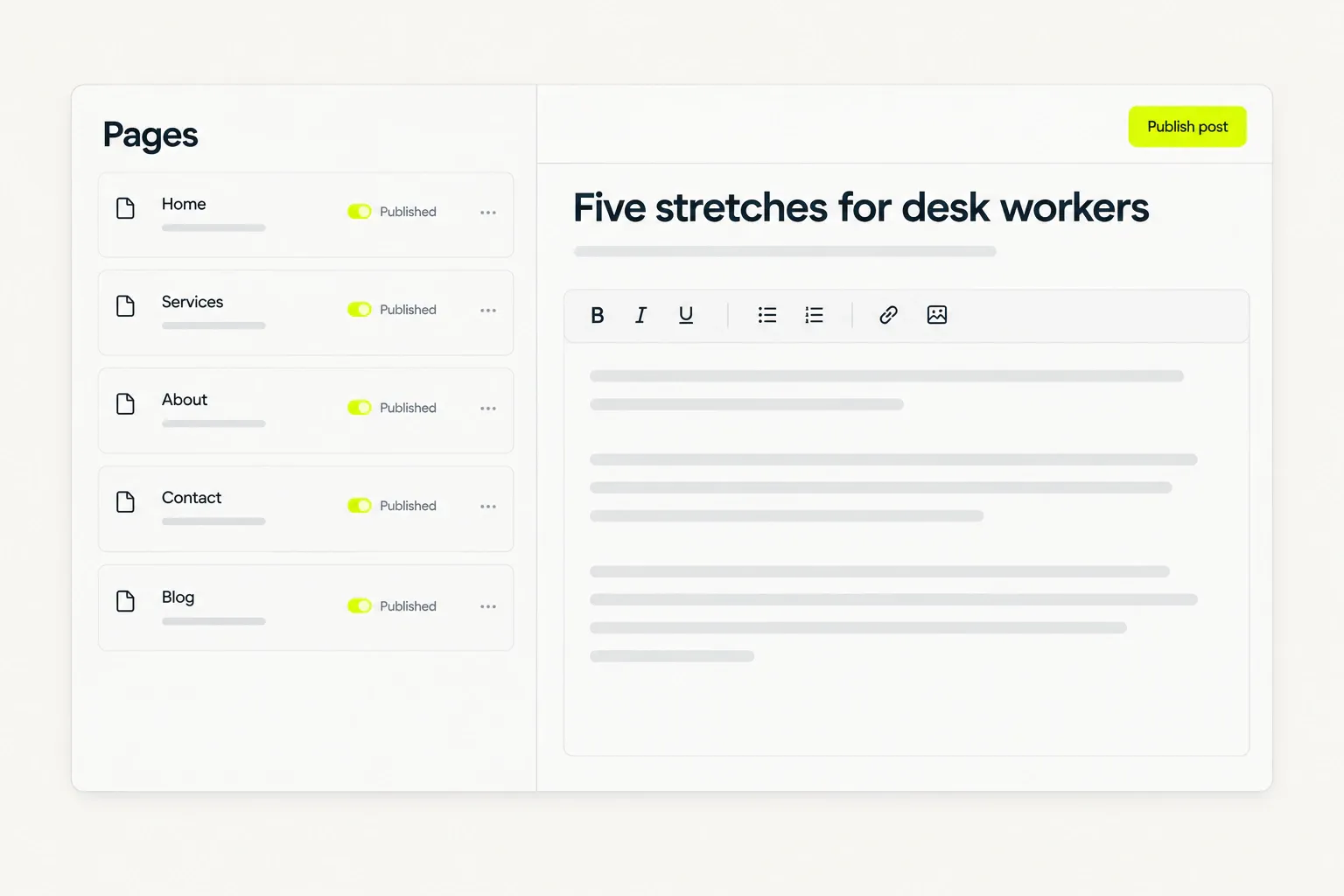
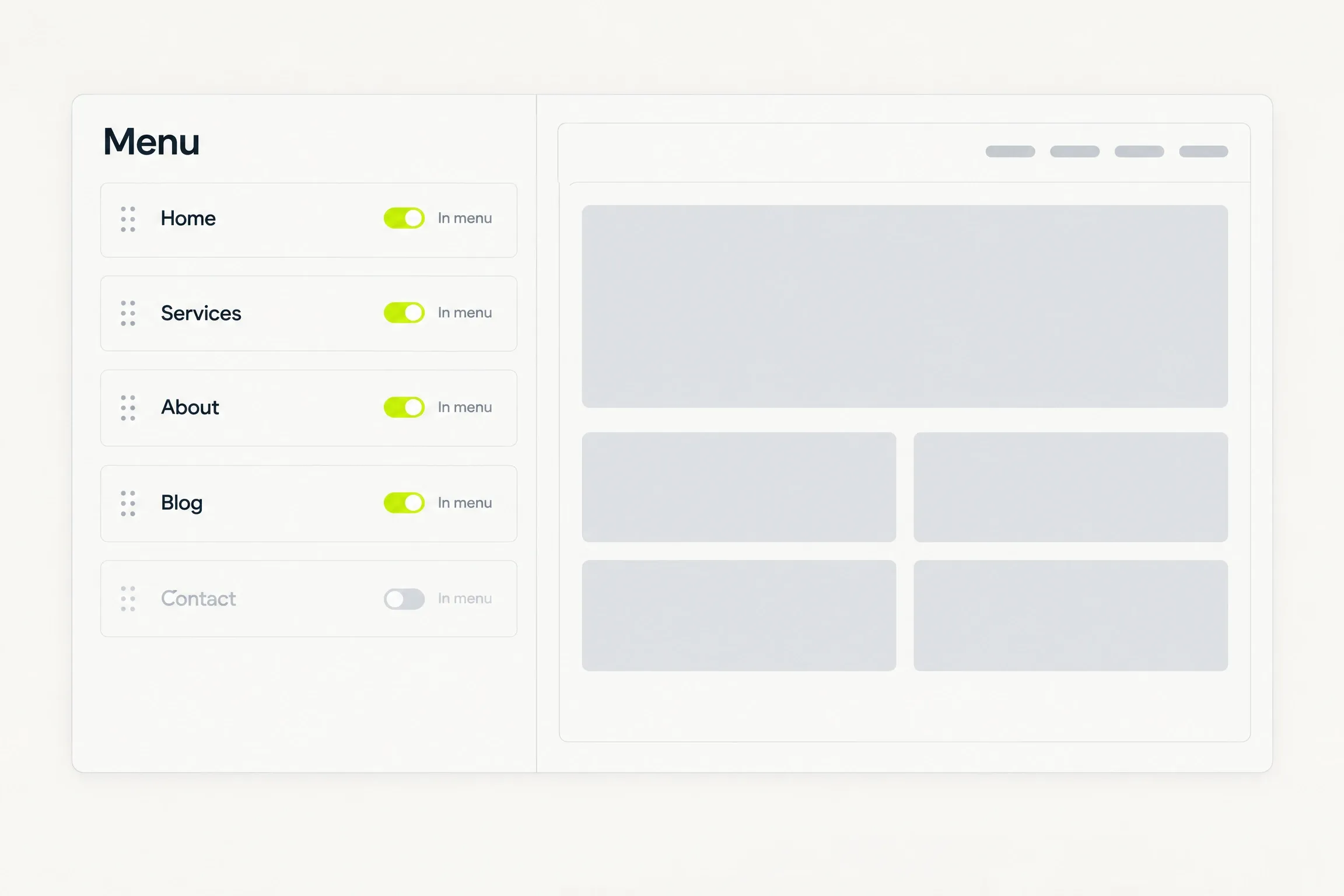
A list of pages with a Published control on each row, and the main menu it feeds. Turn a row off and that page leaves the menu.
Pages
- Services/services
- About/about
- Blog/blog
- Contact/contact
- Writing and editing a post by hand
- Free
- Per AI-drafted post, after your allowance
- 1 credit
- Pages and posts stay private until you publish
- Draft
- And a sitemap entry for every published post
- Feed
Pages
Your site, page by page.
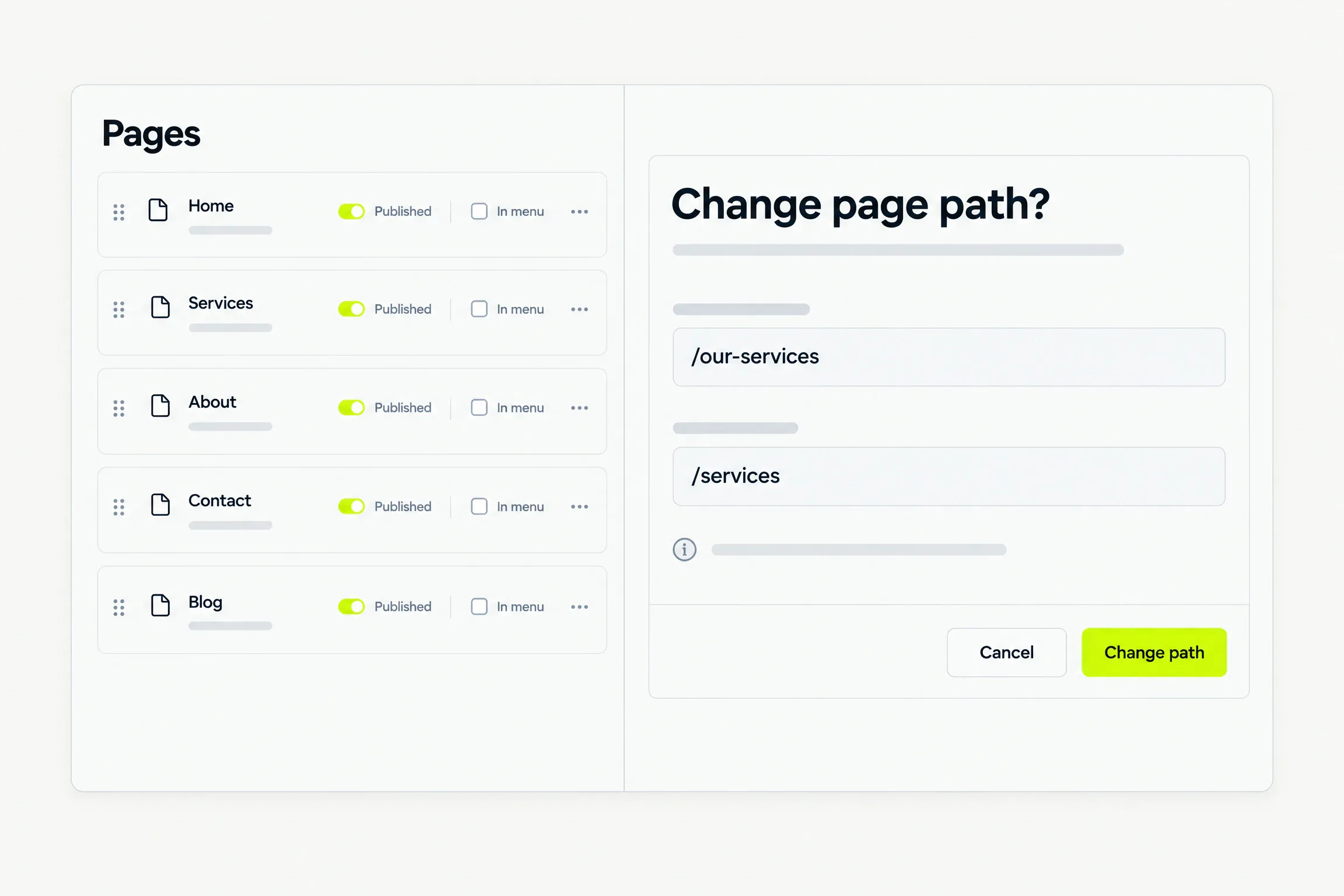
Create a page, rename it, change its path, publish it or delete it. Each page is either live or a draft.
- Add a page now and write its first draft in the editor.
- Before a path change is accepted, we state what it does to the live URL and to the links pointing at it.
- Paths are checked: unique, lowercase and safe. The home page keeps its path.
Menu and order
Decide what visitors see.
Put your pages in the order you want, and choose which of them appear in the main menu.
- A page can be live without sitting in the menu.
- Unpublish a page and it leaves the site at your next publish, without losing its content.
- A draft page stays off the site and out of the menu until you include it.
Blog
Post when you have something to say.
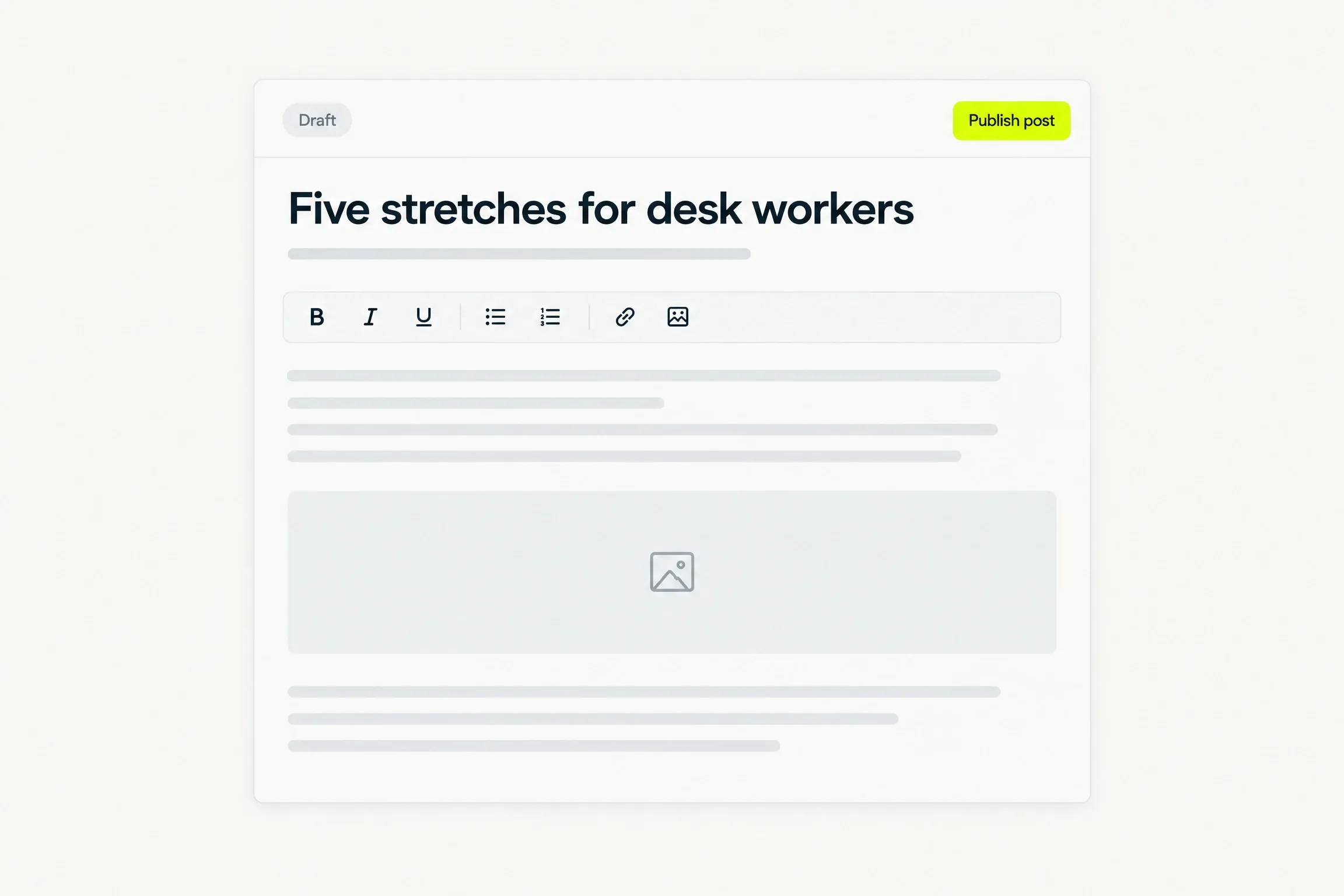
Published posts land on your blog index, newest first. Write a post yourself for free, or ask for a draft and edit it.
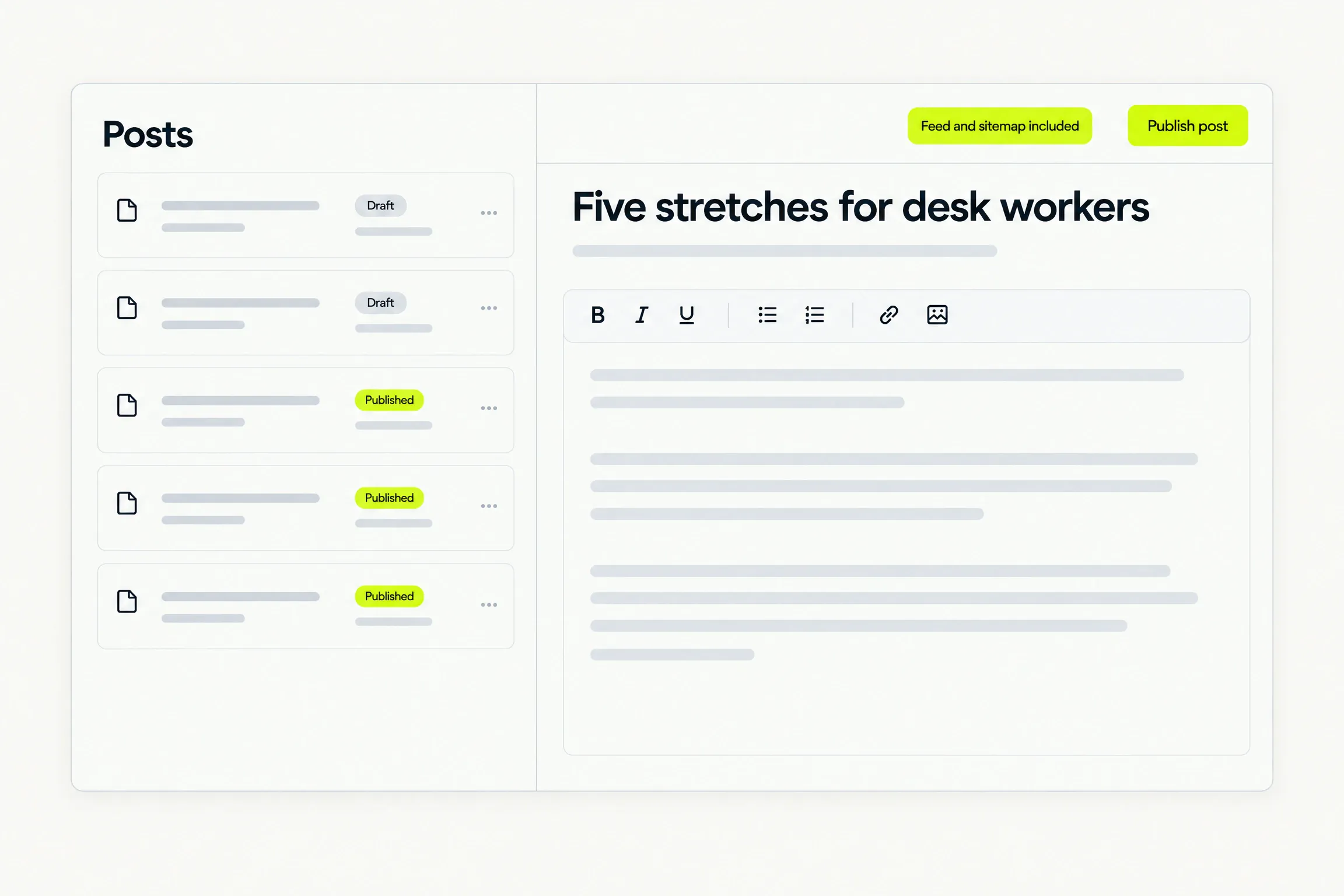
Editor
A document, not a builder.
Bold, headings, lists, links and images. That is the whole editor, and a post takes its type, colour and spacing from your site.
Good to know
Before you decide.
- Paths
- Before a path change is accepted, we state what it does to the live URL and to the links pointing at it. It is never a silent rename.
- Drafts
- A draft page or post is left out of the published site and out of the menu until you publish it.
- Feed and sitemap
- Published posts get a newest-first index, a feed and sitemap entries. There is nothing to set up.
- AI drafts
- An AI-drafted post uses your monthly allowance first, then credits. Writing by hand is always free.
Questions
Straight answers.
Help when you need it. Submit a request, follow its status and read a person’s reply in the ticket.
Can I change a page’s address?
Yes, on every page except the home page. Before the change is accepted we state what it does to the live URL and to the links pointing at it, so it is never a silent rename.
What happens when I unpublish a page?
It leaves the published site at your next publish. The page and everything on it stay in your account, so you can publish it again later.
Do I have to have a blog?
No. The blog is a page like any other. Leave it unpublished and out of the menu, and your site has no blog.
Can the AI write my posts?
It can draft one for you. An AI draft is one metered edit, and editing it afterwards by hand costs nothing. Writing the whole post yourself is free.
Why can I not change the fonts inside a post?
Posts take their type, colour and spacing from your site’s design. That keeps every post consistent with the rest of the site, and it is why the editor has no styling controls.
Waitlist
Your site starts with a conversation.
Request beta access. We will email you when it is your turn to build. No card or commitment.